ONLINE training
BY ALEXANDER CHEREPANOV
PREMIUM RETOUCHINGAND AI TOOLS
Speed up photo editing by 5-10x and create premium visuals with 7 visual assistants and 5 AI tools
Cohort 56 starts August 4
On the self-paced plan, all lessons are available immediately
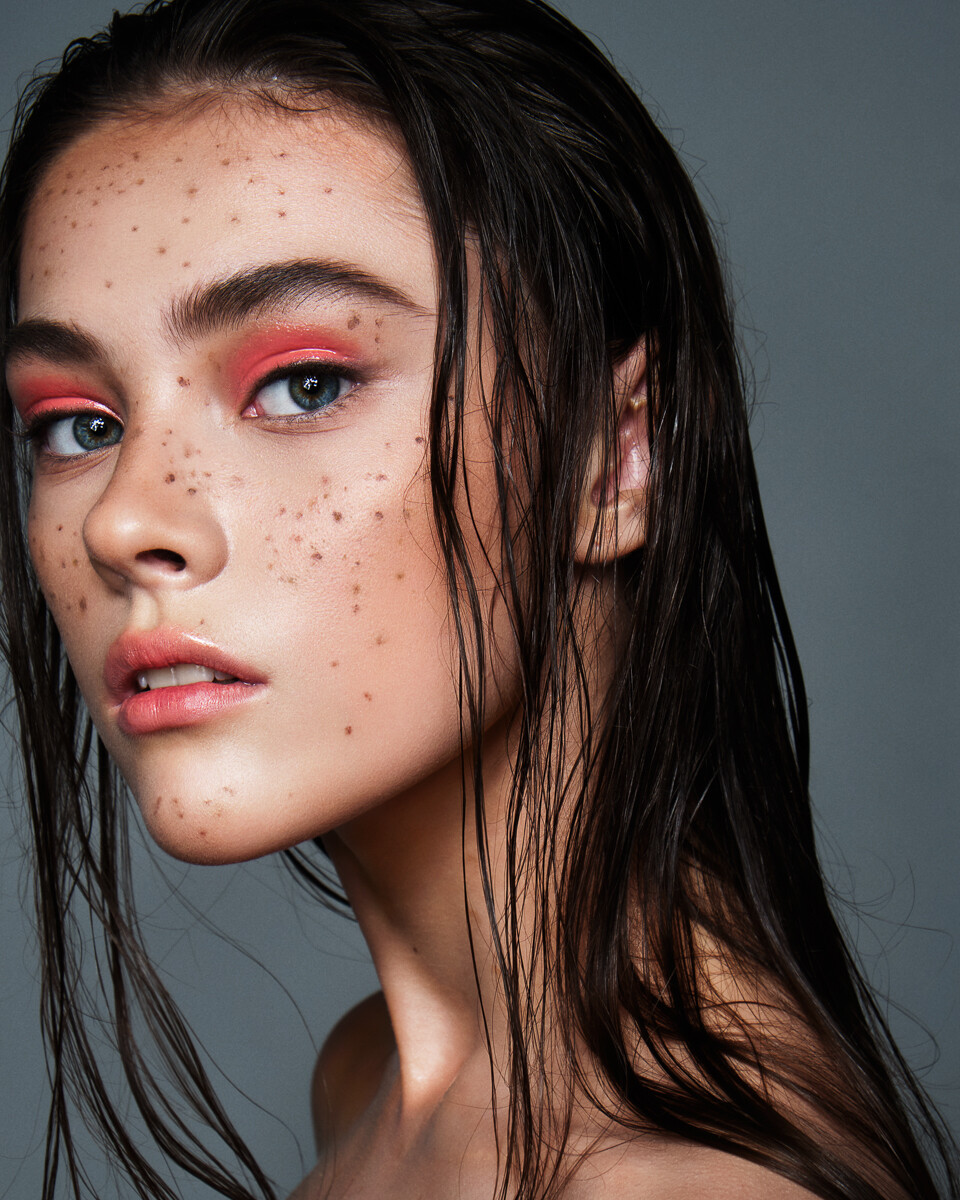
Your work after the course
A unique system of 7 visual assistants and 5 AI tools

Instructor

Hi, my name is
Alexander Cherepanov
- Created a retouching system with 7 assistants, which is used by top photographers and retouchers around the world
- I do photography and retouching11 years
- Spent more than100educational live broadcasts
- I work as a retoucher and visual artist for the company.VIGO Industriesin New York
- trained2254guys my system
- Disassembled more5000works
This course is for you if:
- You want to quit hiring as a freelancer and work from home or anywhere in the world.
- Do you want to reach a stable 150+ thousand RUB. per month.
- You need a portfolio so that clients write to you and order filming and retouching.
- You are a beginner photographer or retoucher and want to learn professional tools to be confident in your skills.
- You are a practicing photographer or retoucher and want to improve your competence. The information I give does not exist in any training on the market except mine.
Remote job opportunity with a New York company
- Remote — no relocation needed
- Income from 100 thousand RUB.
- A company working with brands worldwide
- Work from anywhere and live wherever you want
Curriculum
FOR EARLY ENROLLMENT
- How to make money from retouching from 100 RUB
- How to become a sought-after retoucher so that clients write to you themselves
- How to complete the training and get results
- What's next for photography and retouching?
This is a separate big lesson where you get a mountain of motivation and desire to move forward and complete the training to the end, and most importantly, I give a clear step-by-step action plan.
7 PLUGINS
-
An introductory lesson where I tell you everything you need to start learning without any problems.Getting started in Adobe Photoshop
Interface. Working with layers. Masks -
Psychology of processing. Where does it all begin?How to be inspired and not burn out
We use references and mood boards correctly
How to develop taste and visual experience
What kind of retouching is relevant now? trends in retouching
Developing the source using a histogram
We make quick and effective color correction
Setting the perfect white balance with an assistant -
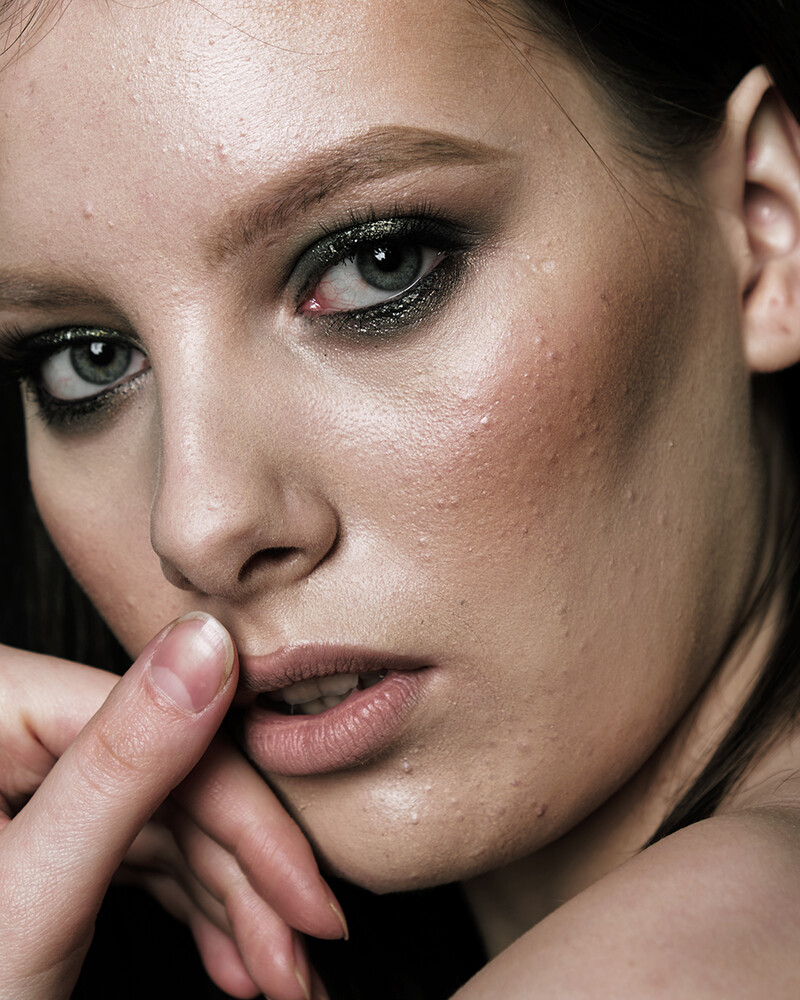
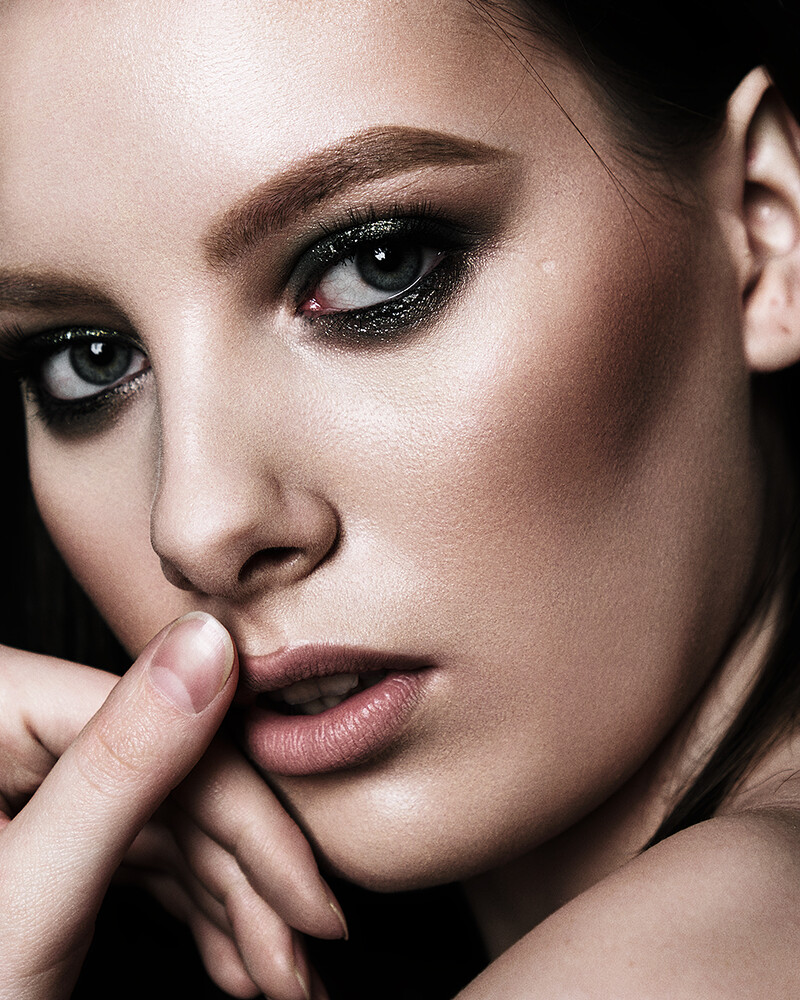
Skin without soapLearning to work with skin texture. We understand what needs to be retouched and what doesn’t. We make the skin clean and healthy, and the texture even.
We retouch the black and white drawing without disturbing the anatomy. We remove red ears, balance the skin tone on the face and hands, fingers, neck, collarbones. We bring the shade of makeup to the natural shade of the skin. -
Details. Hair. MakeupRetouching lips, eyes, makeup
Properly whiten teeth and whites of eyes so as not to make them plastic
Retouching the iris of the eye
Retouch eyebrows quickly and without drawing
Learning to clean the background/cyclorama perfectly evenly
Removing creases from clothes
Retouching hair -
Subject retouchingProcessing a glass bottle. Glass retouching
Combining frames with different exposures
How to highlight an object correctly
Working with texture and black and white patterns -
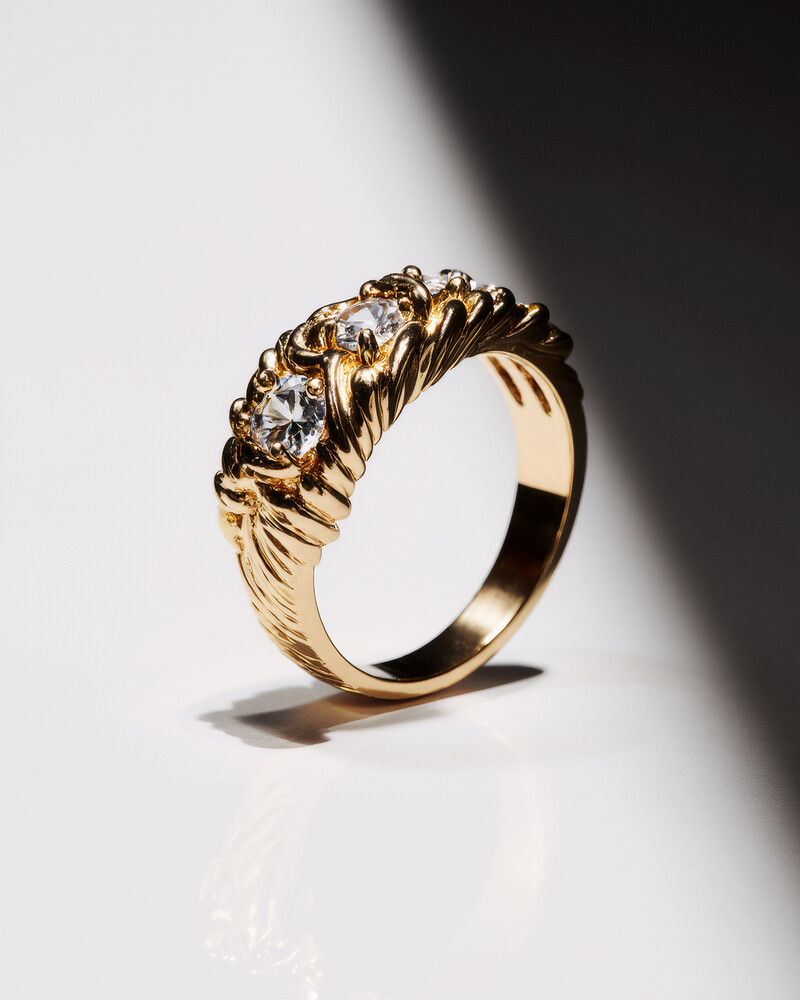
Jewelry retouchingUsing a neural network in jewelry retouching
Working with gold texture
Working with gemstones
Focus stacking of multiple photos into one -
Complex framingLet's figure out why you should crop a photo at all.
We complete the background quickly and without mistakes
We crop photographs that cannot be cropped
Hair transplant -
FinalWe perform plastic surgery on the anatomy of the head and body
We reduce the entire algorithm so that you can return to any of the stages and make corrections
Adding elite grain and sharpness
We save the photo for WEB and for printing
The exact colorful visual assistants and my own plugins that speed up editing several times over. With them, you will finally love retouching and start enjoying the process. These are also the videos that have already collected millions of views worldwide.
AI TOOLS
-
We study the AI tools Krea, Lupa, Stable Diffusion, HiggsfieldMy tips for working with AI tools
Batch processing for reporting, weddings, etc.
Editing photos in Photoshop if necessary -
Fast magazine retouching in a neural network
-
Replacing hairstyles, clothes, objects in the frame using a reference
-
Creating a different perspective while preserving details
-
Generating unique designer jewelry
-
Improve the quality of any photo
-
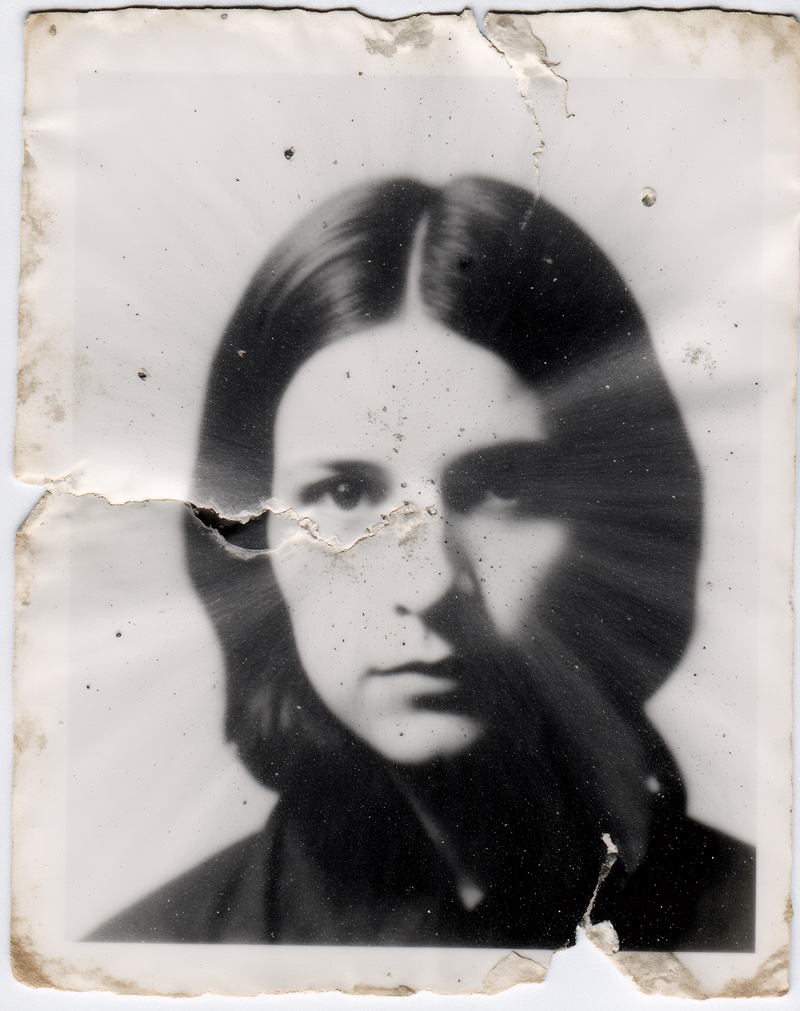
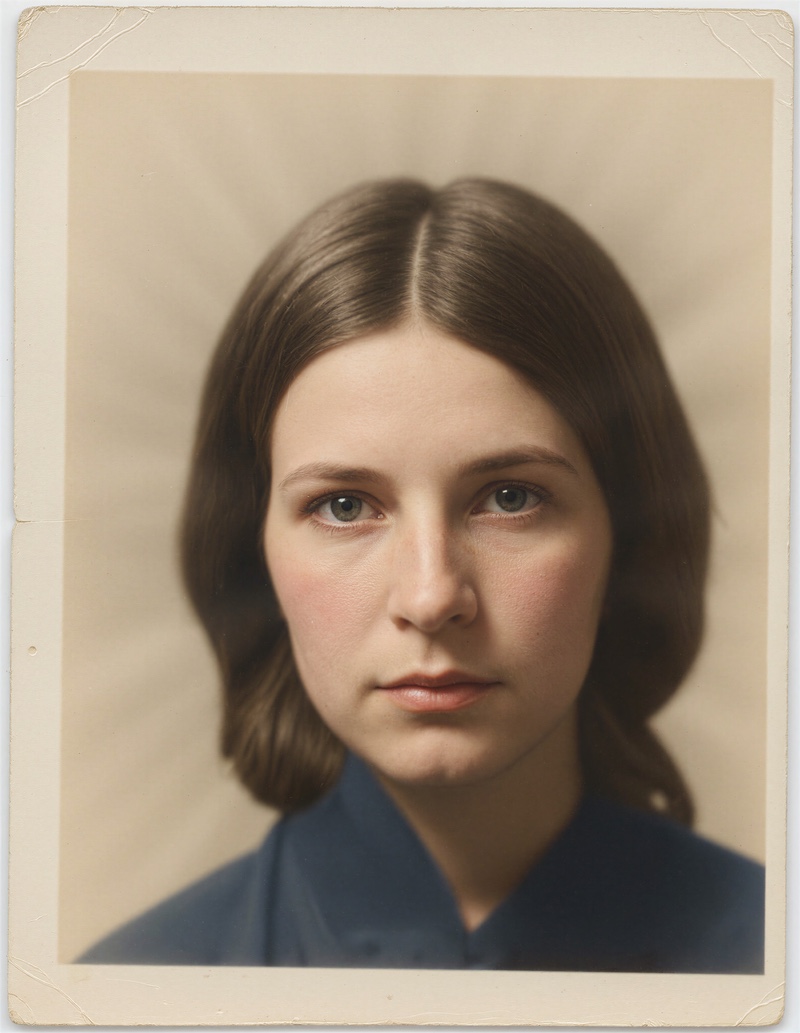
Restoring old photos in a couple of clicks
-
Neurophoto sessions for yourself and clients
-
Generating endless sources for a portfolio
-
Adding any elements to the photo
-
Changing the lighting in the frameNot only day/night, but in general light in any style, preserving even moles on the face
-
Replacing clothes in any photo
-
Bringing photos to life in video for advertising
-
Generating advertising photos with brand productsThe same goes for marketplaces.
All current knowledge on working with AI tools. You will be able to take on the most complex and highly paid orders. Do not receive an hourly payment, as everyone does, but take full payment for the project, even if you did it in 15 minutes in AI tools.
INCOME
- How and where to look for orders
- Advertising in Russia and abroad
- How to broadcast yourself so that people buy from you
- How to look for foreign clients
- How to receive payments from other countries
- How to promote yourself now
- How to make content that will sell you
- How to publish in magazines
The lessons in the module speak for themselves. It’s purely about money, media and social media. networks.
SOCIAL MEDIA
-
How to mount ReelsEasy and with free programs
What reels should a retoucher do to attract clients?
Shooting reels with and without a face and voiceover
Thanks to reels and short videos on other social networks. networks, you can reach clients all over the world.
INCOME
- How to quit being hired and start working for yourself
- How to find yourself
- How not to devalue your work
- Removing impostor syndrome
- What is resistance
- How resistance prevents us from earning more
- Why resistance is good and how to overcome it
These are lectures with a very strong psychotherapist. Even when people take the same actions, they get different results, which means there is something deeper than just tools. We dig into that deeper layer too. This module is optional, just my gift to you, but students love it.
FOR MY FAVORITE STUDENTS
-
Lesson on colorTheory of light. What kind of light is there?
What is pure color and how to get it
Color correction of a series of photos -
Skin repaintingWe paint the skin in any shade so that the skin looks natural
-
Setting up a graphics tablet
-
Working with Actions in Adobe Photoshop
-
Working with leather. Revealing texture
If you think that these are all lessons, then... No) Below there are still bonuses for early registration.
What is the difference between this program
from all retouching courses
Remote job opportunity with a New York company, with income from 100,000 RUB on feedback plans
Every student who has taken other courses says they have never seen anything like this there
Clear structural lessons, without water. PDF manual for each lesson of the main program
Expertise from a recognized market leader, proven on thousands of customer orders
The premium retouching system works for any type of photography: weddings, reportage, portraits, product shots, jewelry retouching, and more
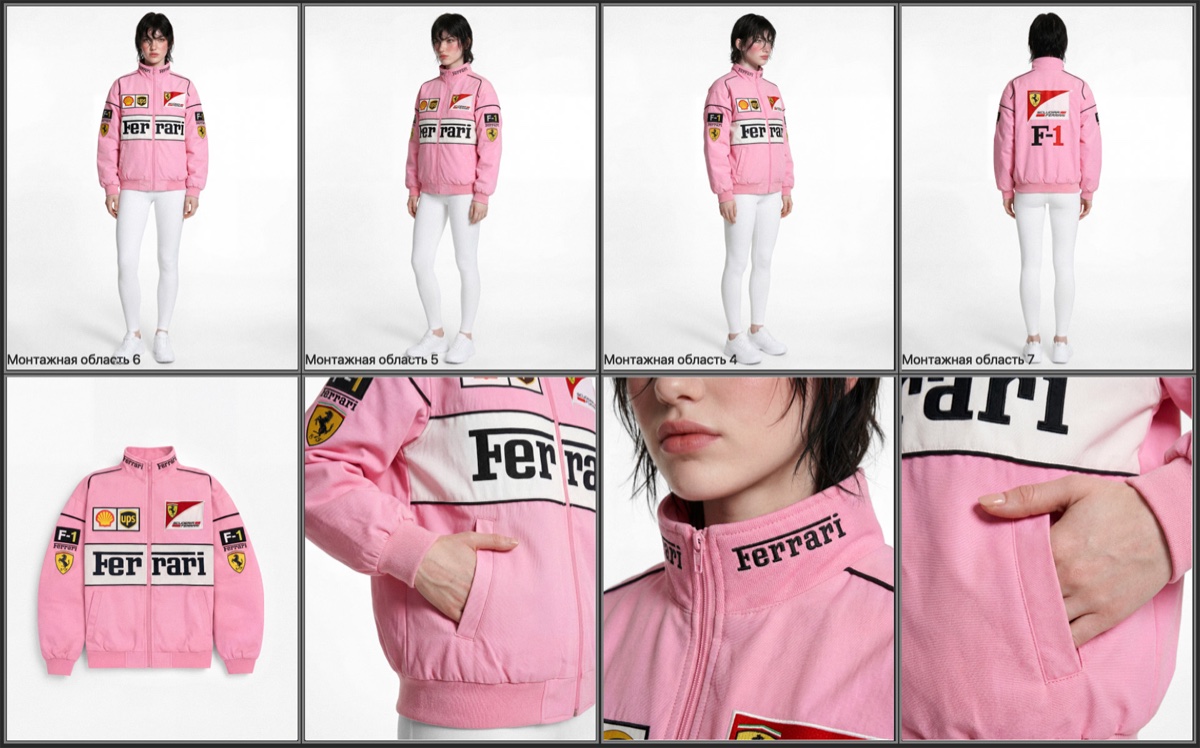
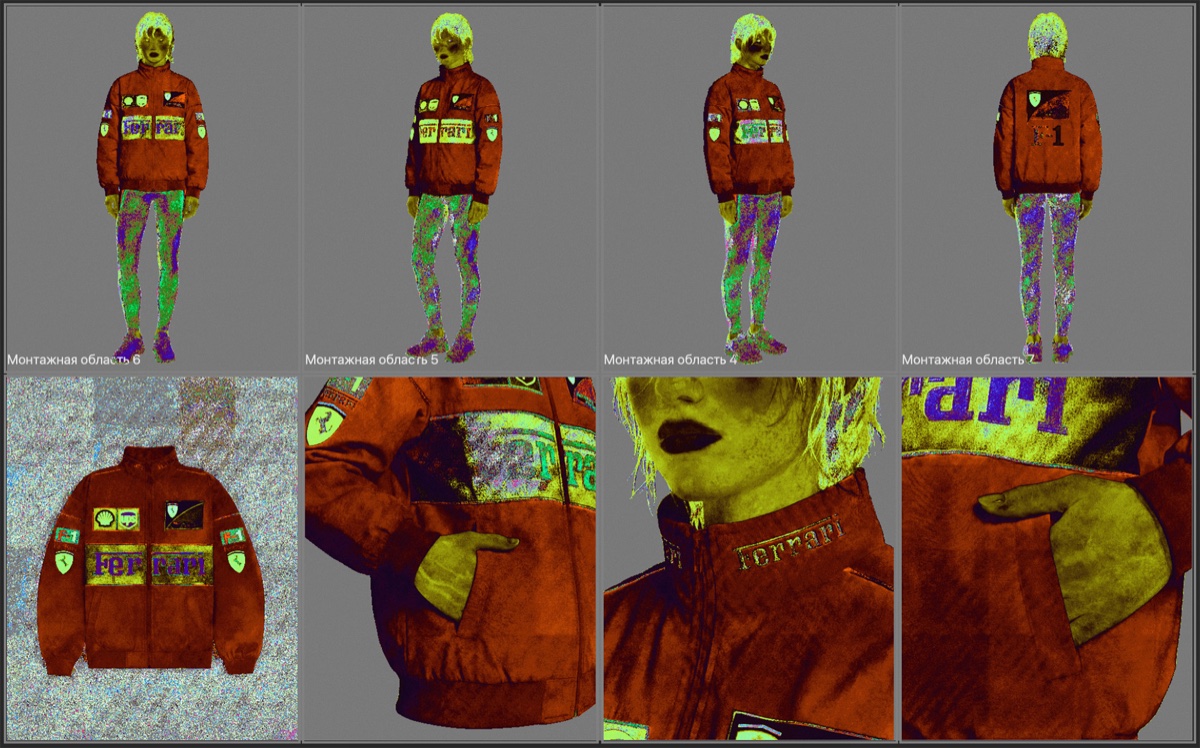
You can repeat the color from any reference, which is very important for customers
Gifts for payment before July 13
- Editing by Tamara Williams reference: sharp, tanned skin
- Cutting out hair from a complex background — work for OZON
- We create natural freckles in any photo. Brushes for freckles.
- How to do age retouching. Tools and lifehacks
7 plugins

Control color in a series of photos
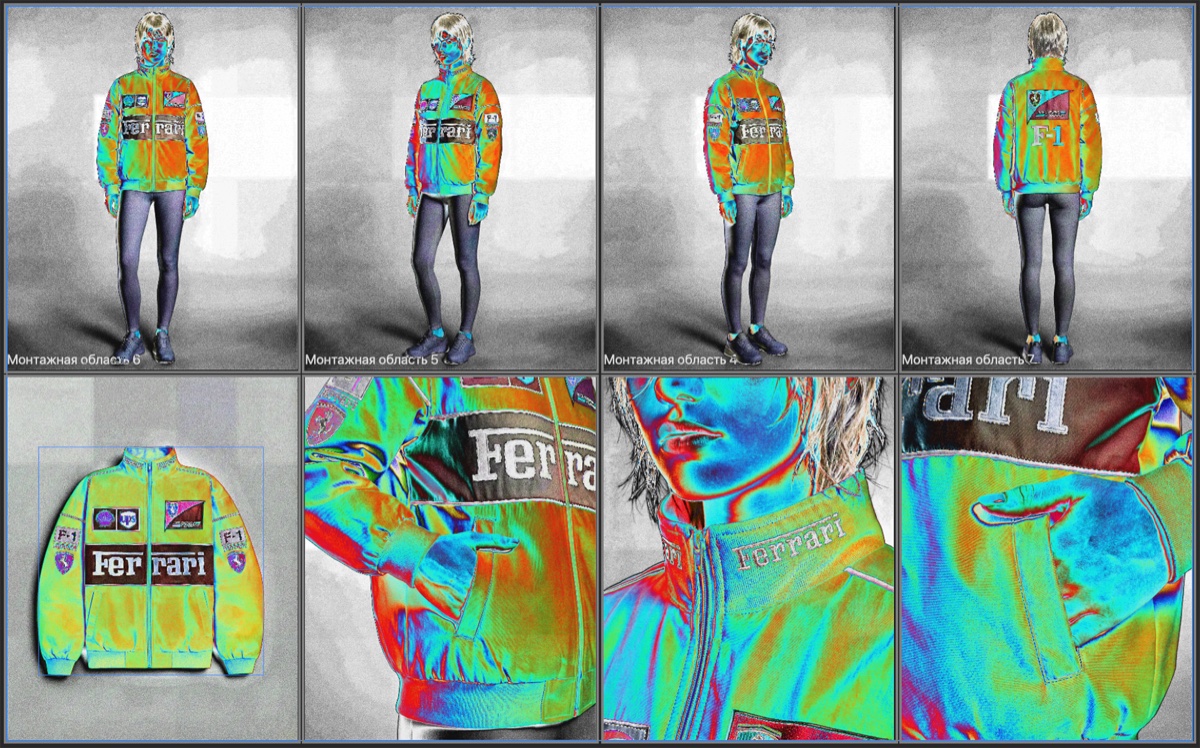
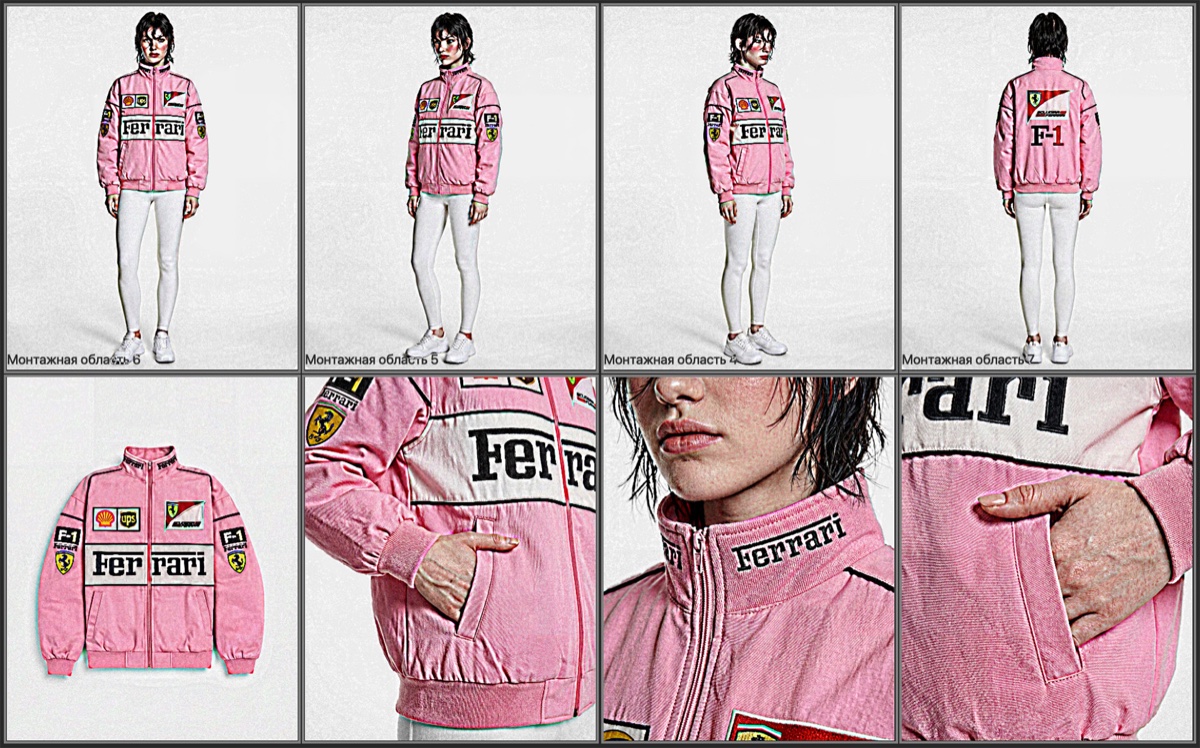
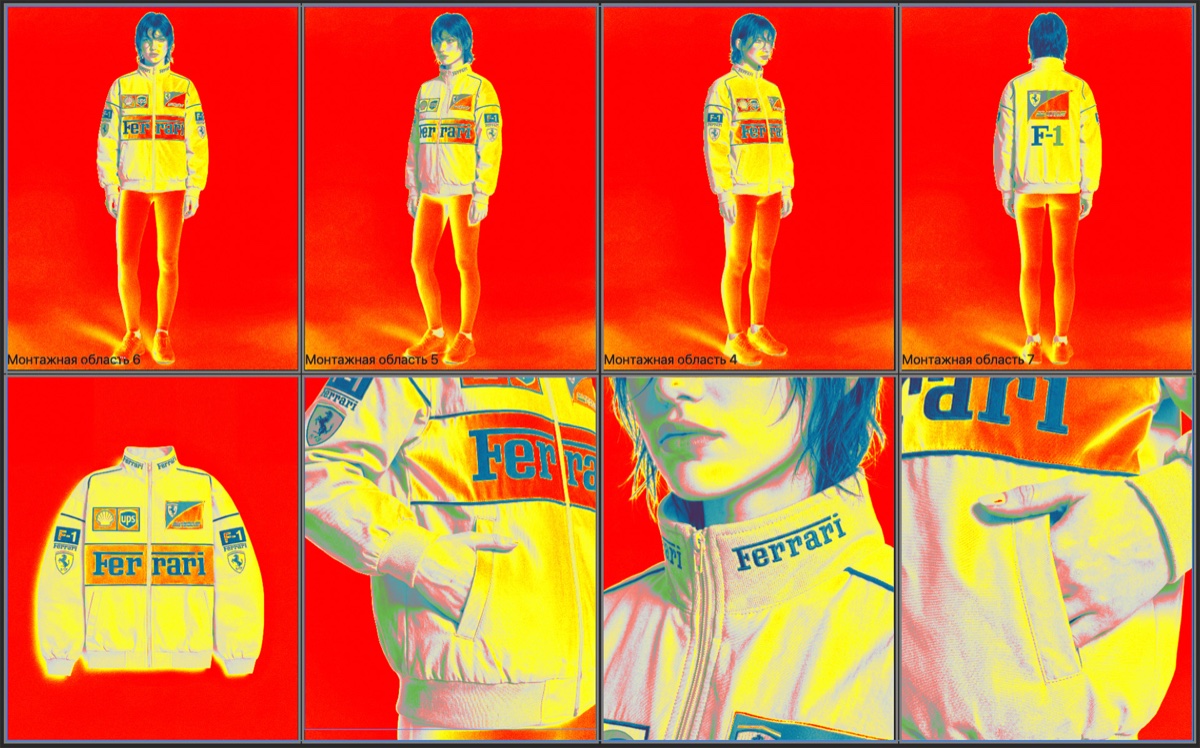
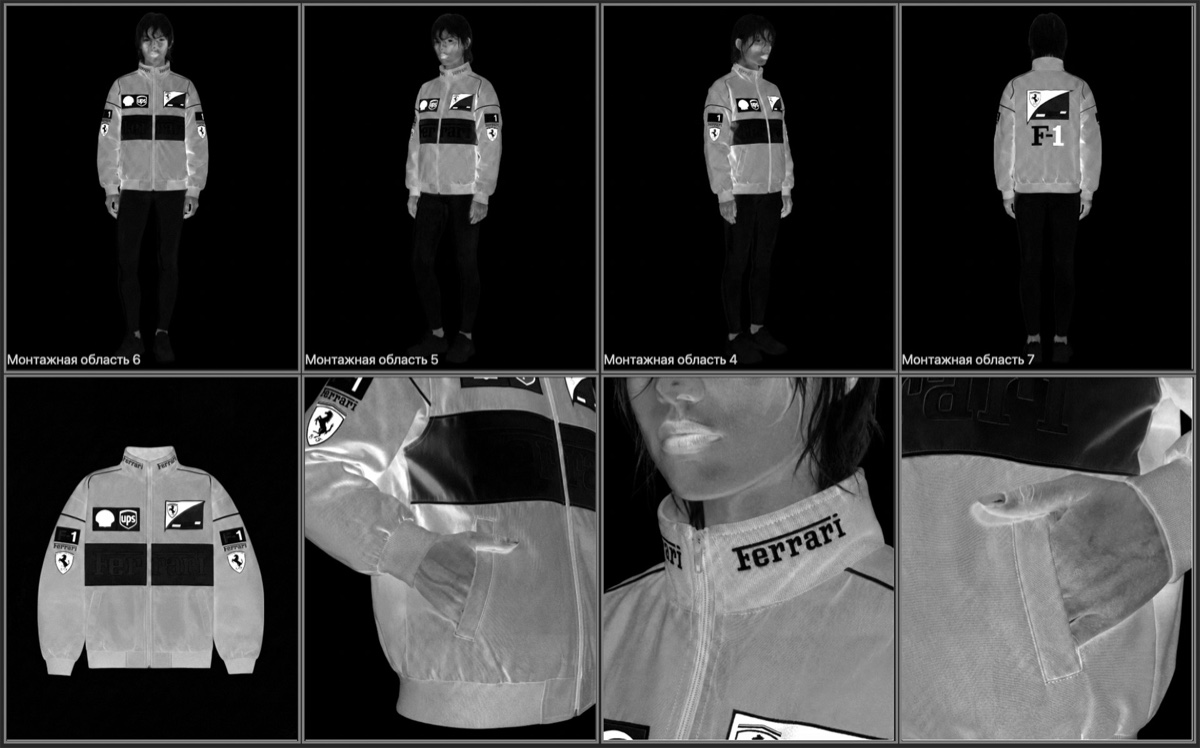
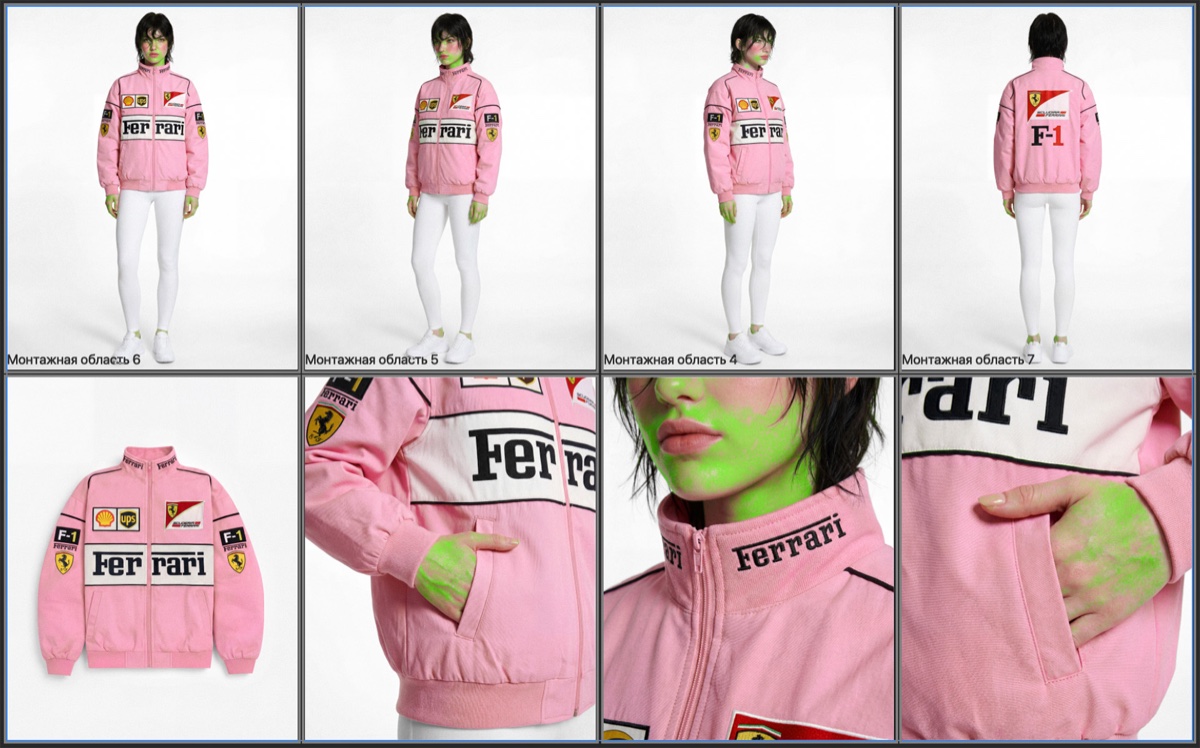
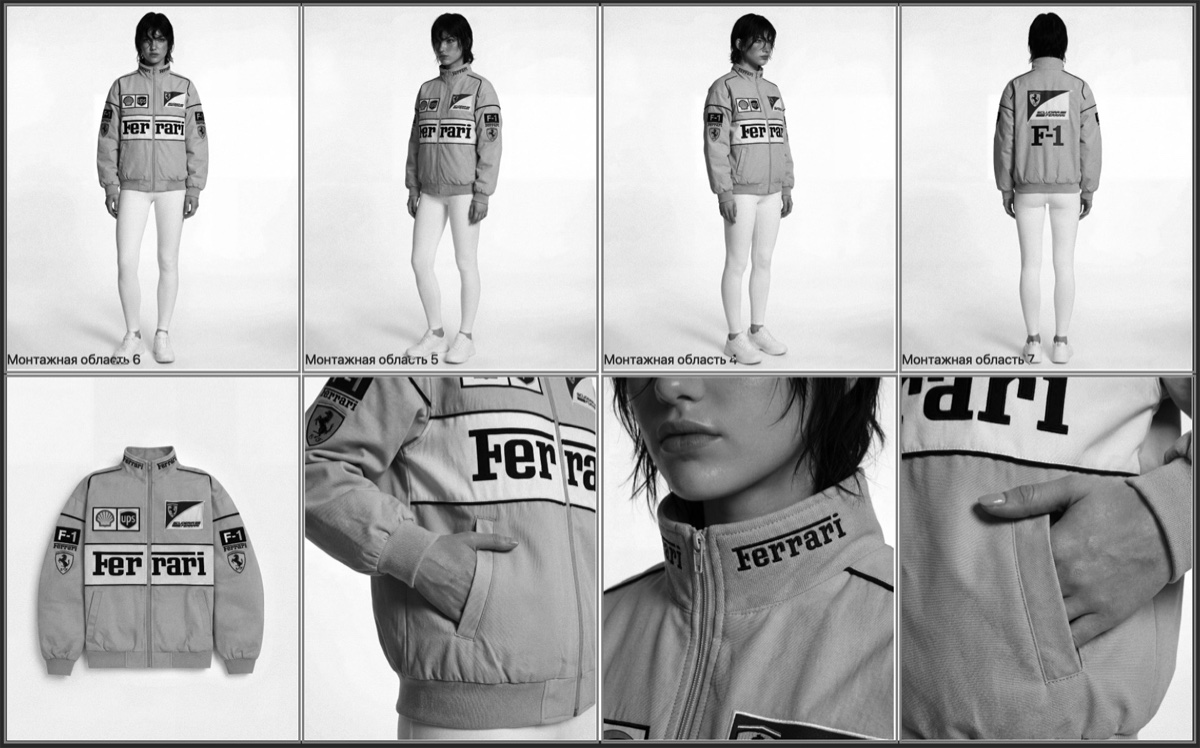
How are the lessons going?
Choose your format
Join now while the best terms are available
Enrollment closes in:
Complete Retouch System
One payment. Everything you need to study the program and build a practical retouching workflow.
- All course lessons
- All Photoshop actions
- All ComfyUI workflows
- 7 Plugins module
- AI tools module
- RAW bank for practice
- Earnings module
- Social networks module
Immediate access after payment. Designed for self-paced learning.
Pay now
SELF-PACED
- Access 3 months
- Employment Opportunity
- Module "7 PLUGINS"
- Module "AI tools"
- Module "EARNINGS"
- Module "SOCIAL NETWORKS"
- Module "FOR YOUR FAVORITE STUDENTS"
- RAW Bank
- Video analysis of remote control from Alexander
- Chat with Alexander
- Feedback from Alexander
- Certificate of completion of the course
- Alumni chat
- Community of colleagues
In a group with Alexander
- Access 6 months
- Employment Opportunity
- Module "7 PLUGINS"
- Module "AI tools"
- Module "EARNINGS"
- Module "SOCIAL NETWORKS"
- Module "FOR YOUR FAVORITE STUDENTS"
- RAW Bank
- Video analysis of remote control from Alexander
- Chat with Alexander
- Feedback from Alexander
- Certificate of completion of the course
- Alumni chat
- Community of colleagues
One-on-one
- Access 1 year
- Employment Opportunity
- All from previous tariffs
- 8 calls with Alexander
- Strategic session as a gift
- Personal management
- Orders directly from Alexander
- Breakthrough missions
- Pure color course as a gift
- Course Light as a gift
- Mentoring as a gift
- Help with blogging
- Thinking tasks
Ask all questions personally to Alexander
Write to Telegram if you need to choose a tariff, clarify the training format, or understand which option is right for you now.
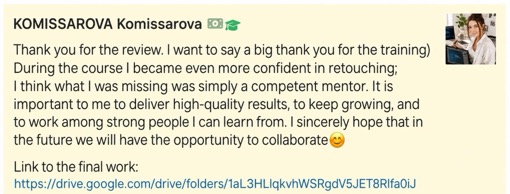
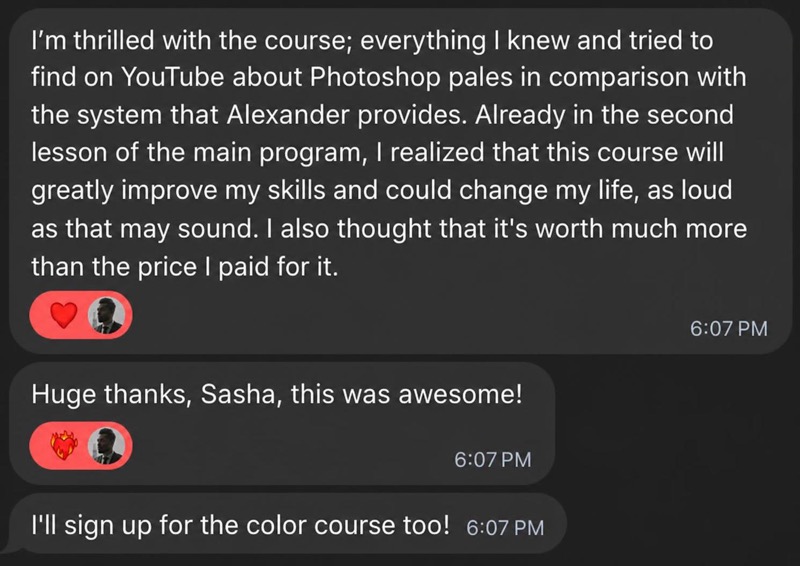
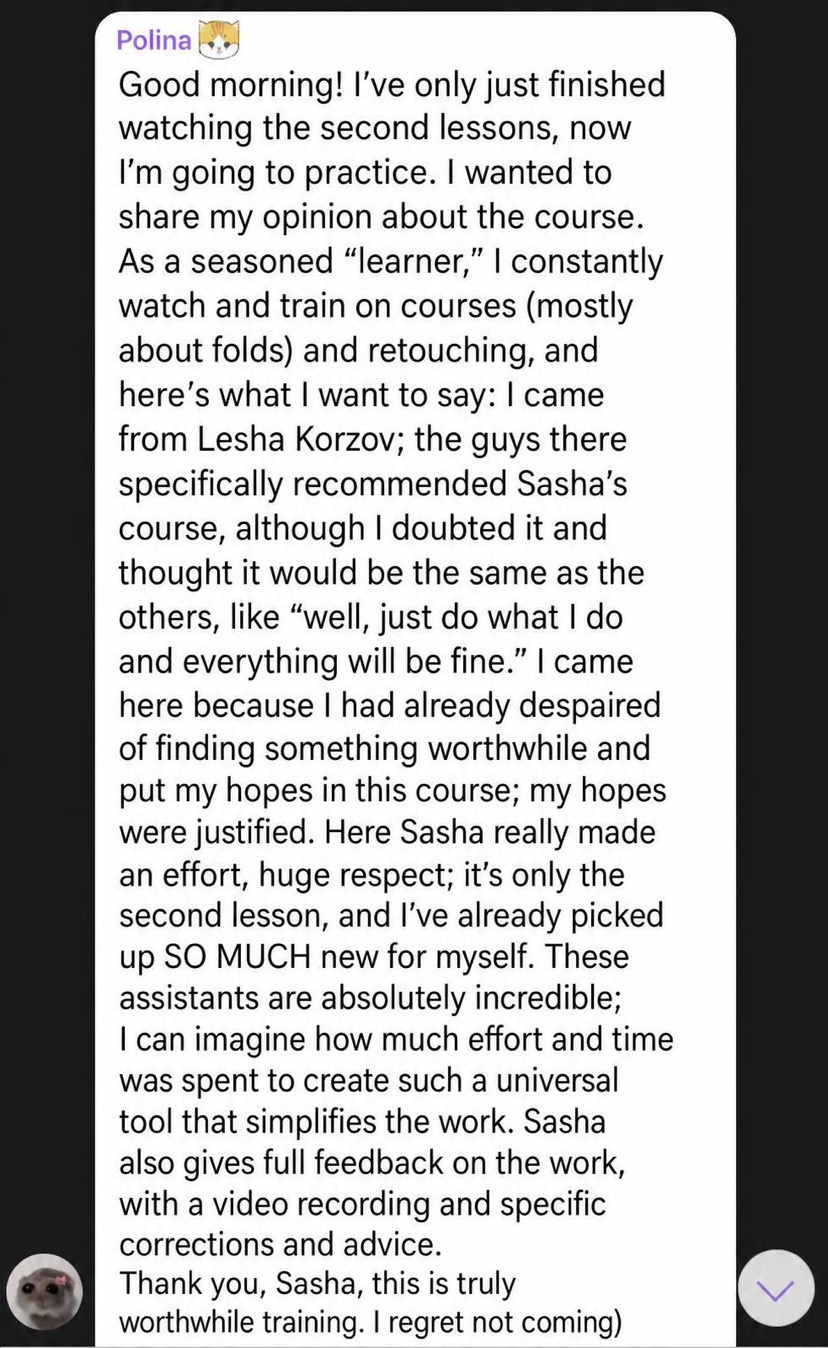
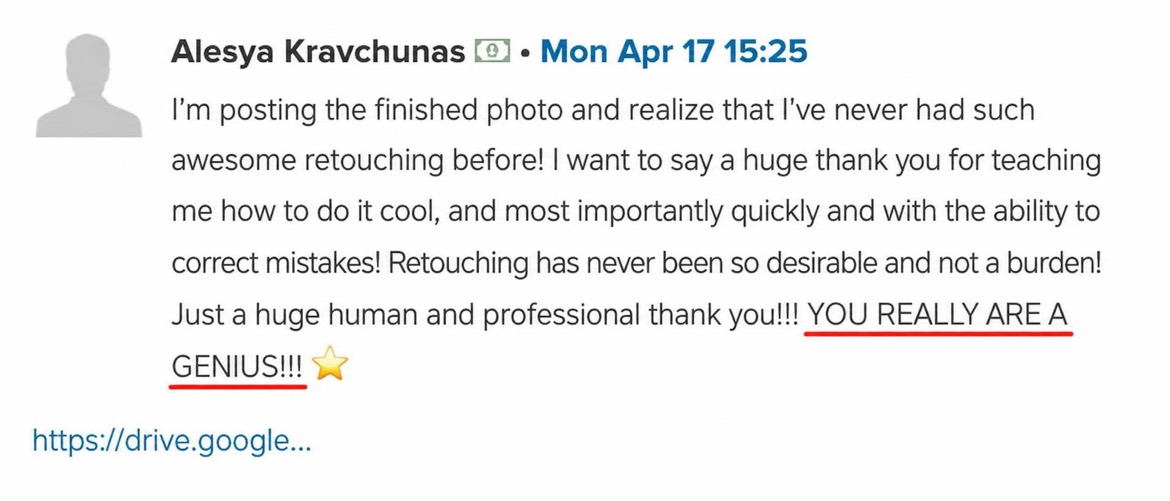
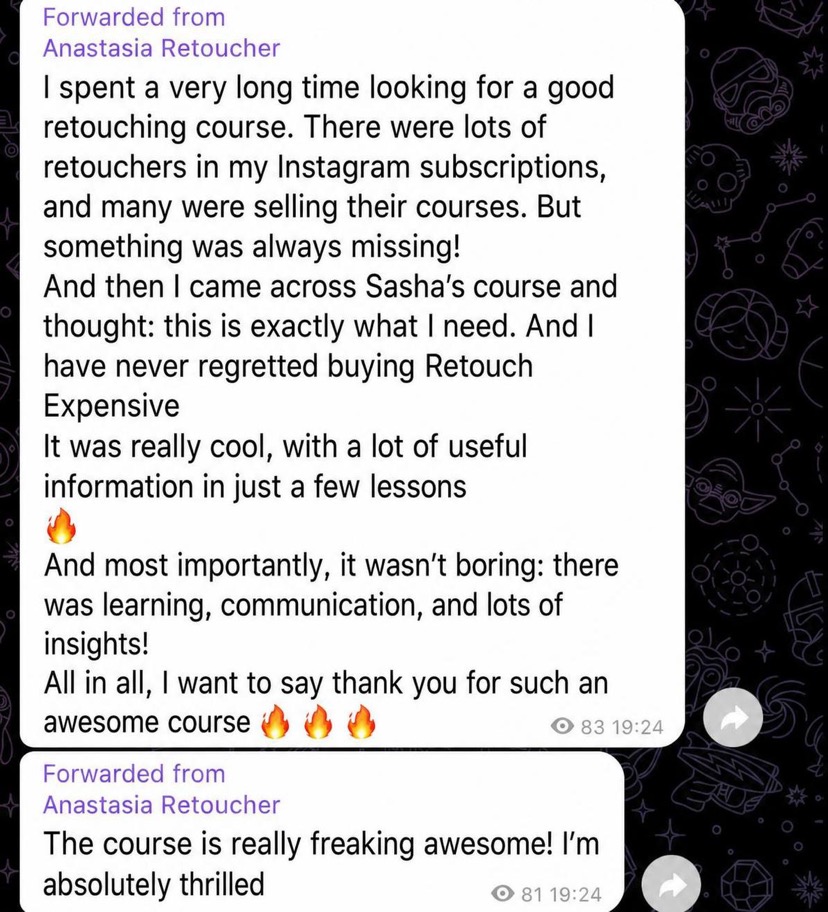
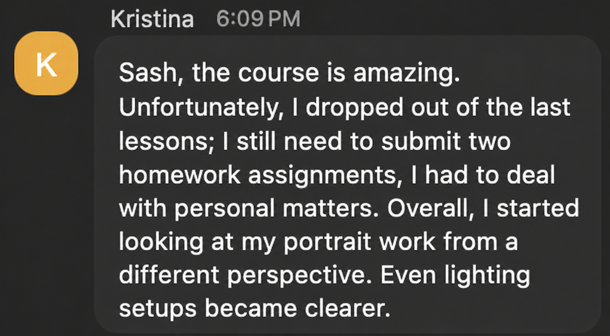
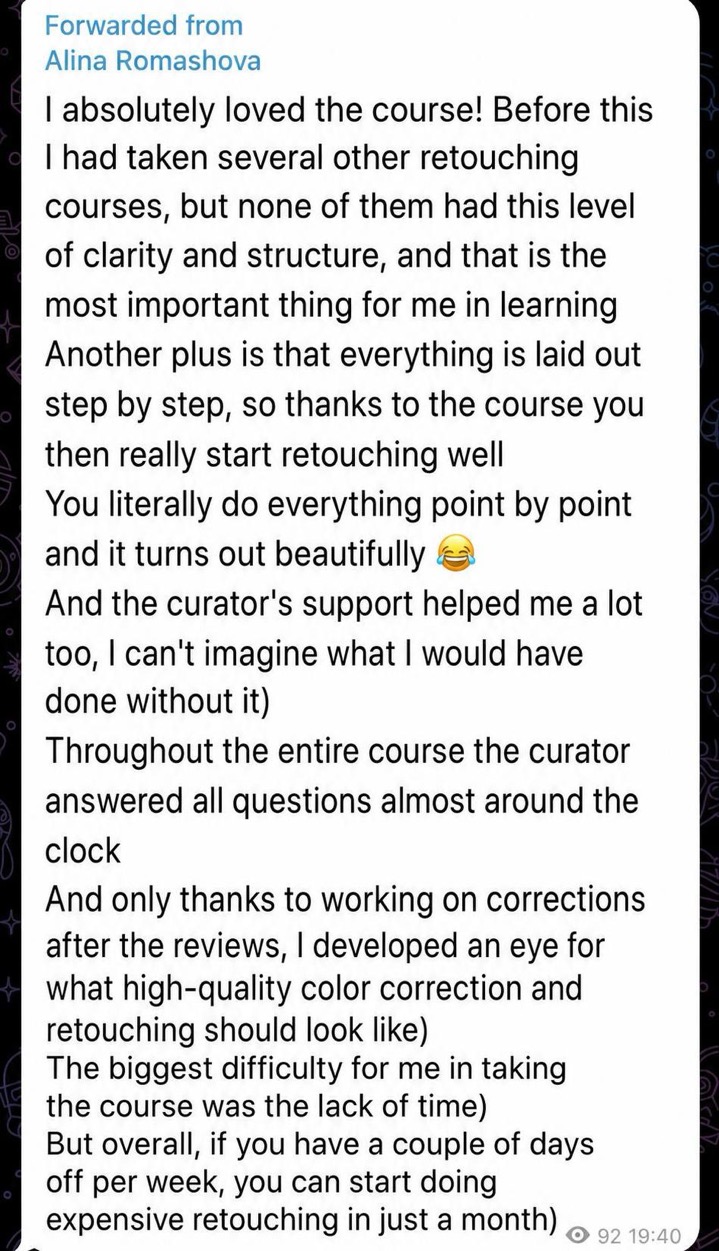
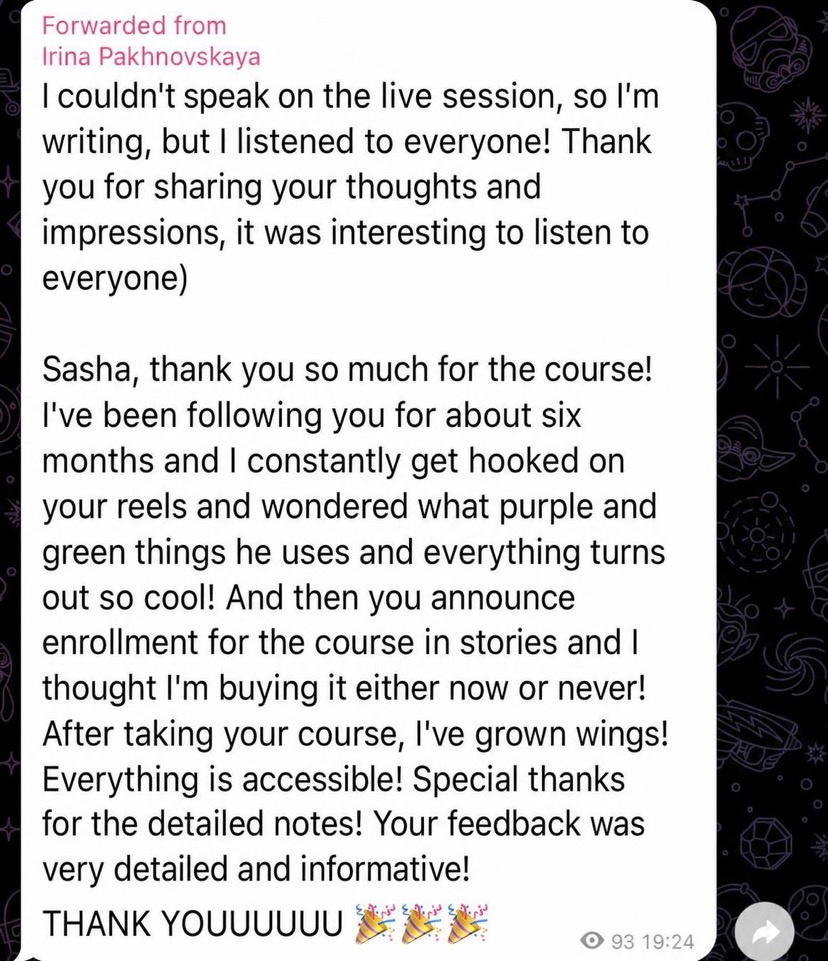
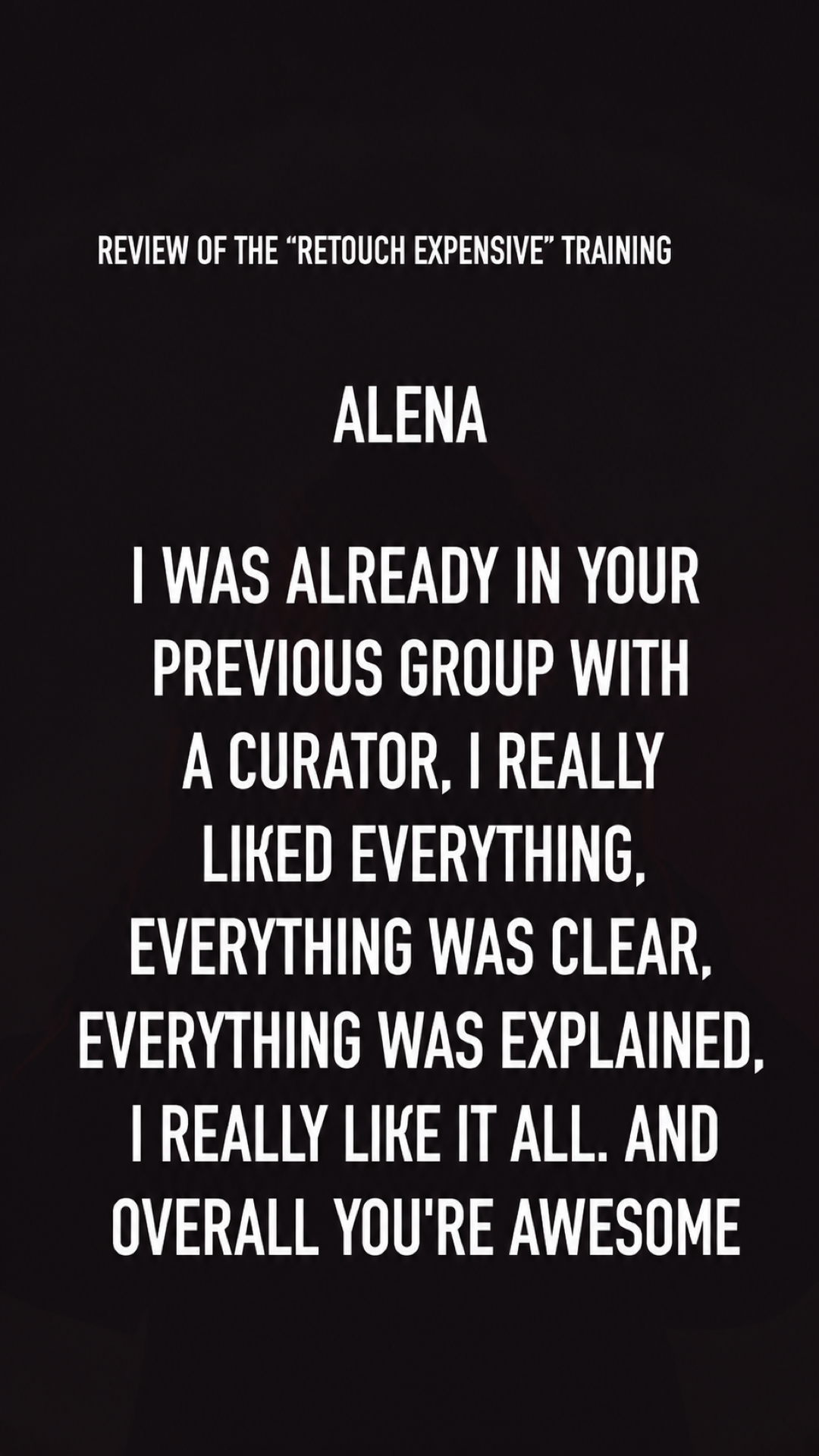
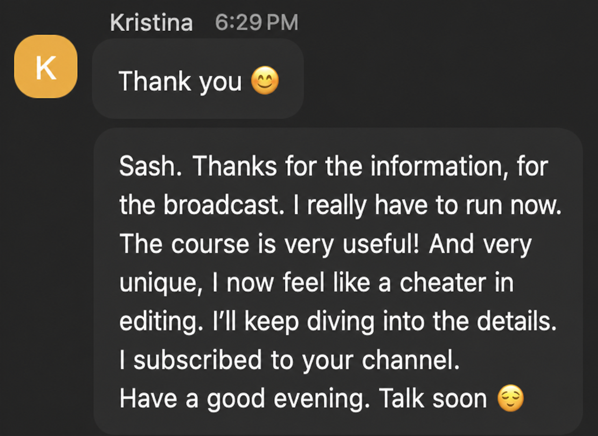
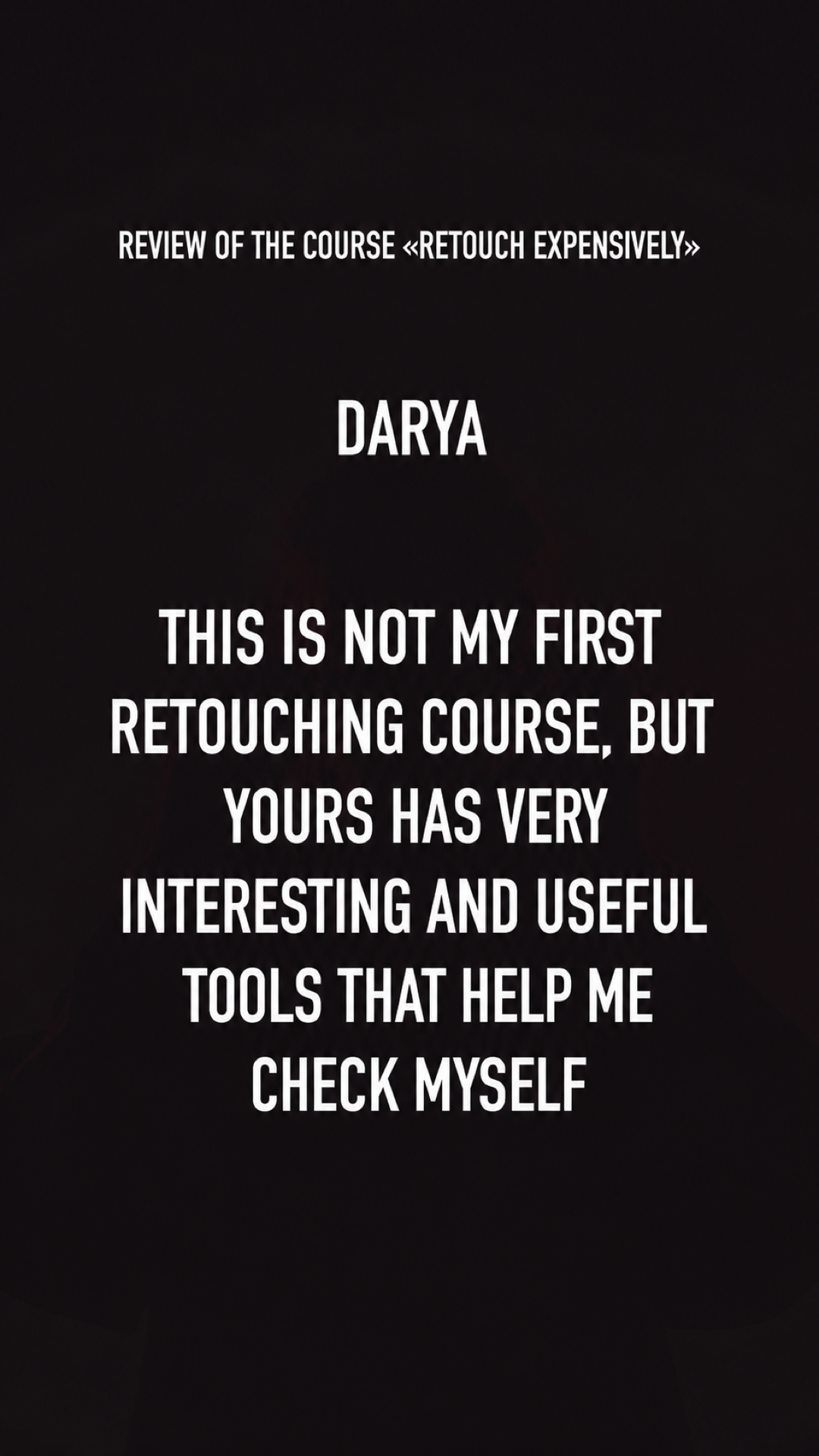
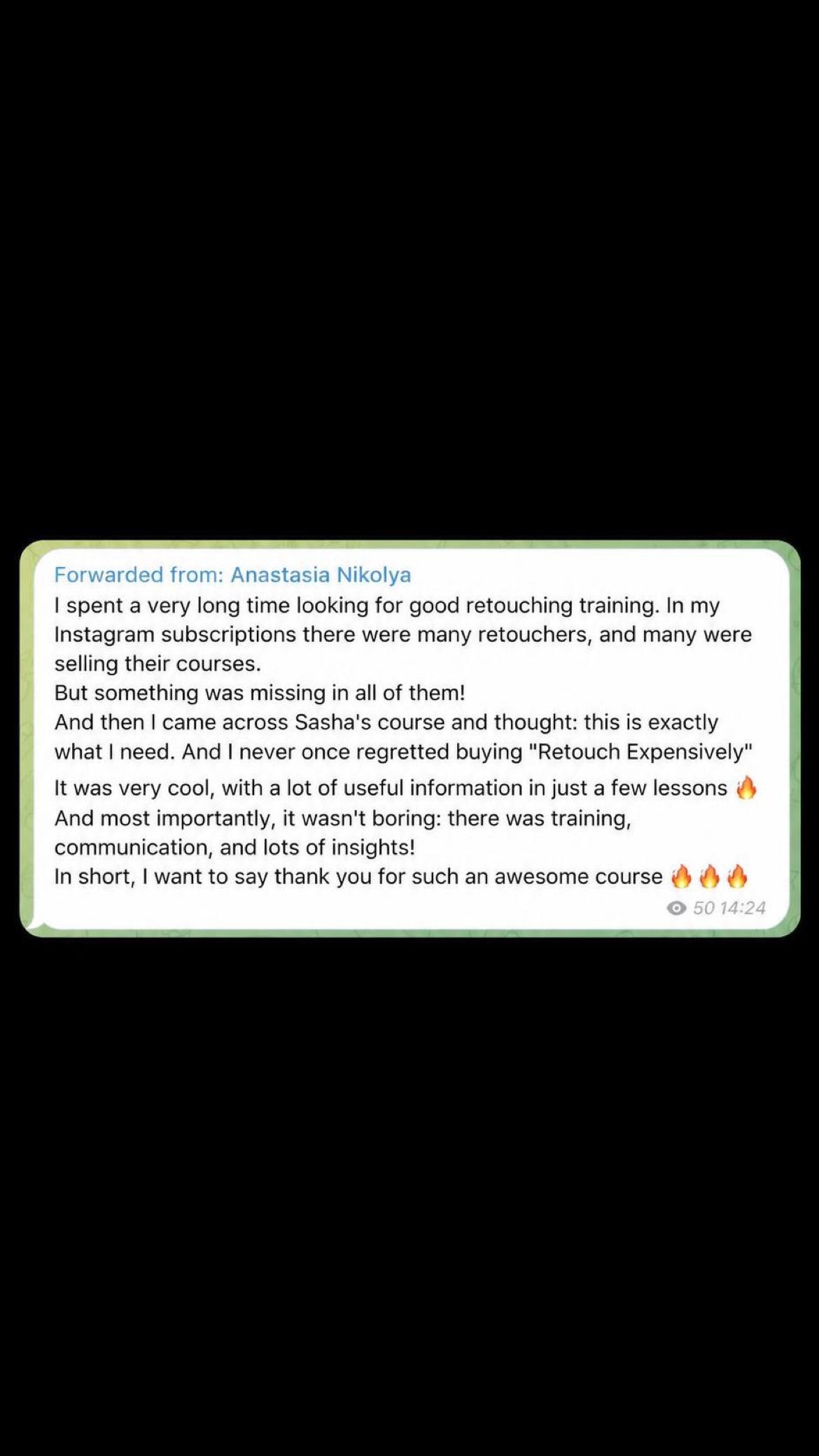
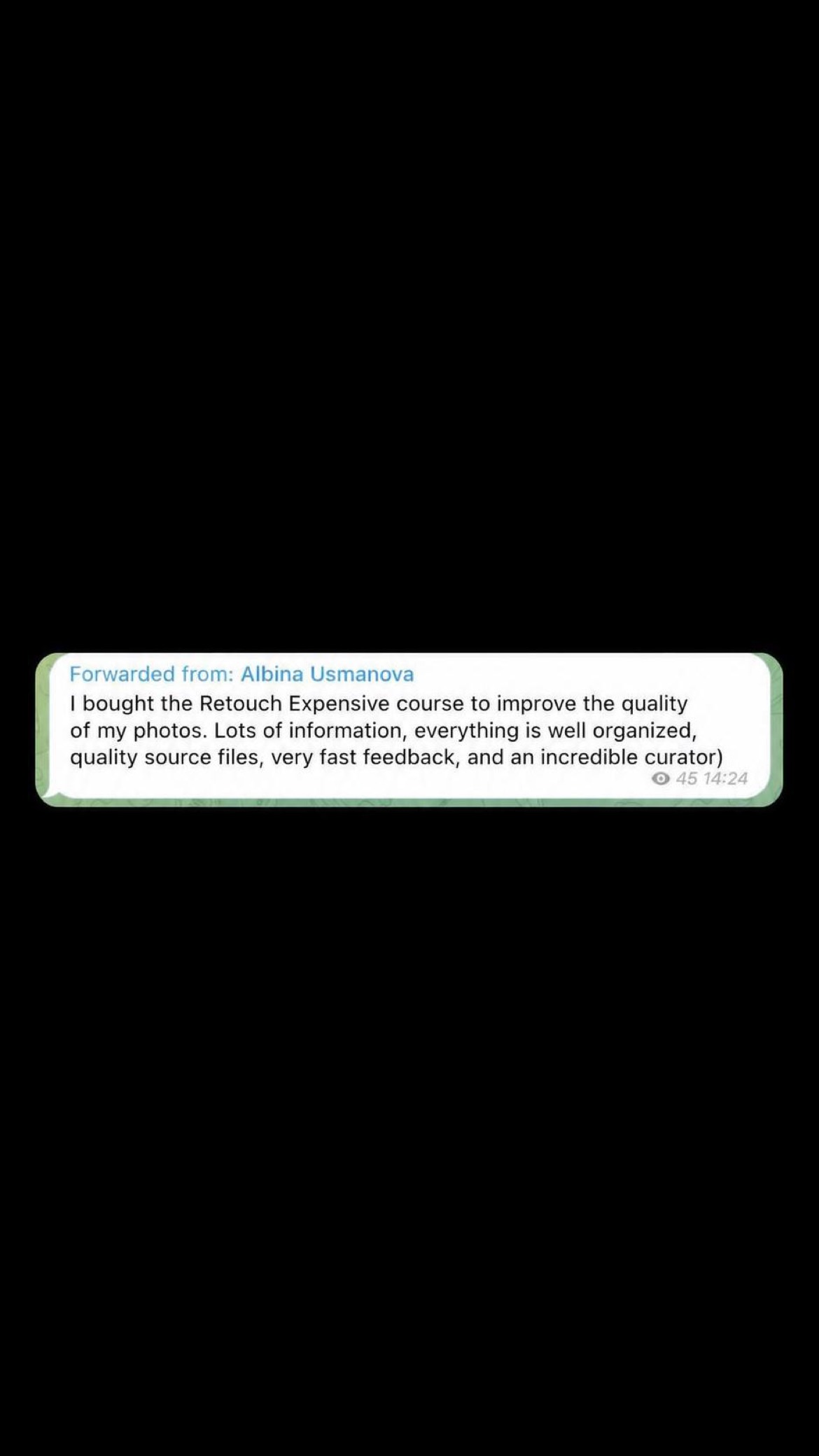
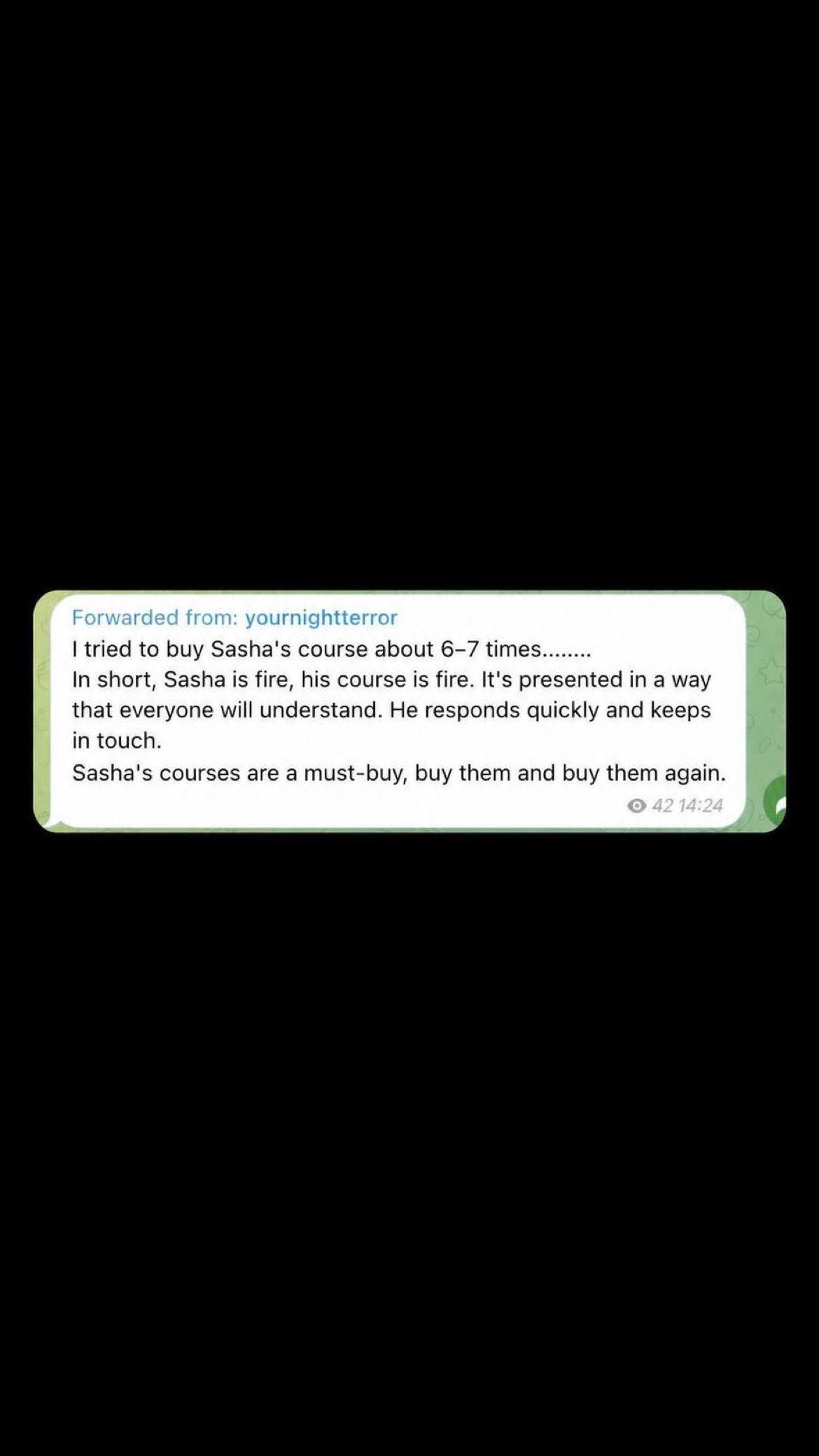
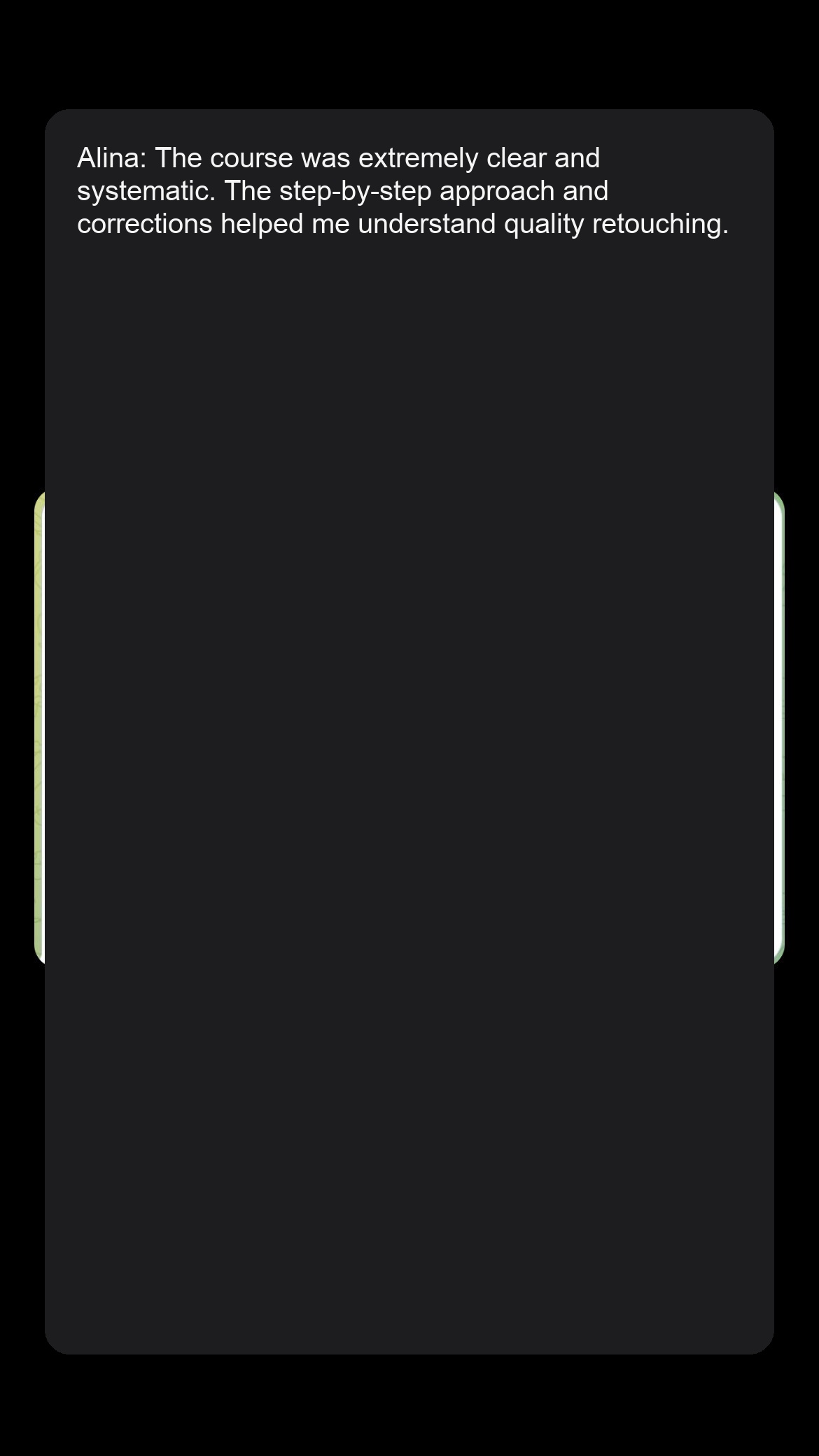
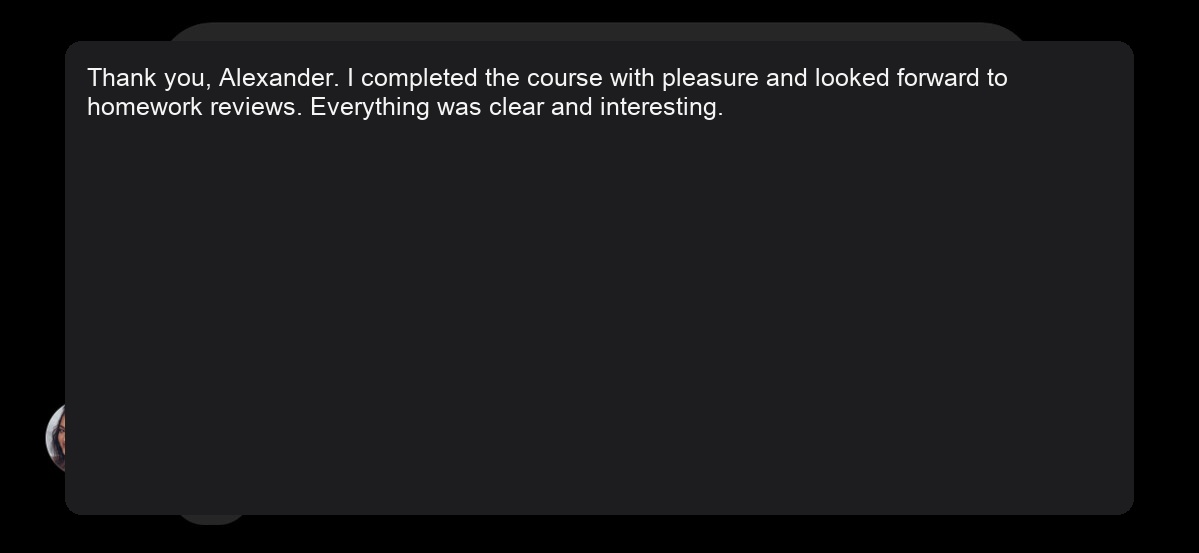
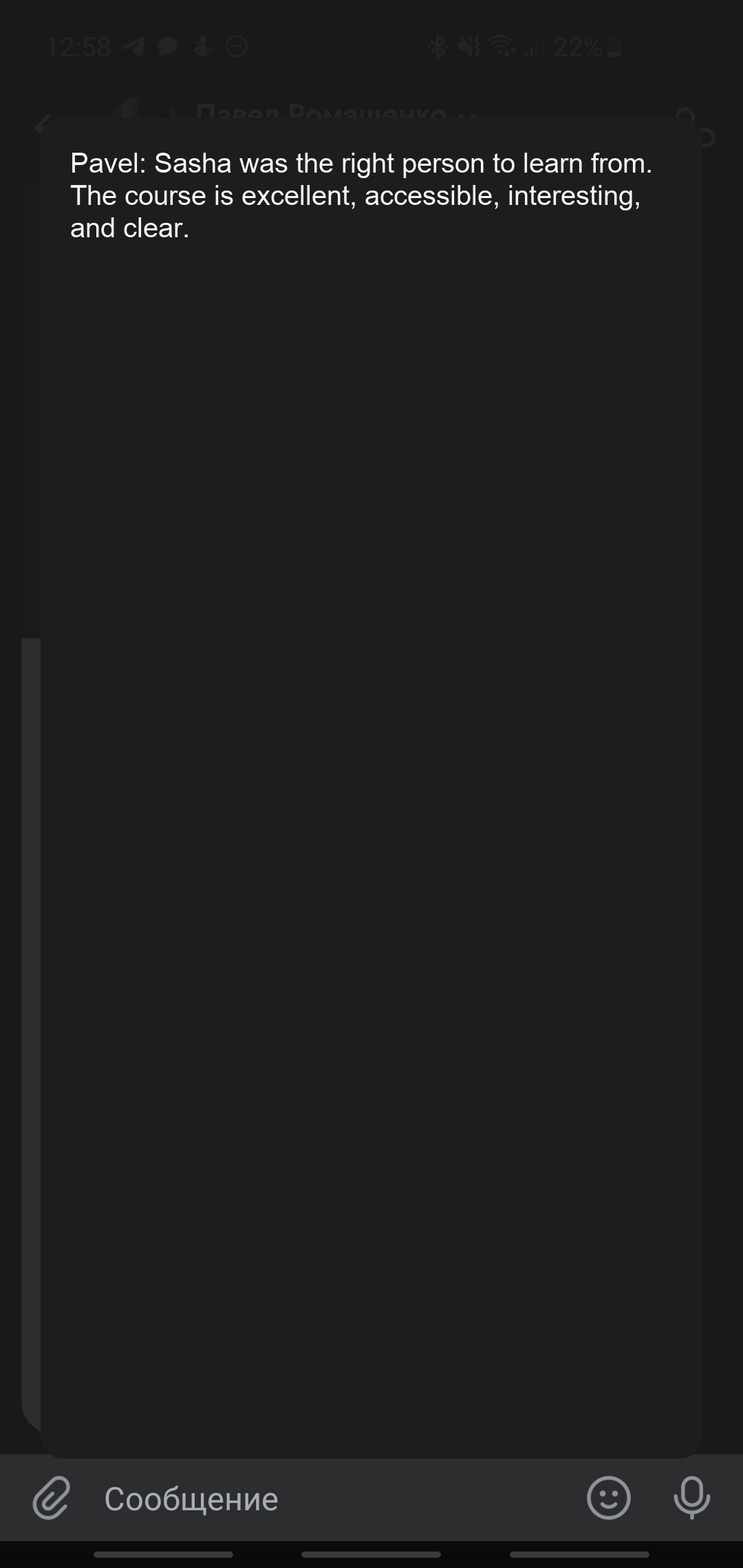
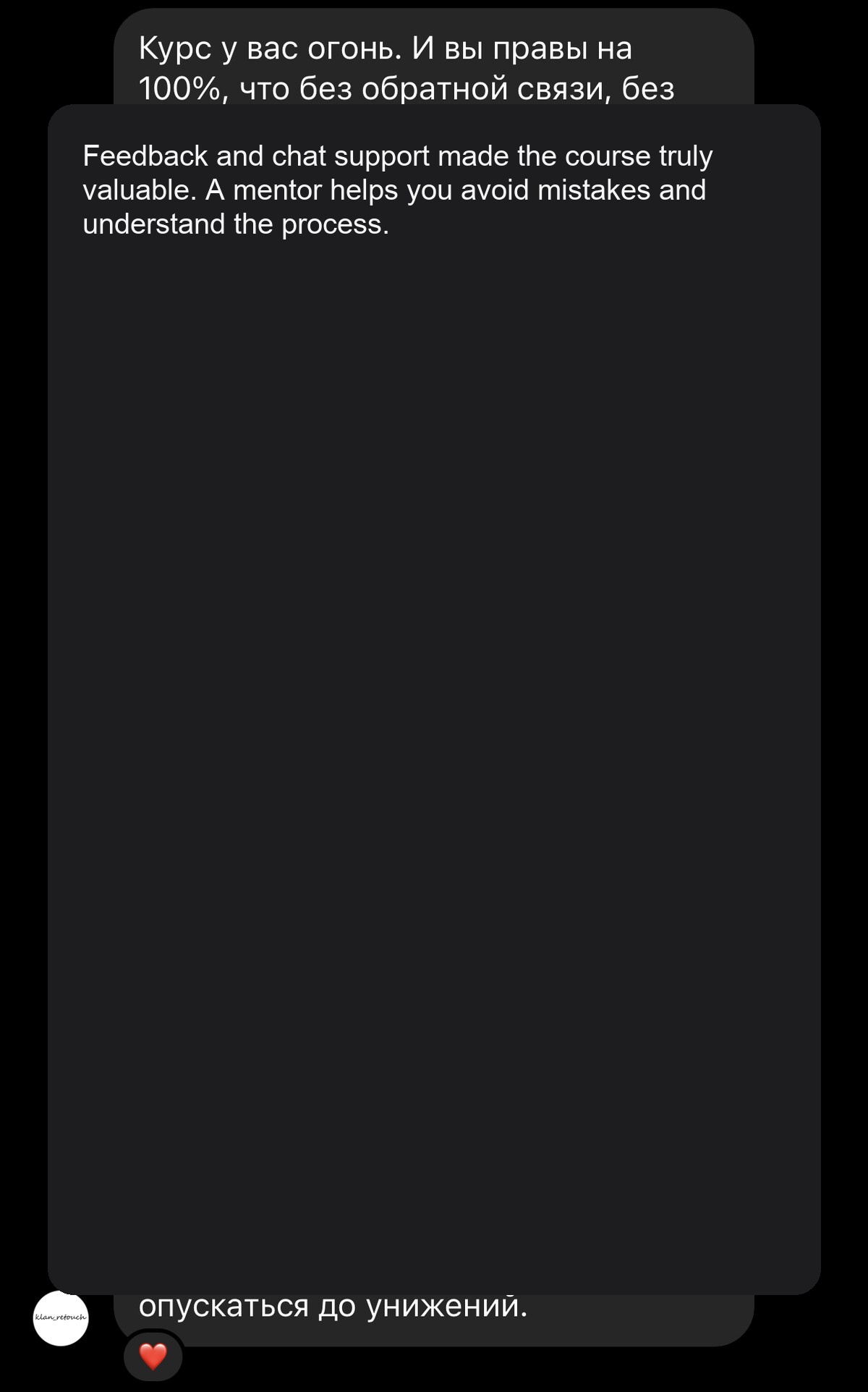
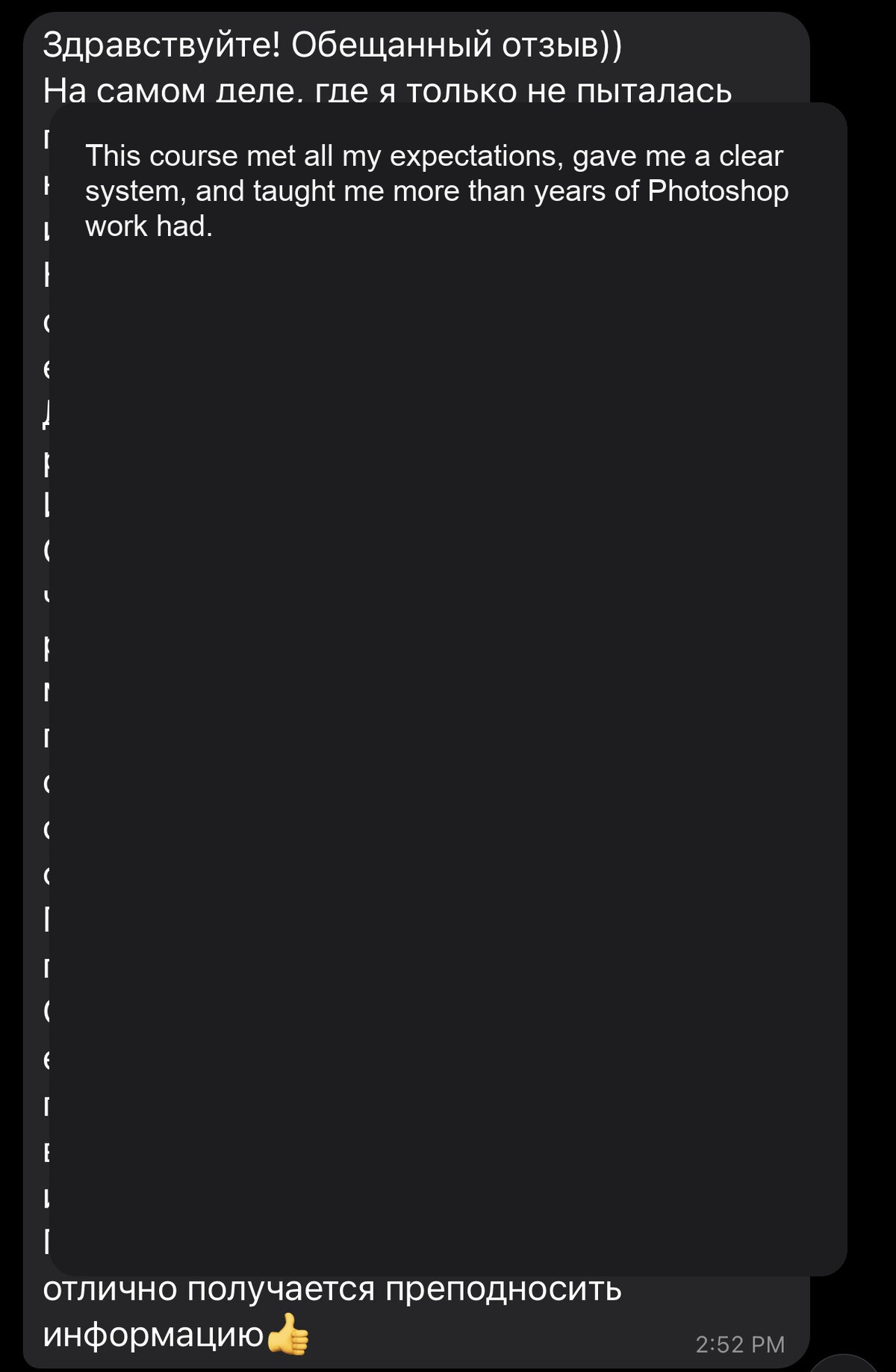
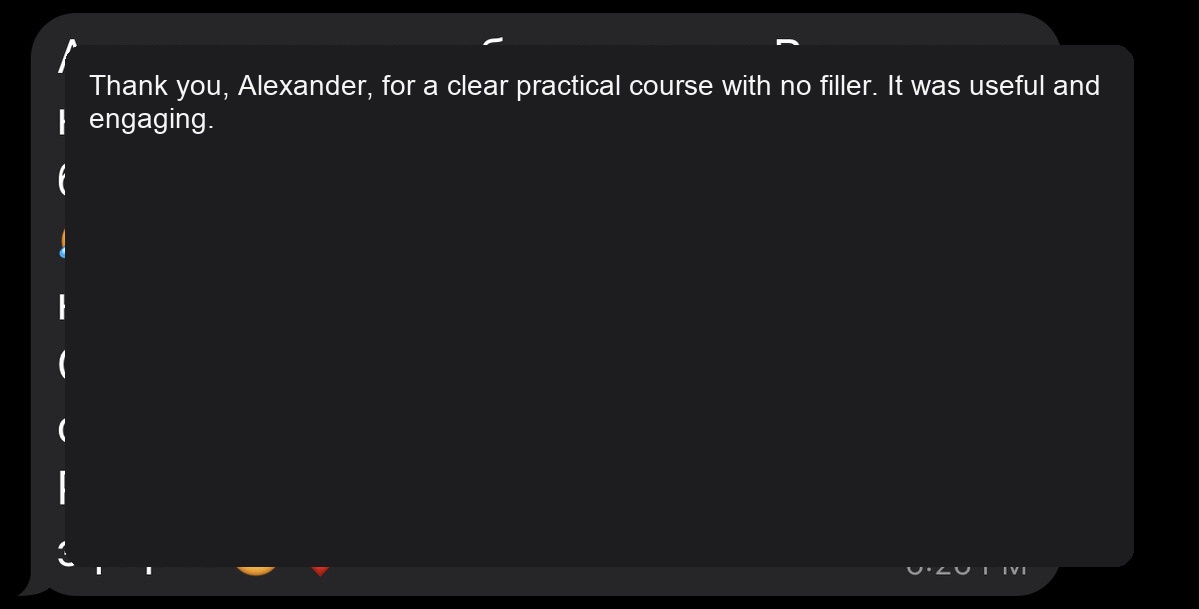
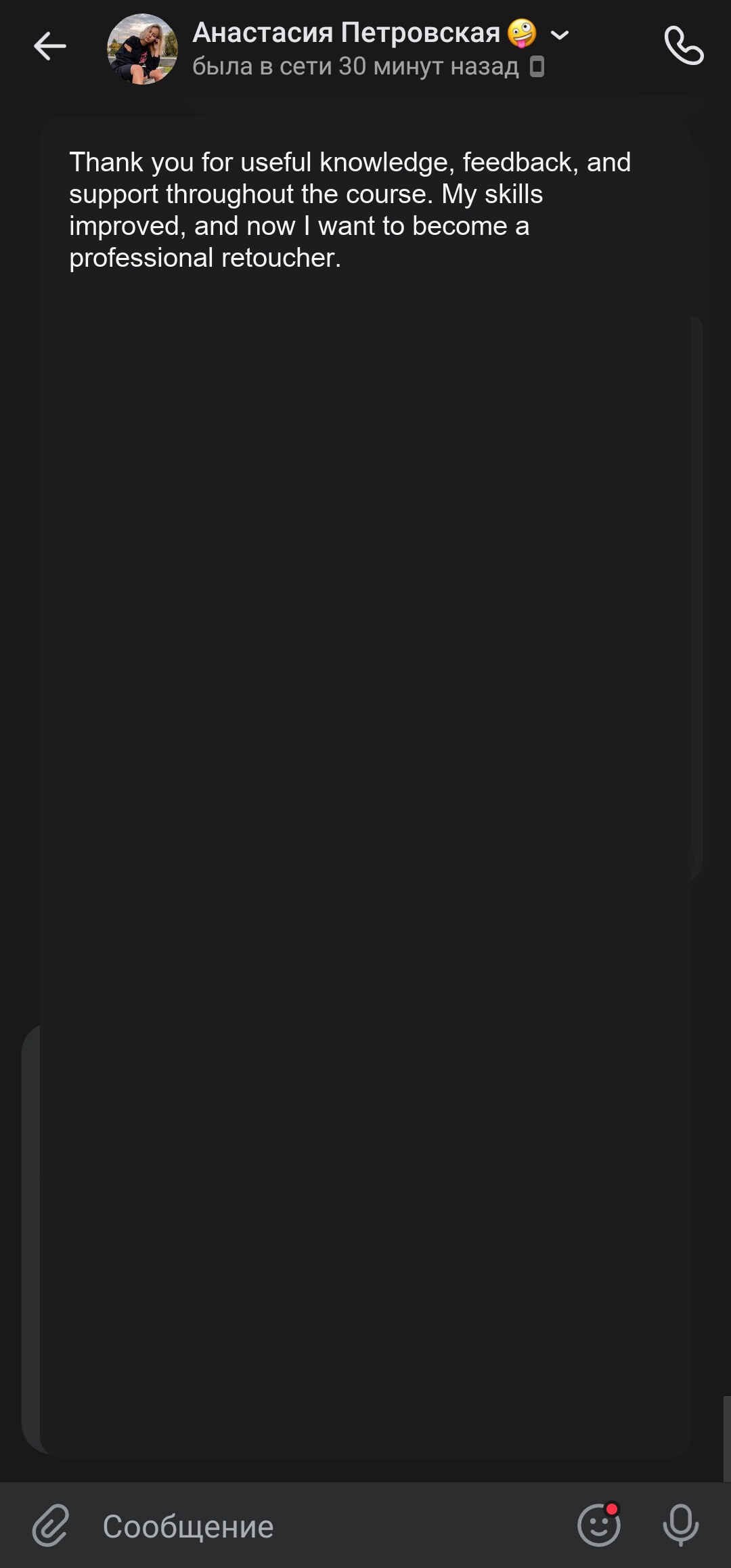
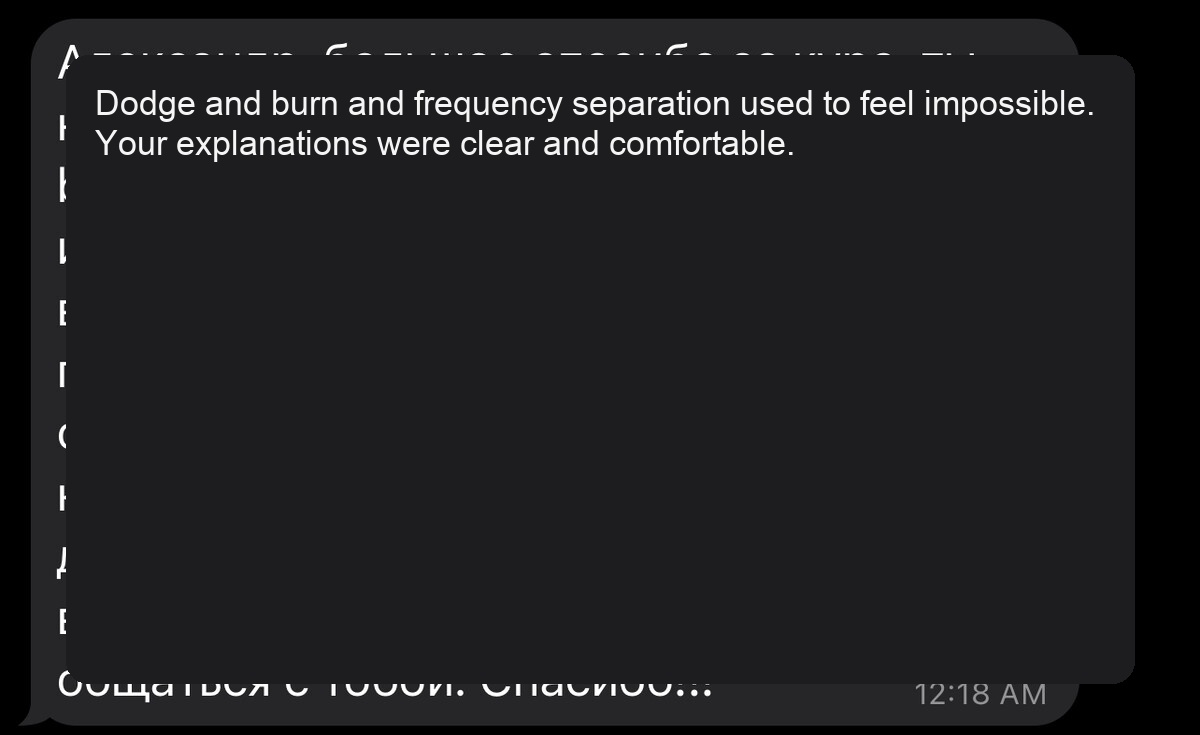
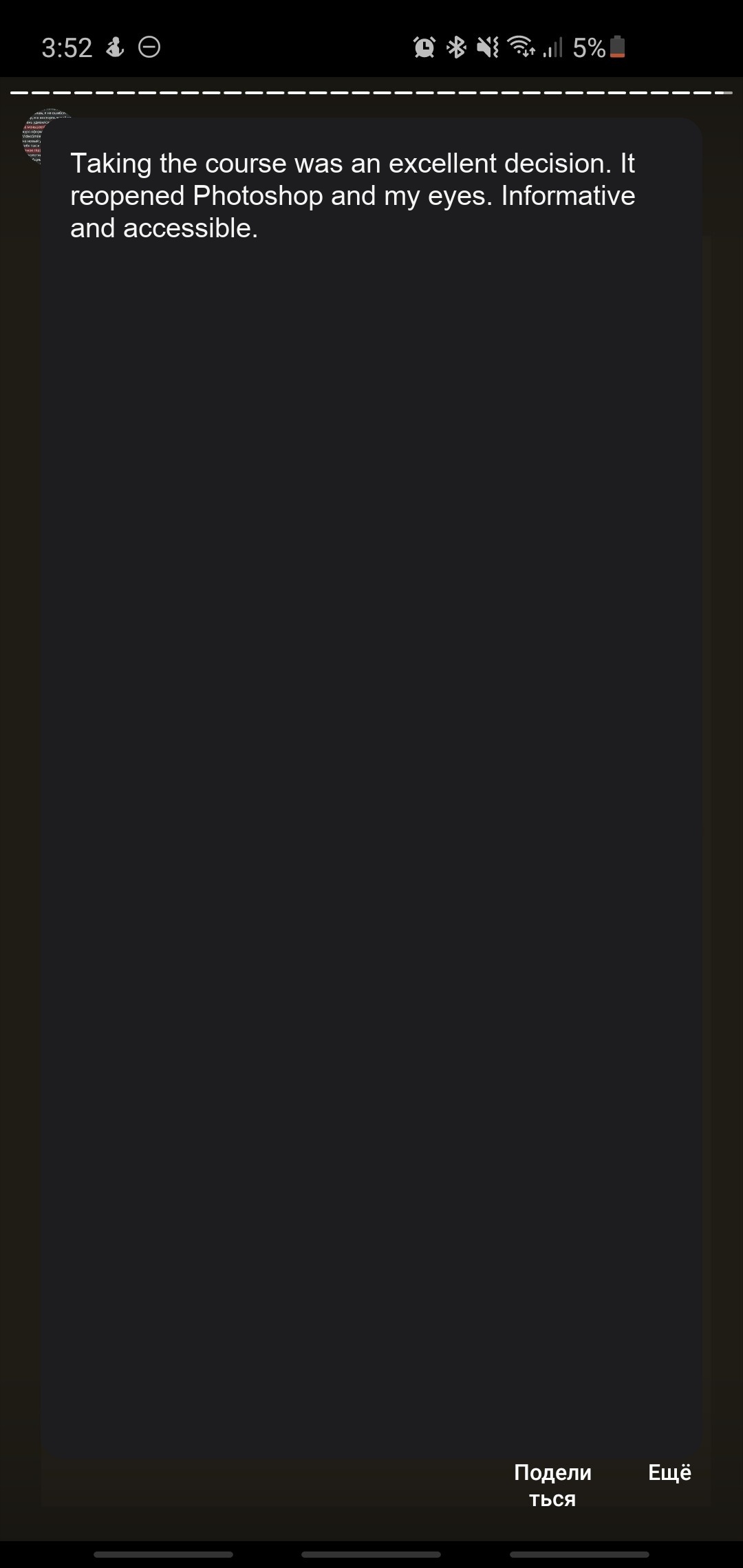
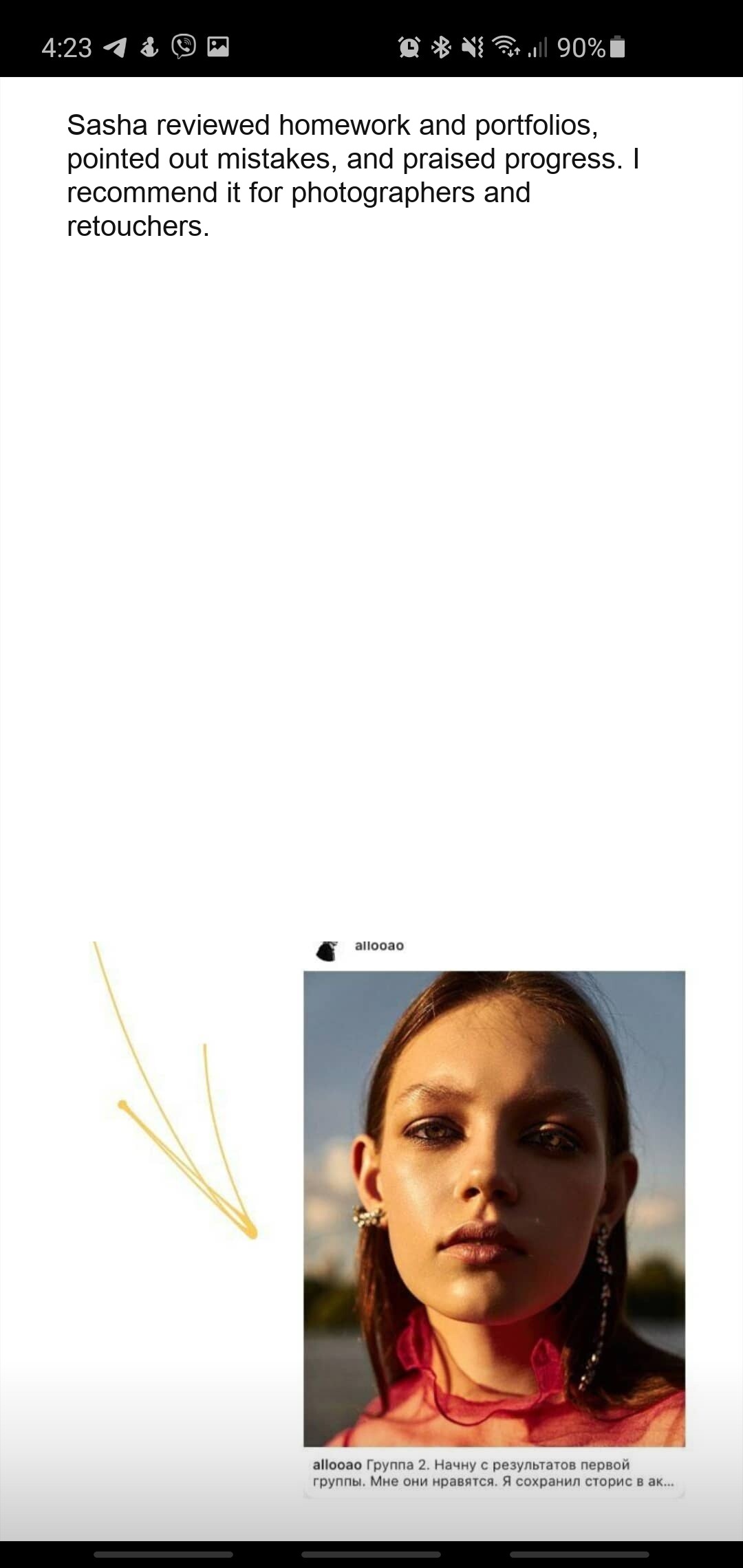
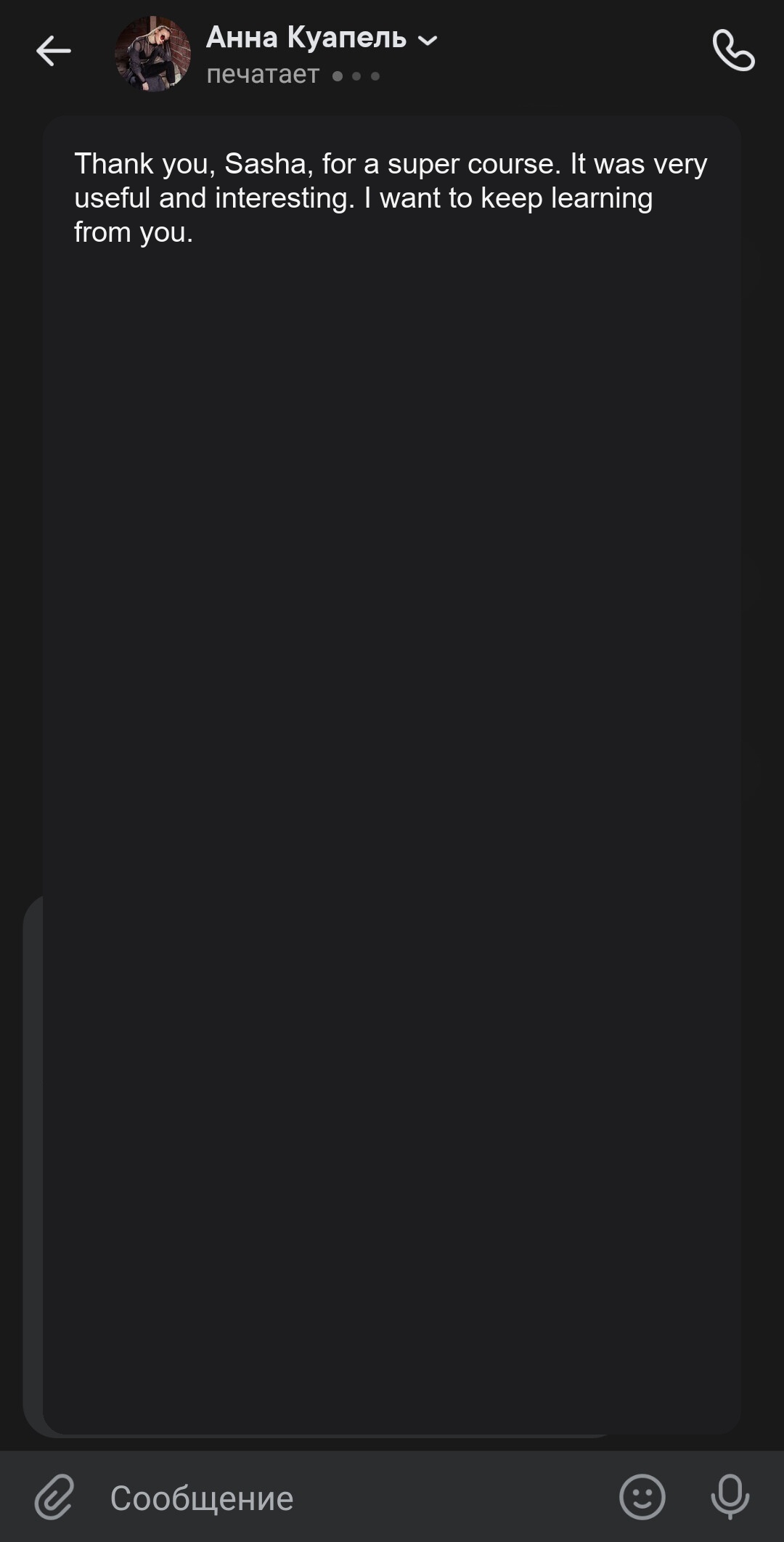
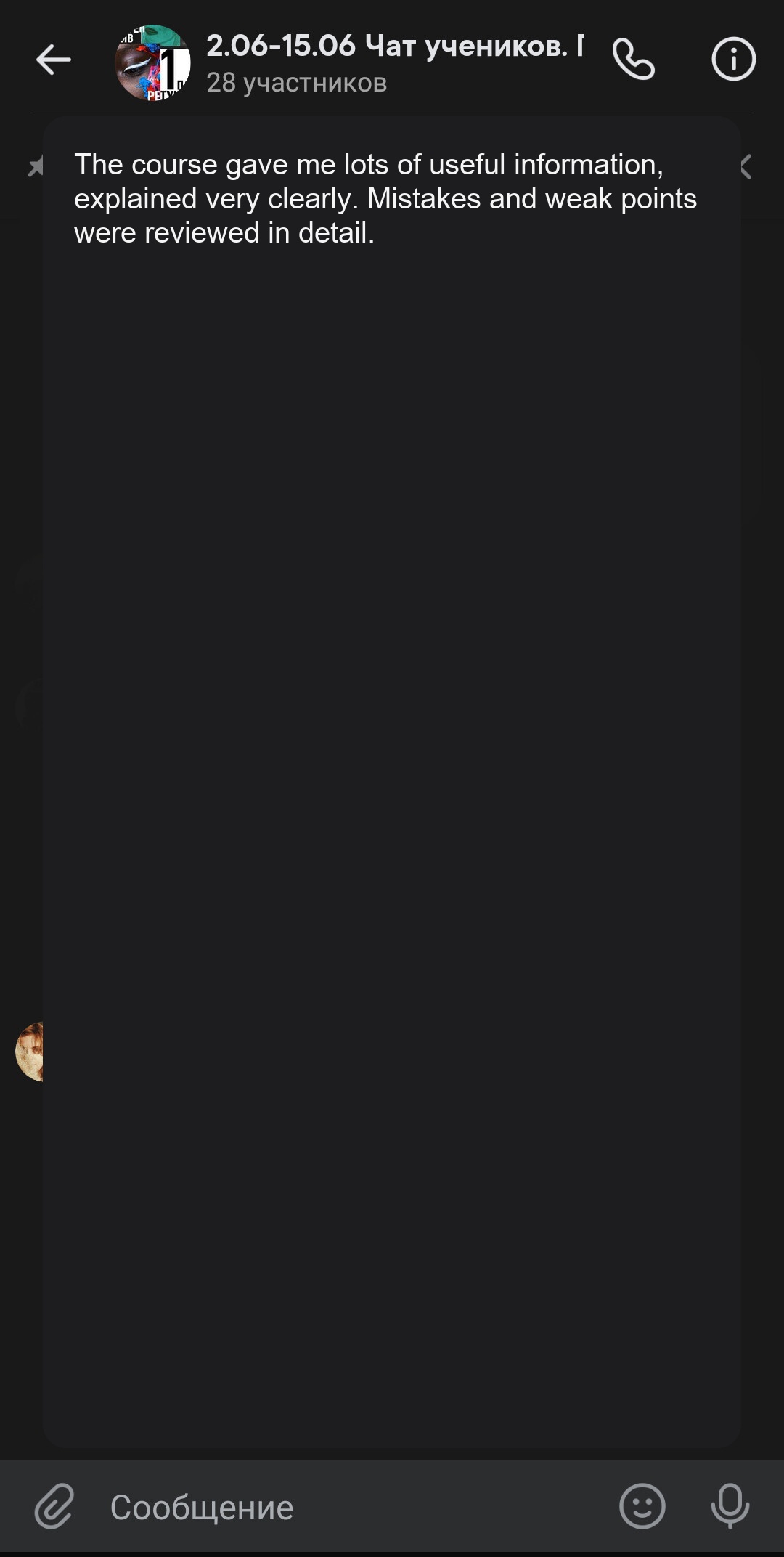
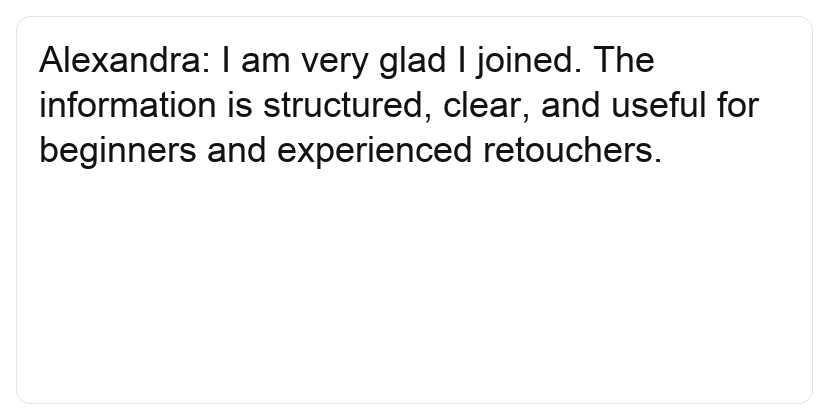
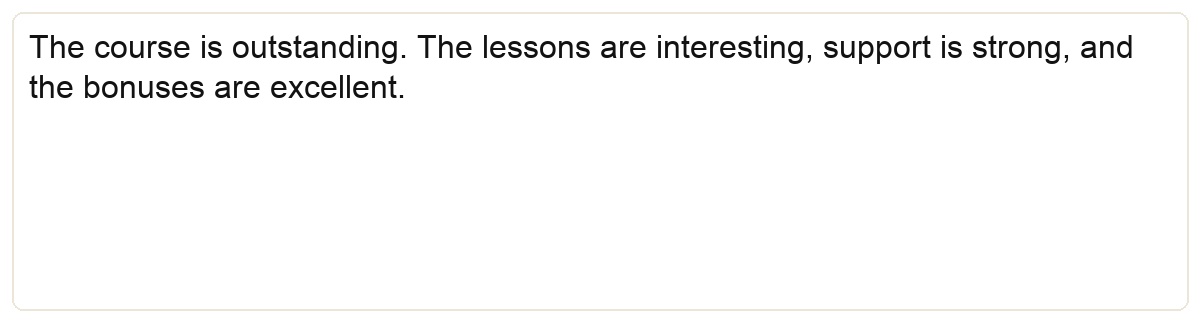
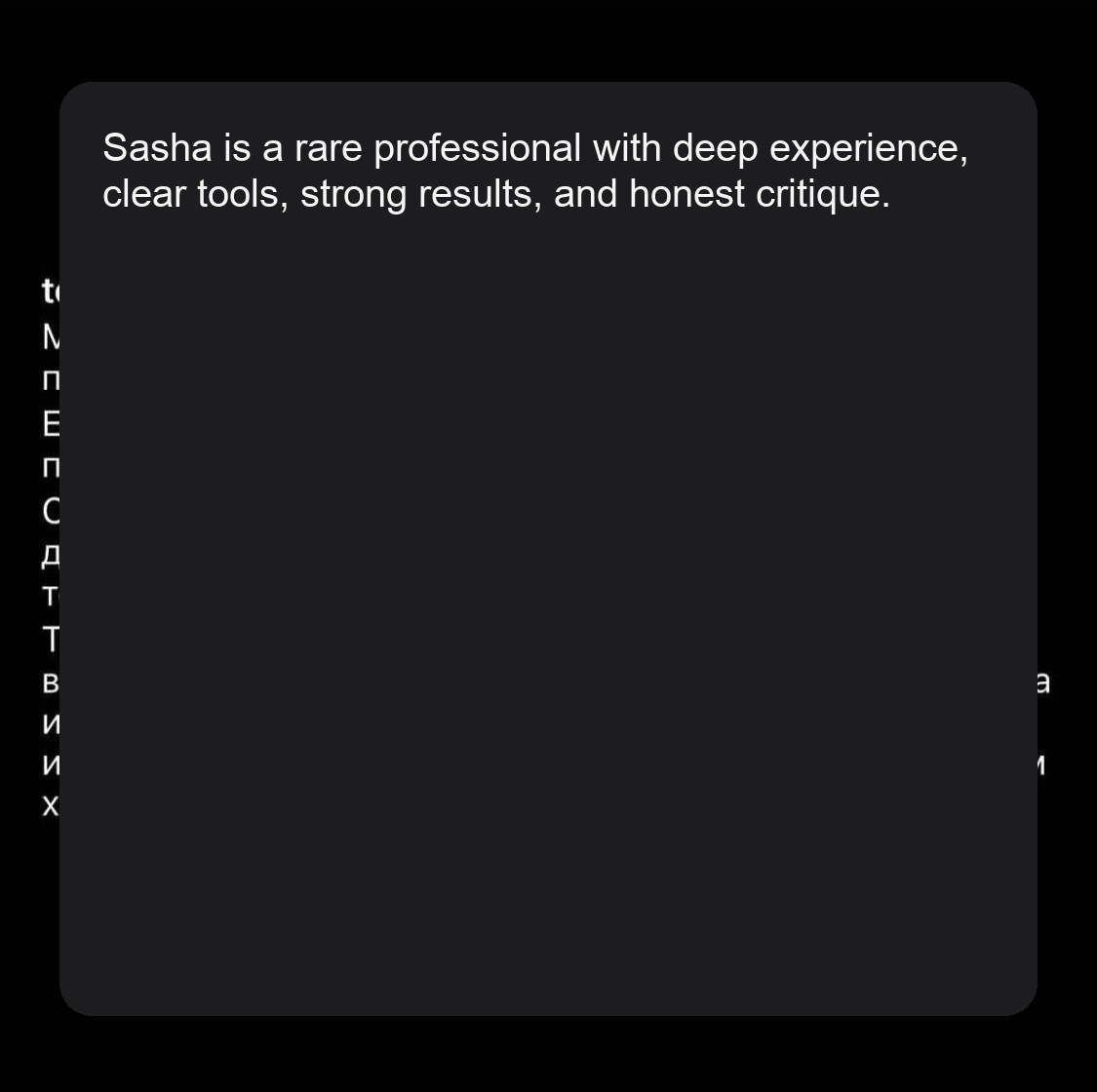
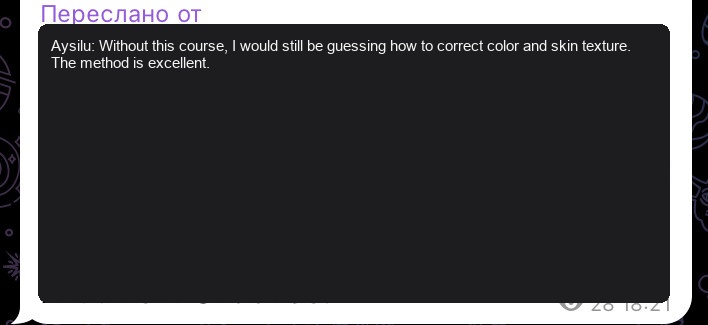
Student reviews
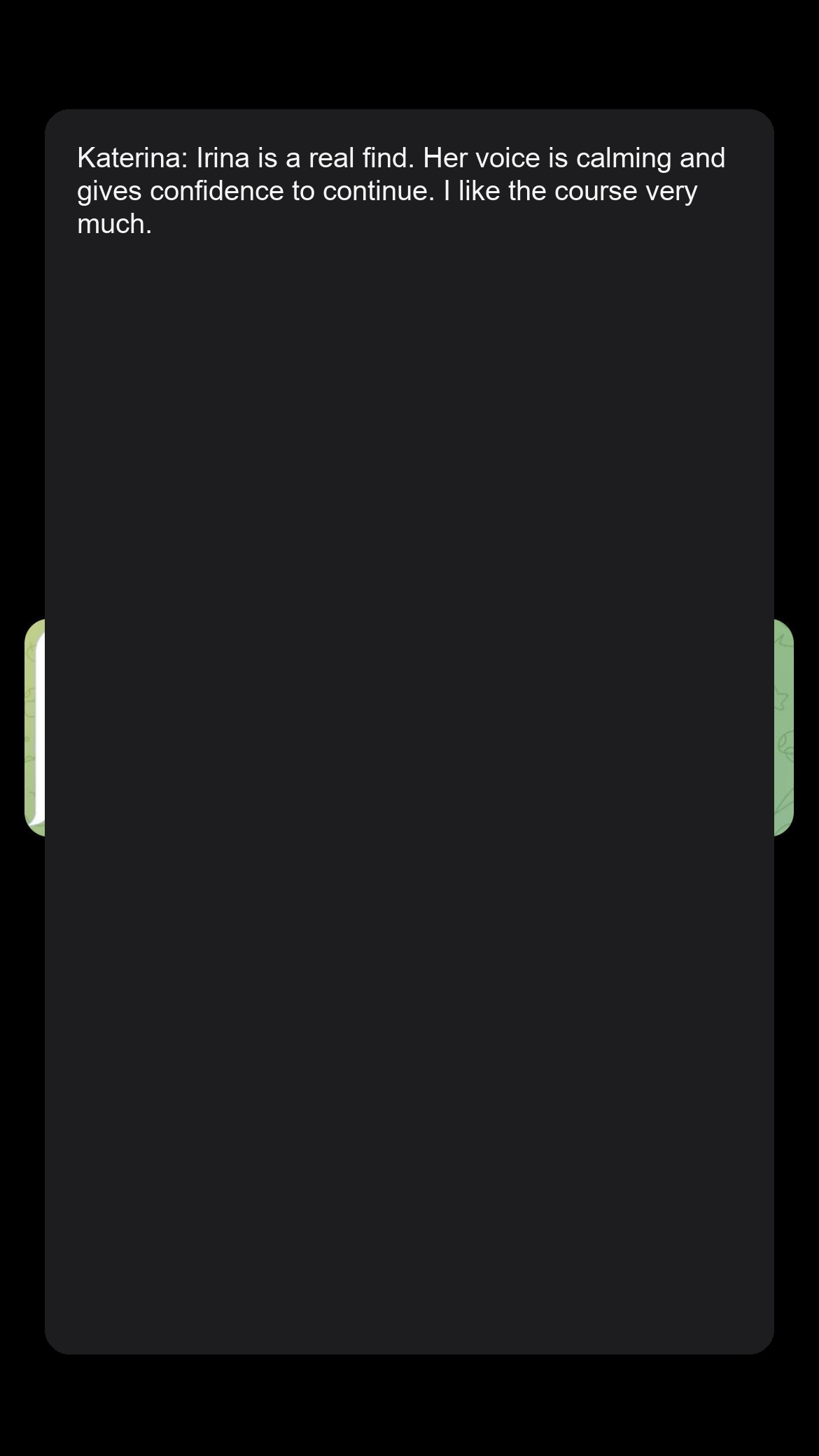
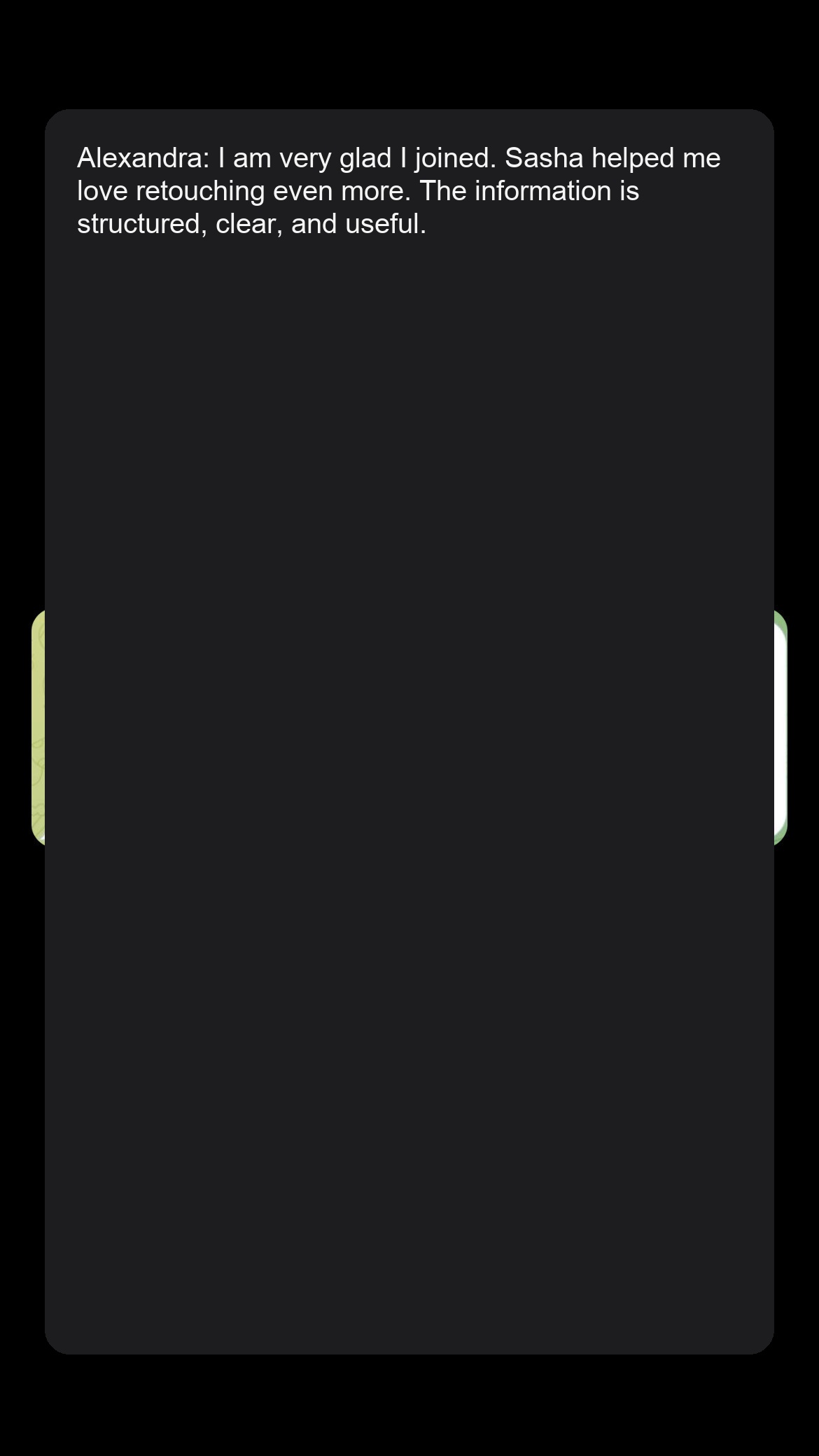
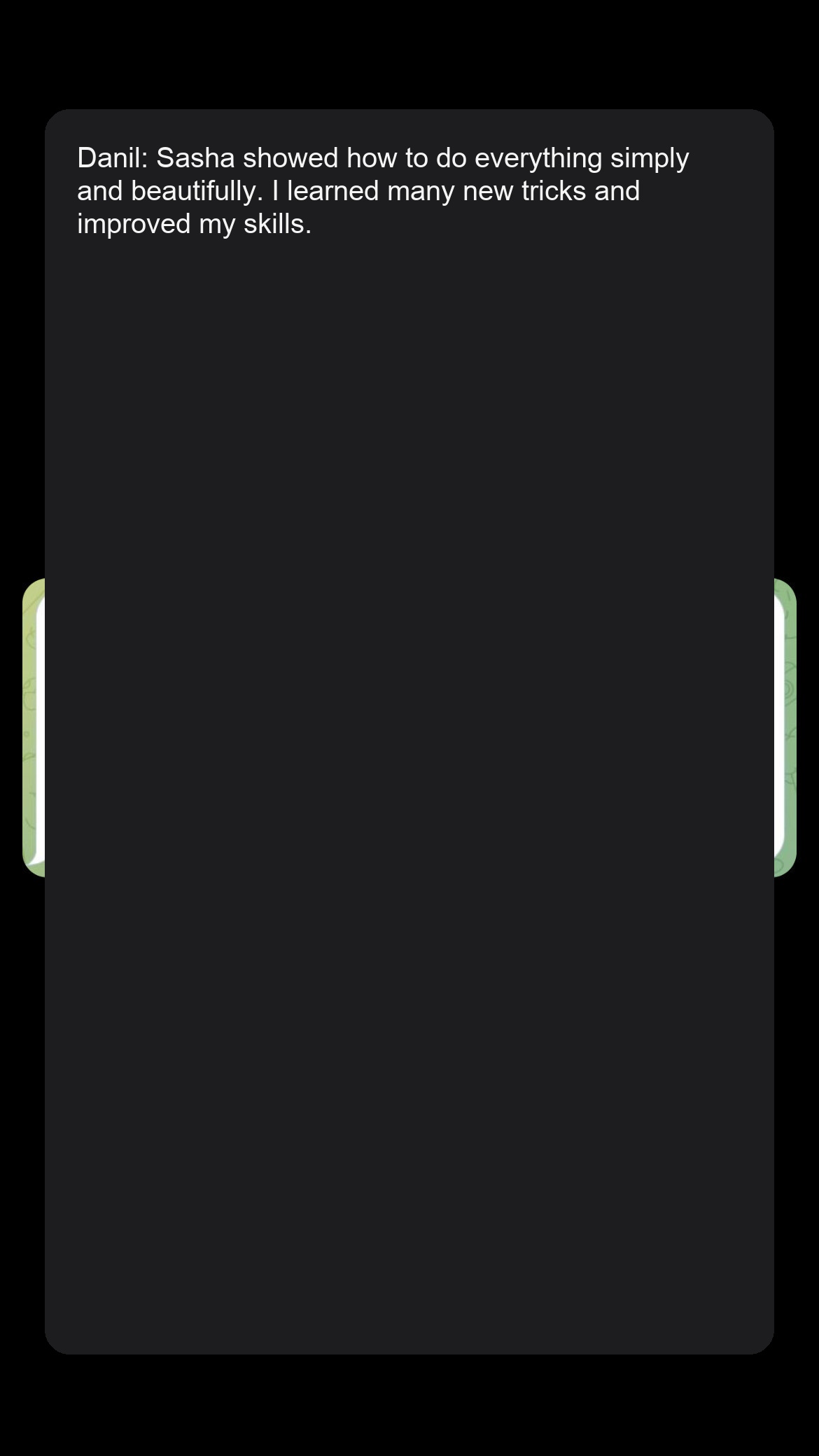
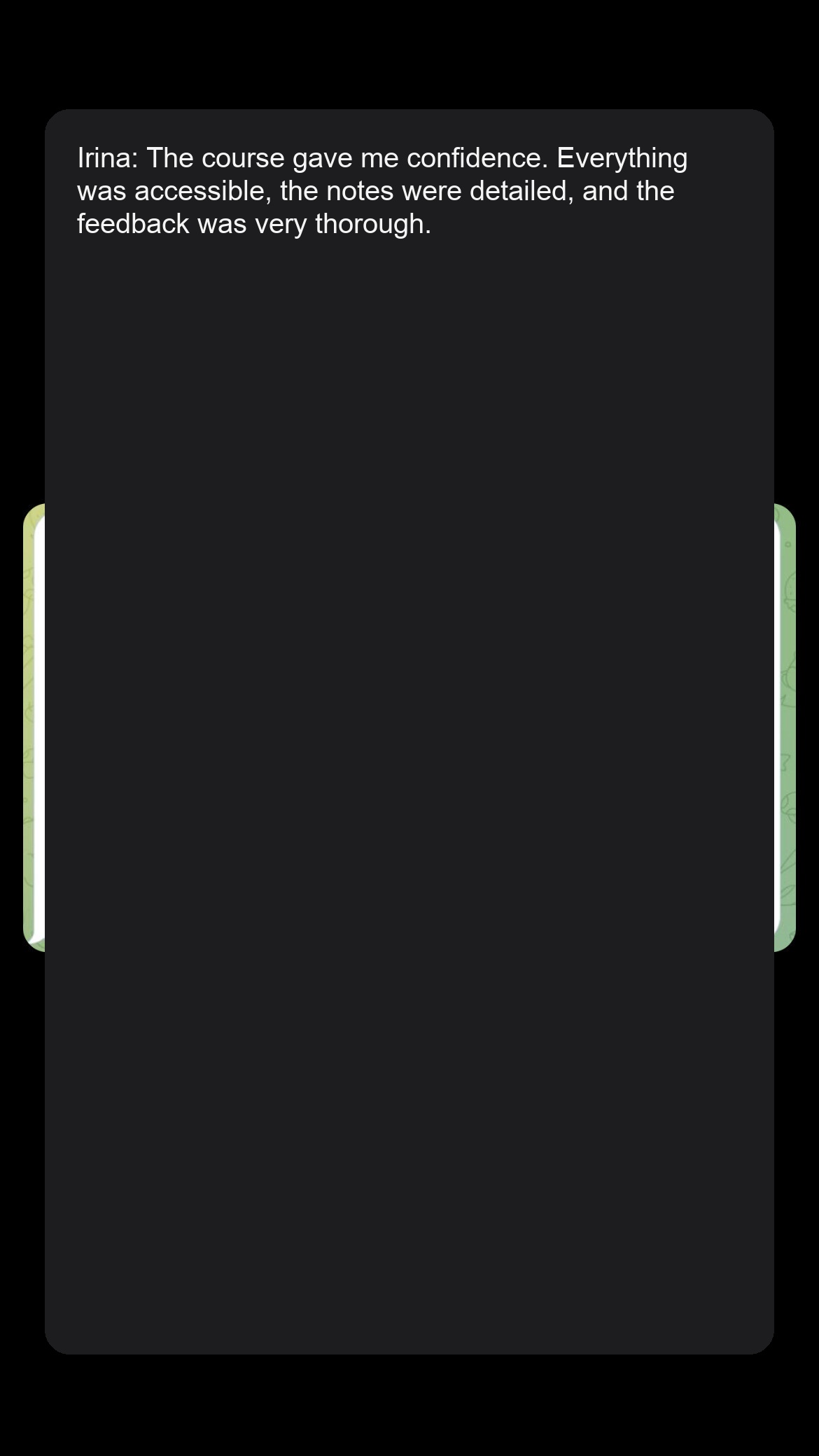
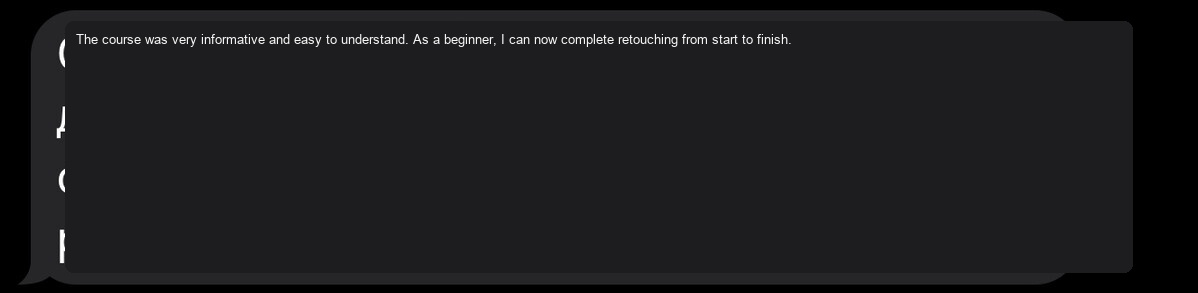
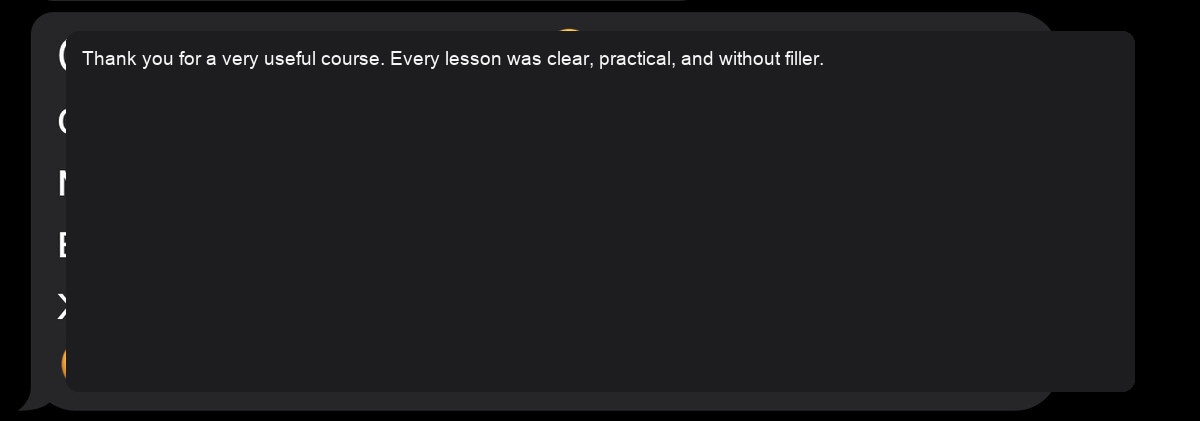
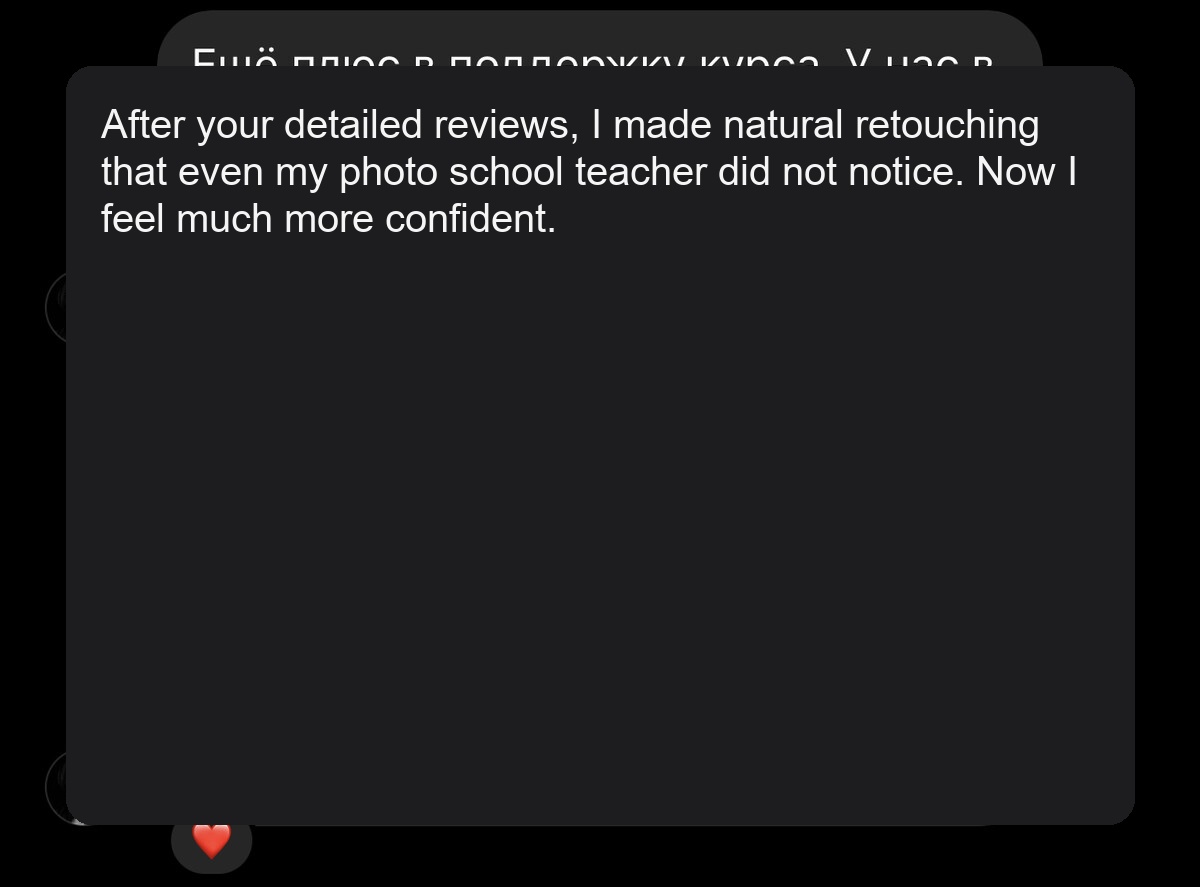
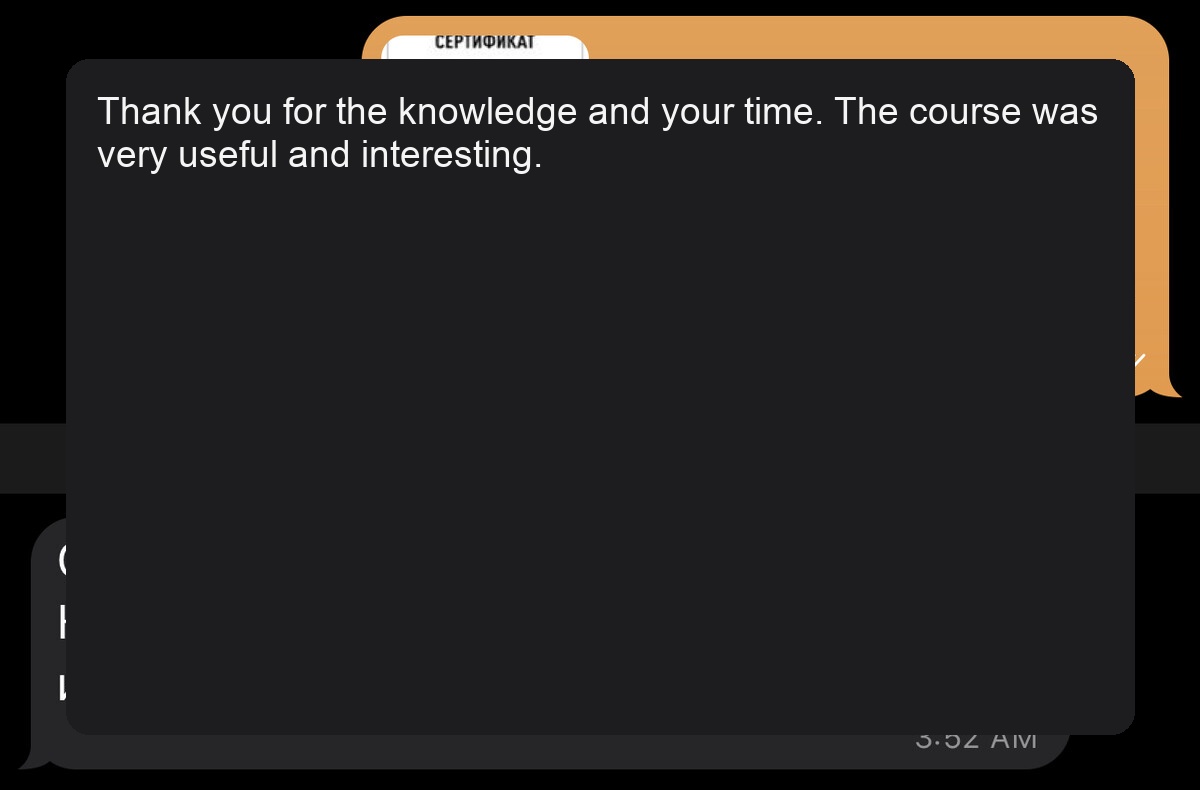
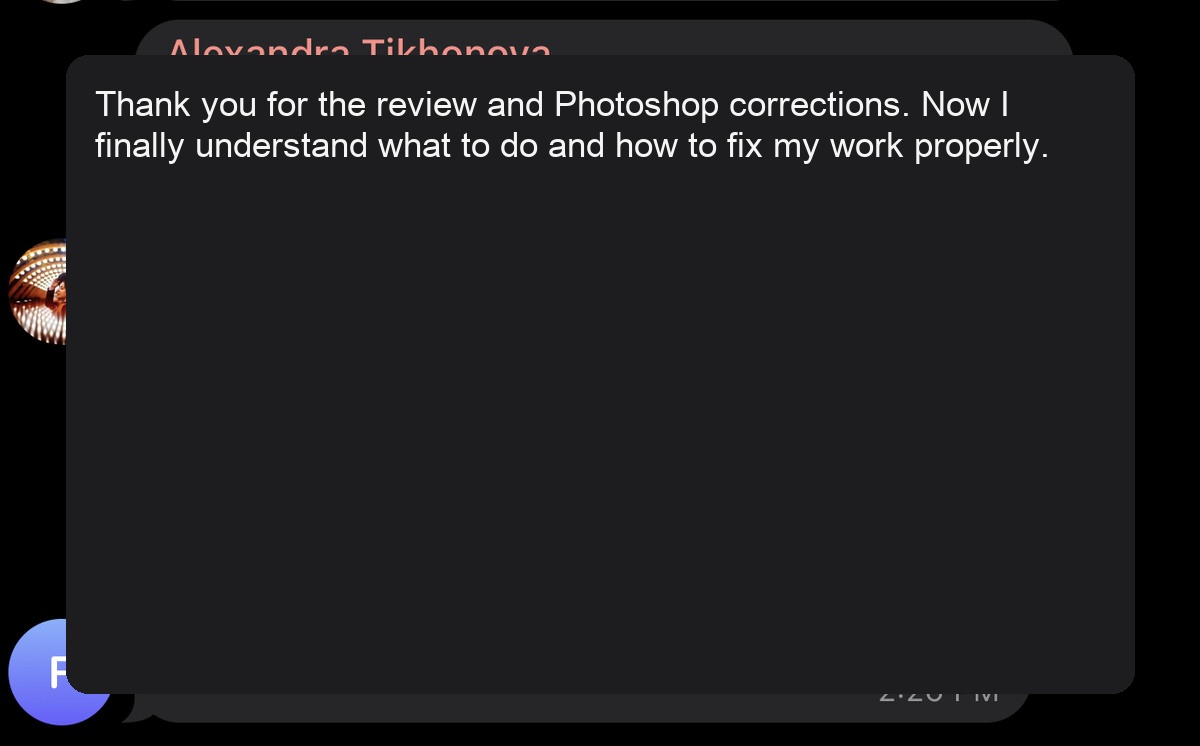
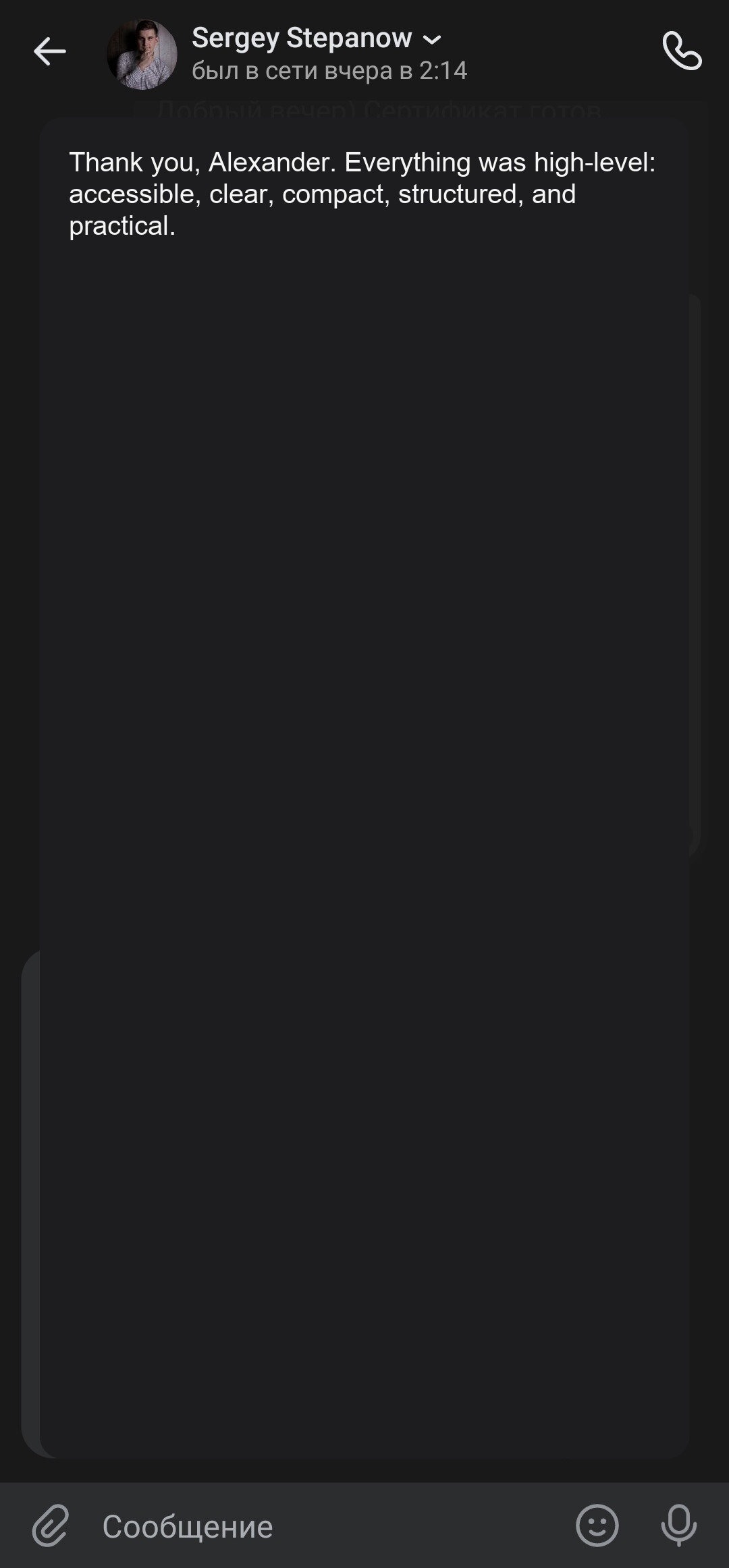
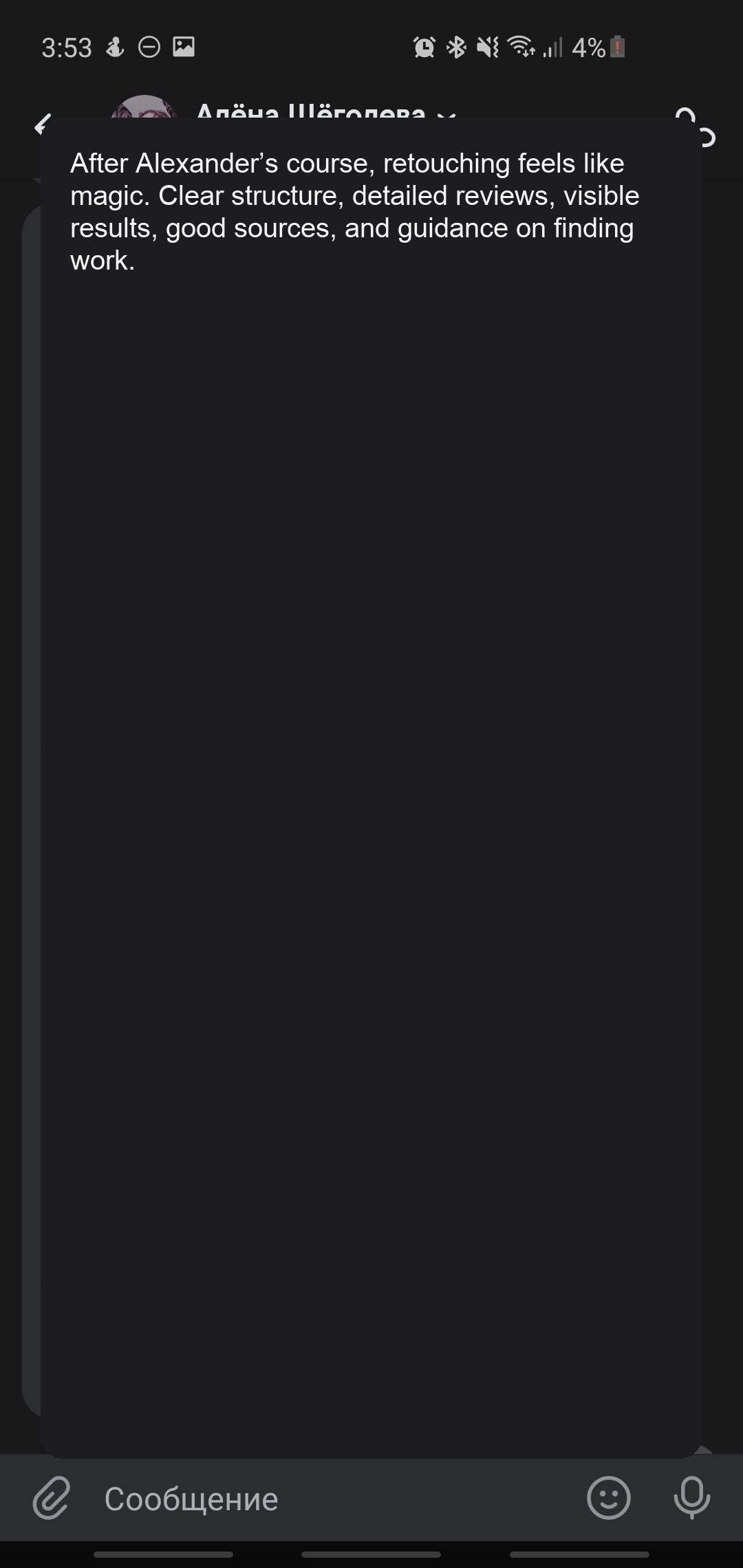
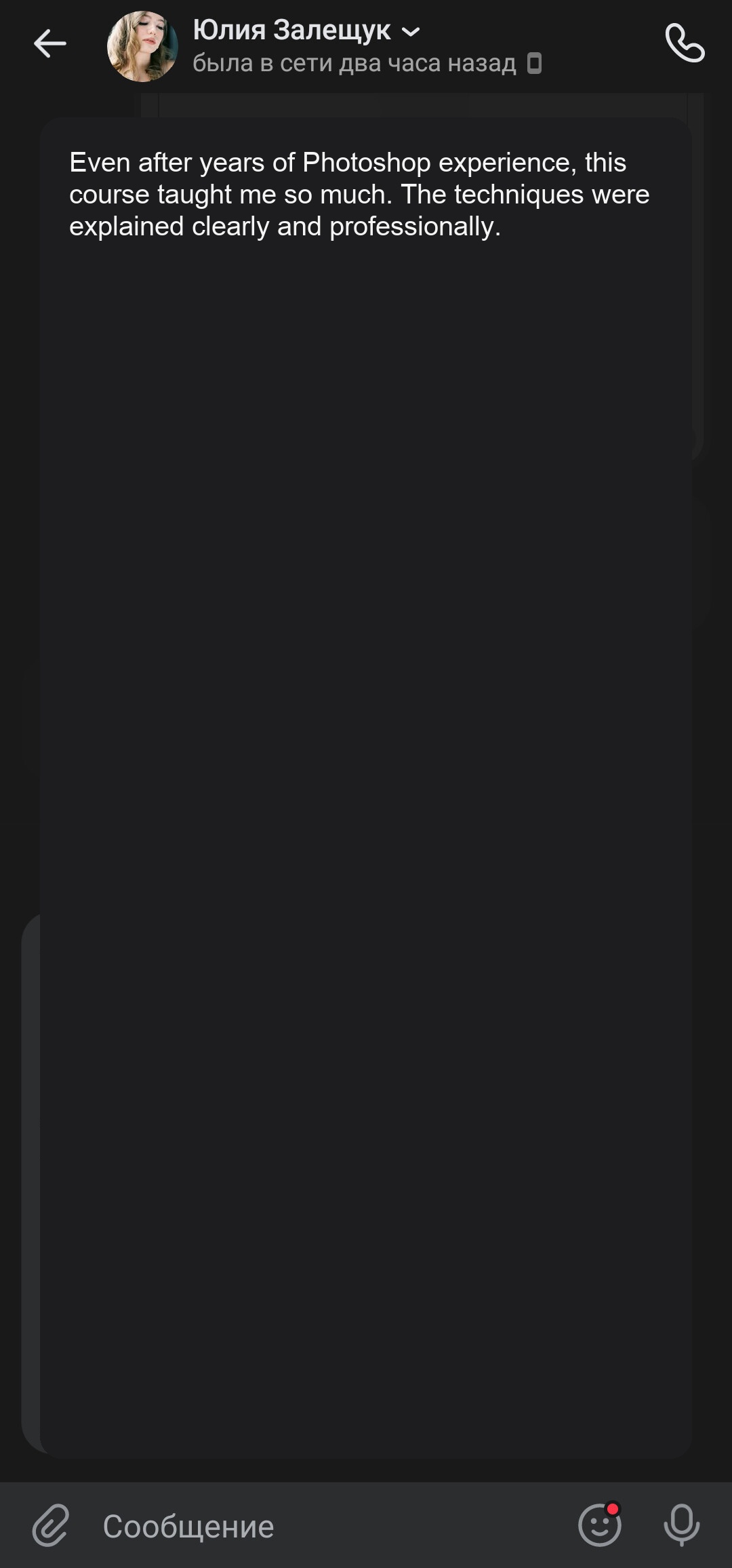
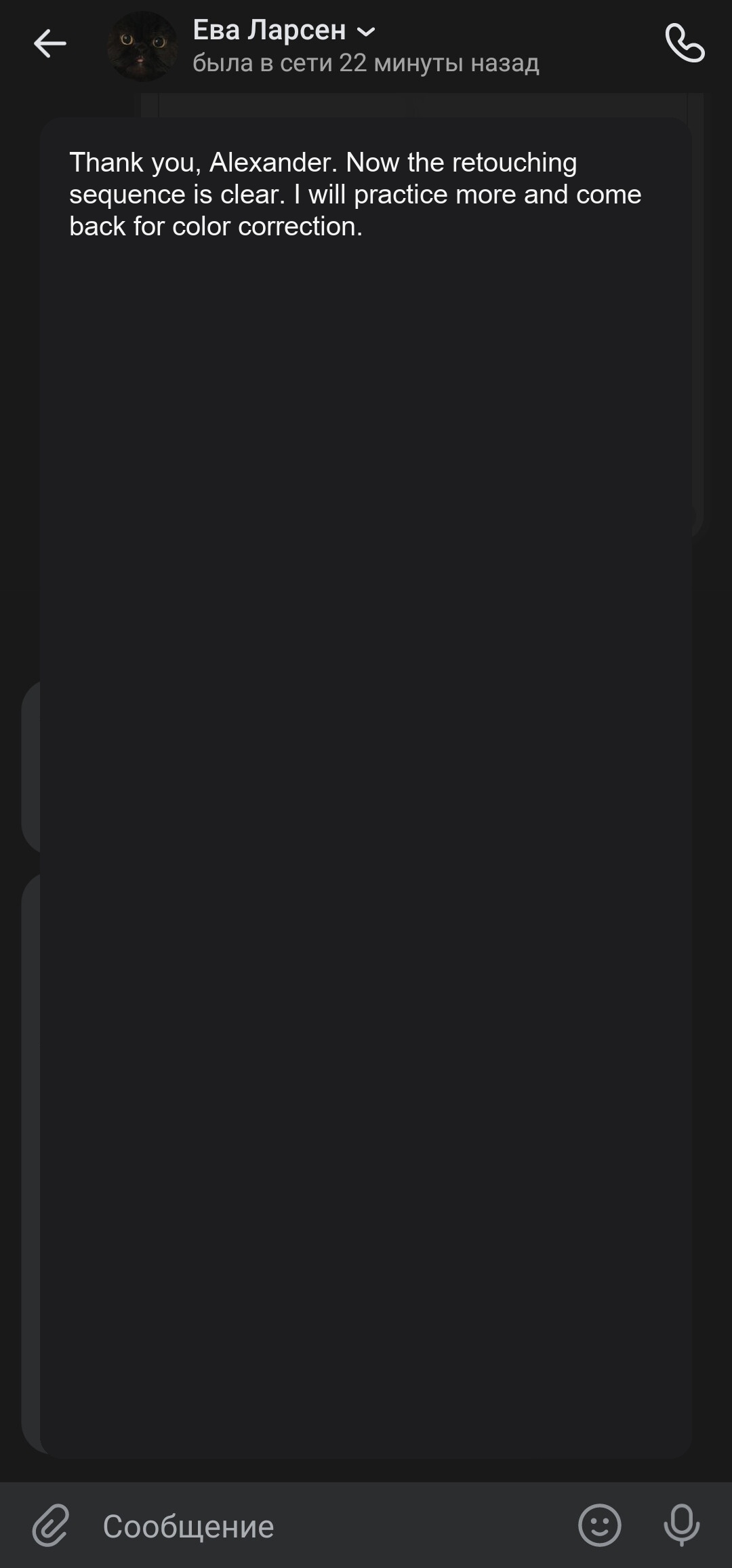
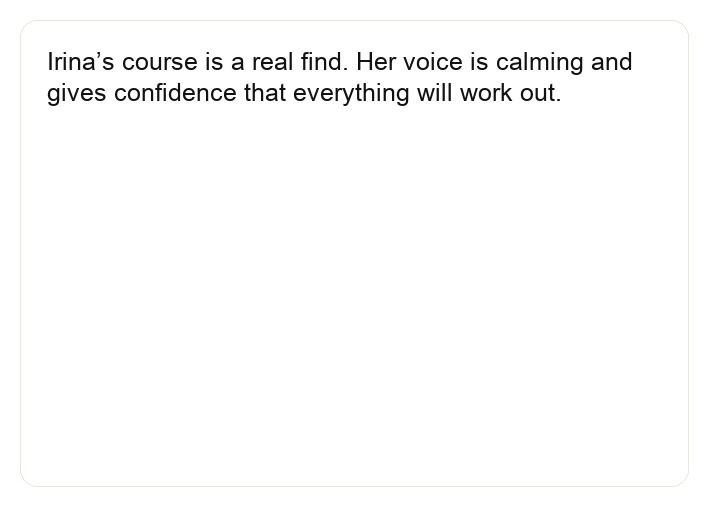
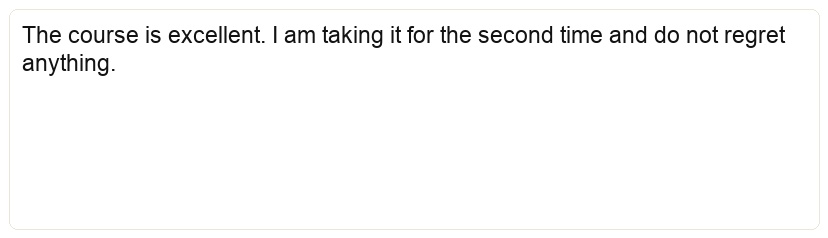
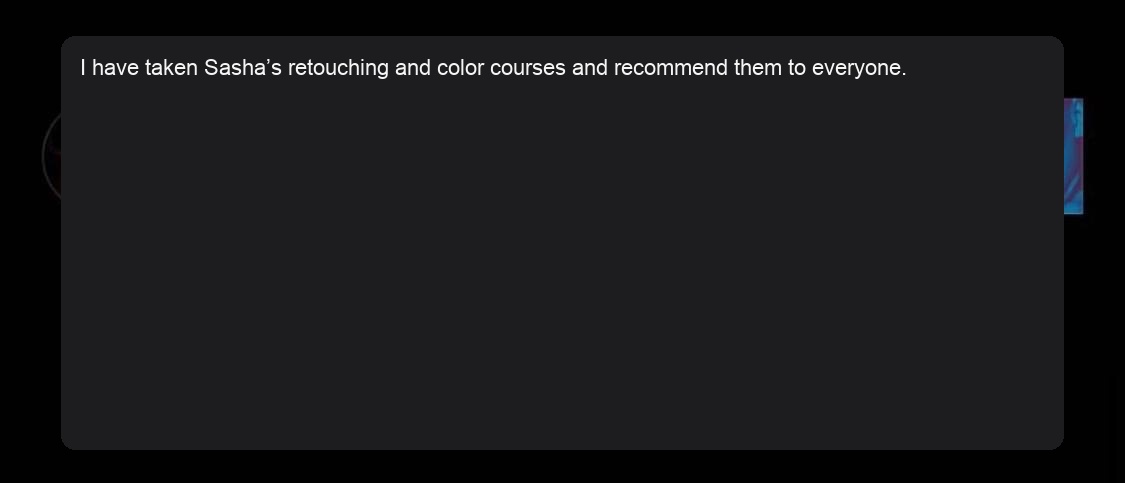
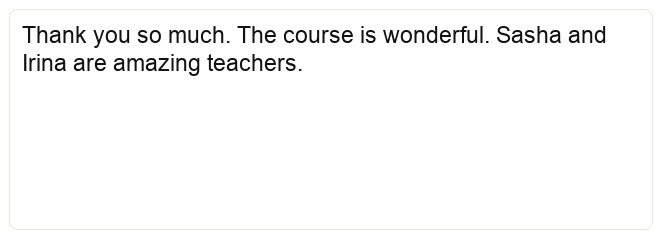
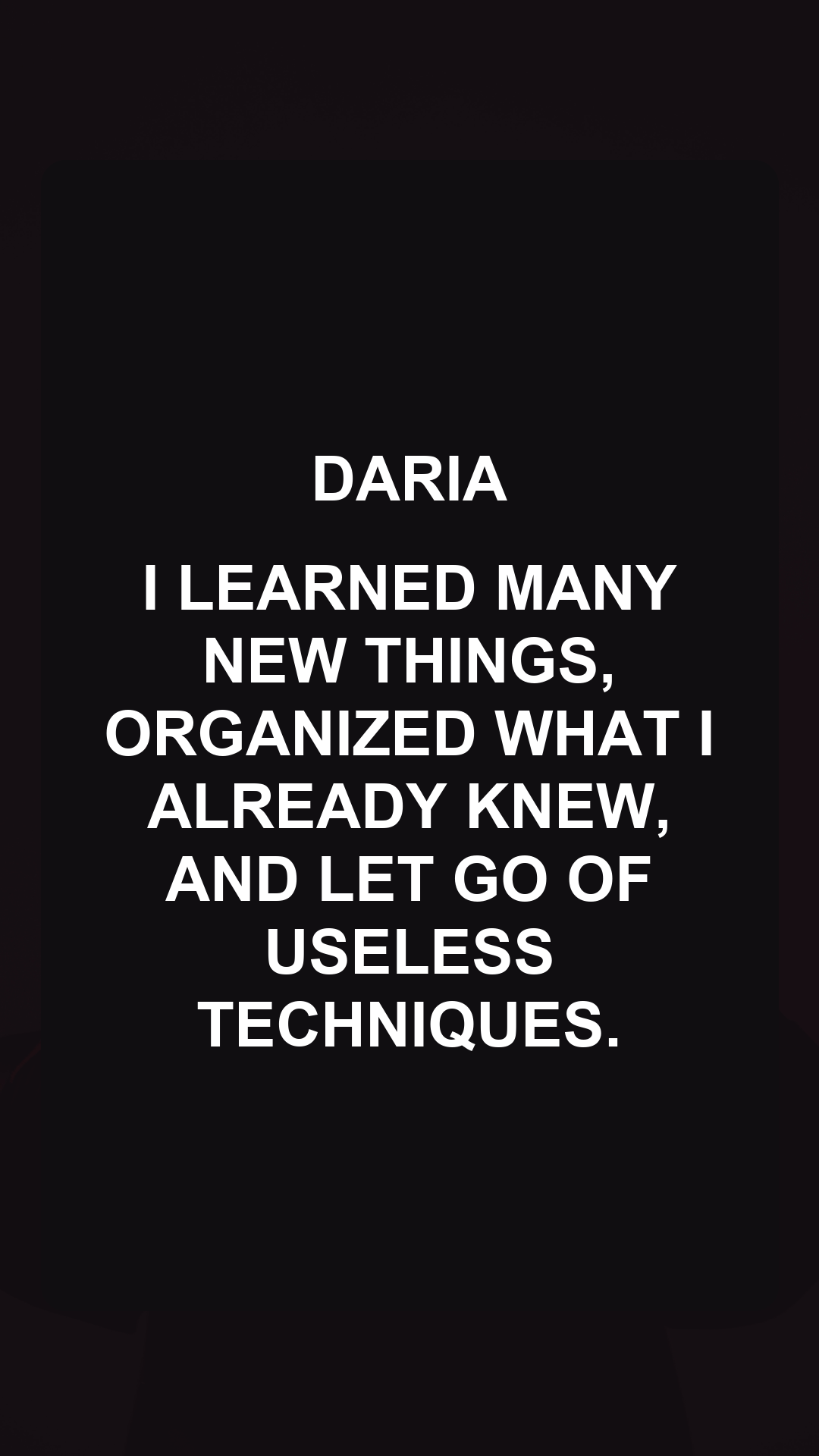
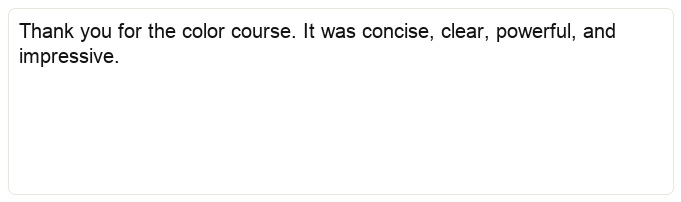
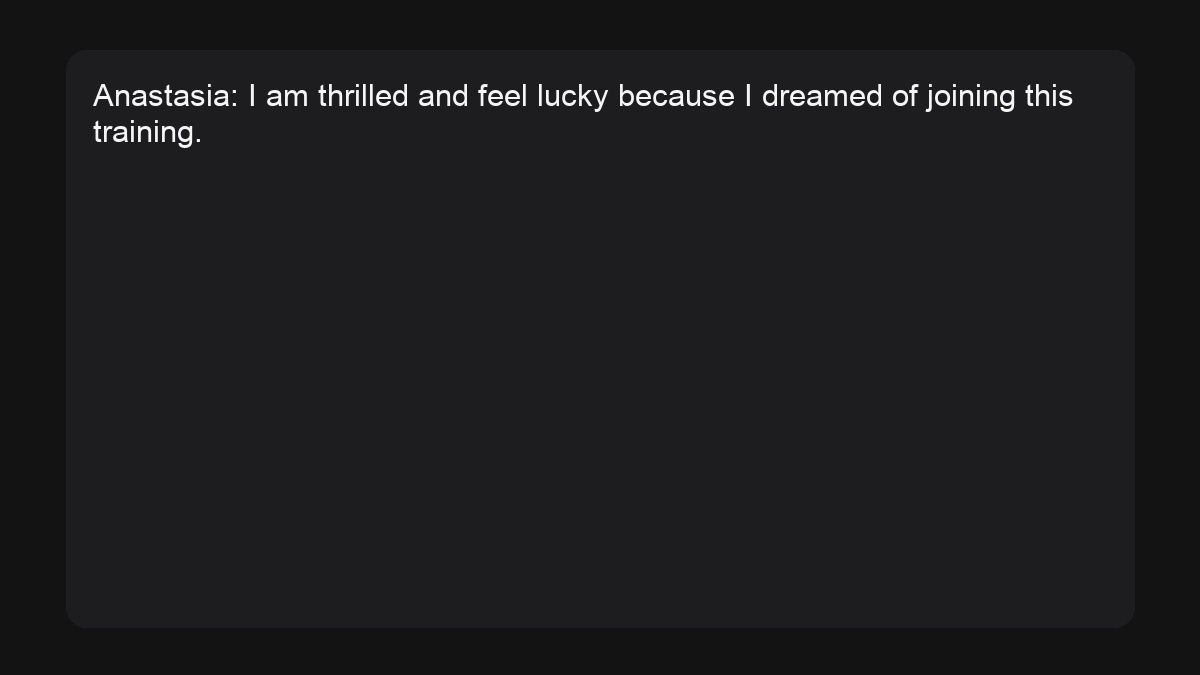
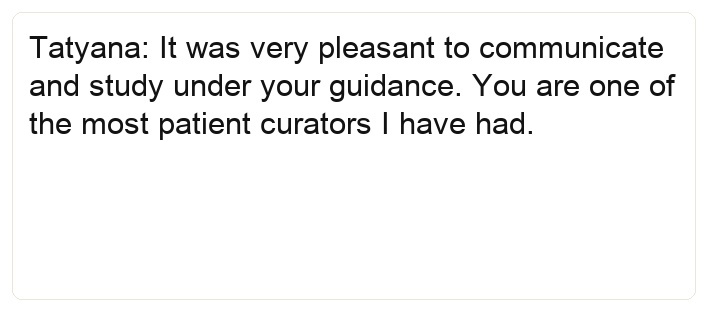
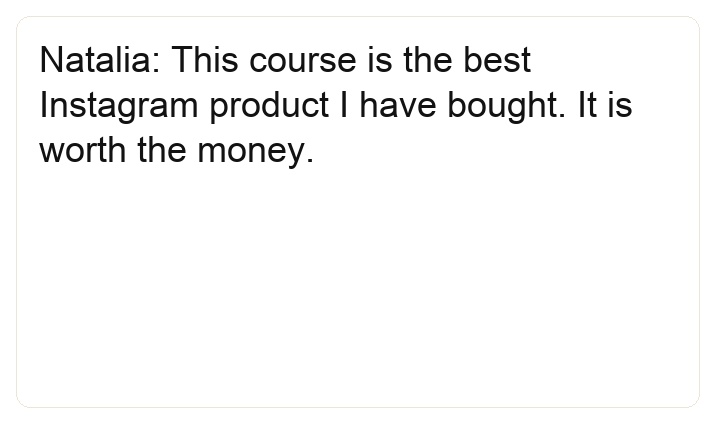
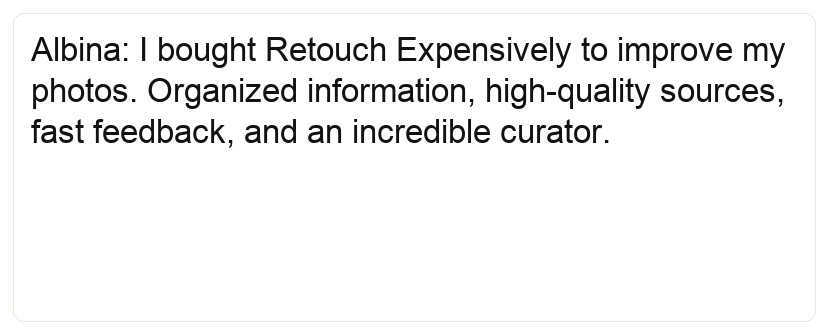
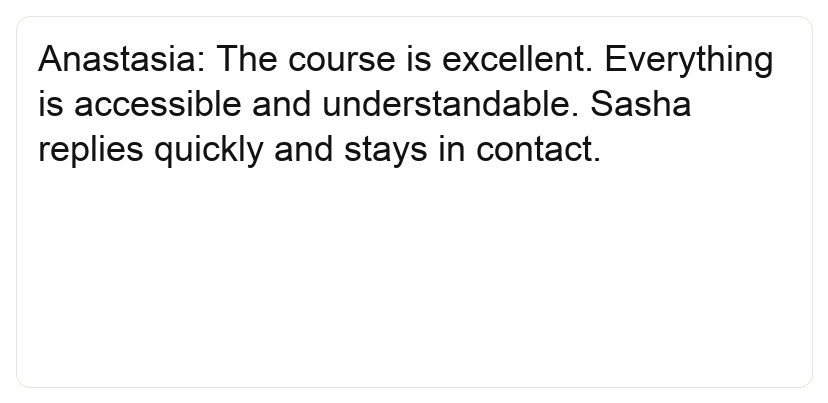
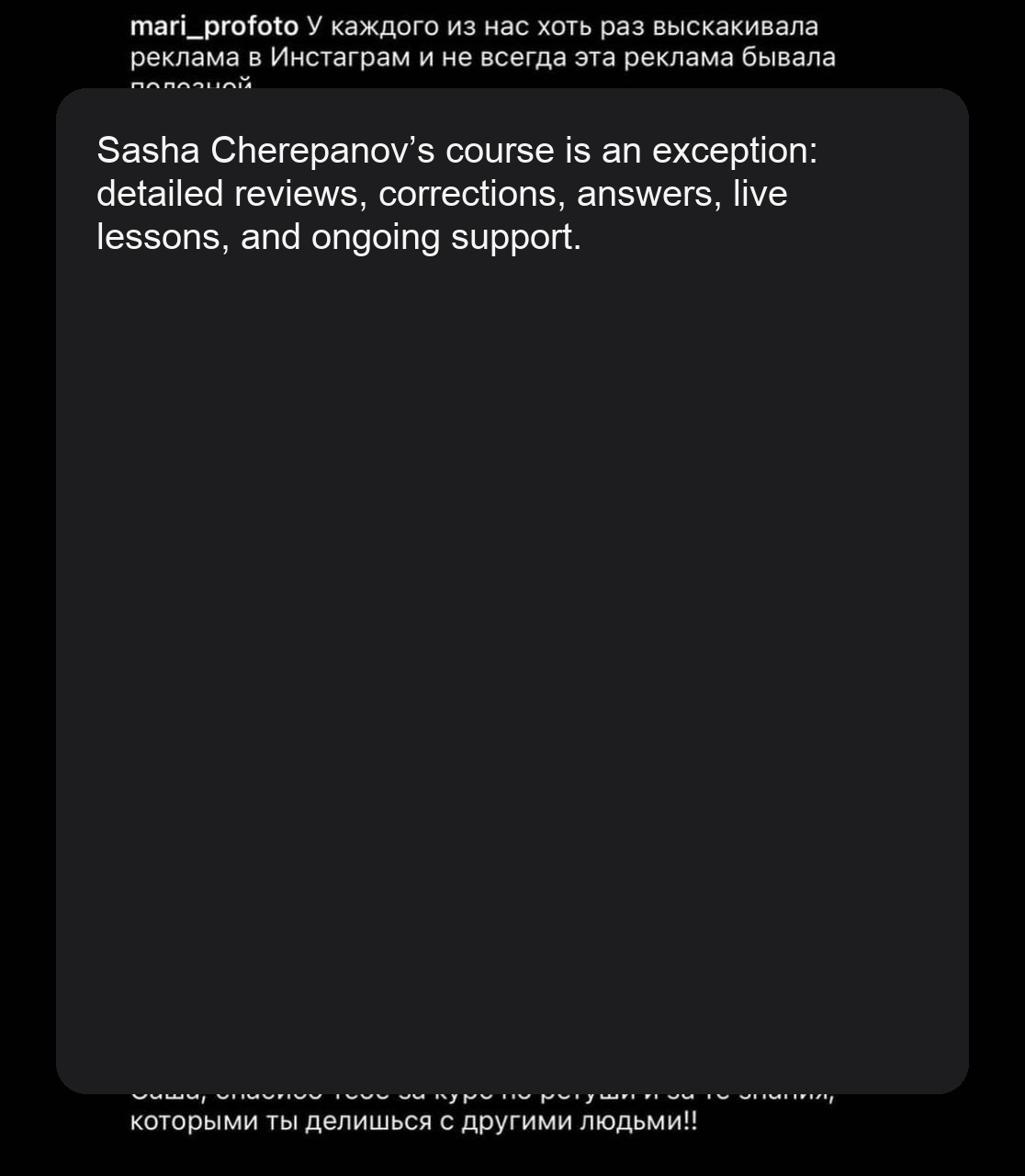
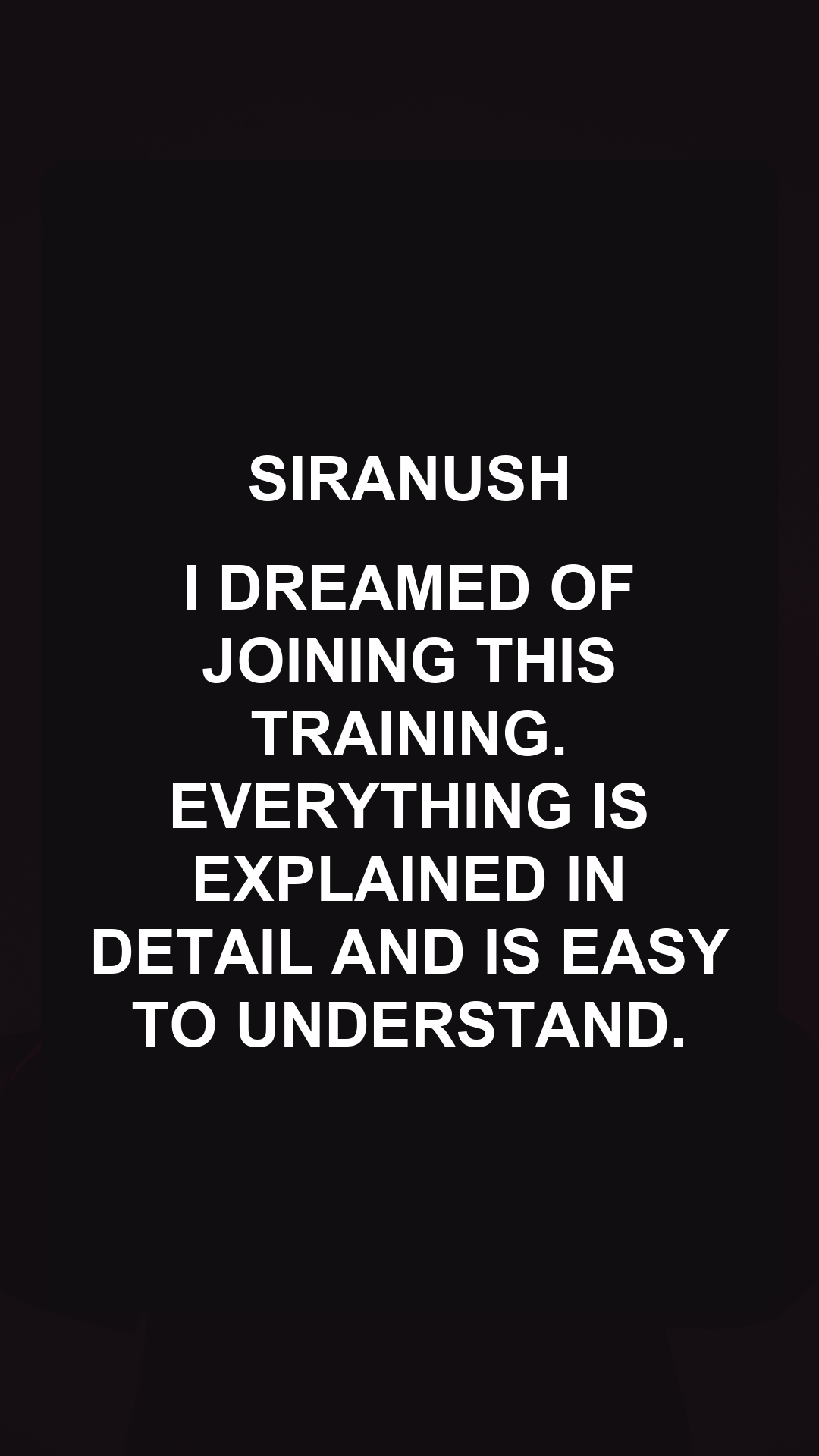
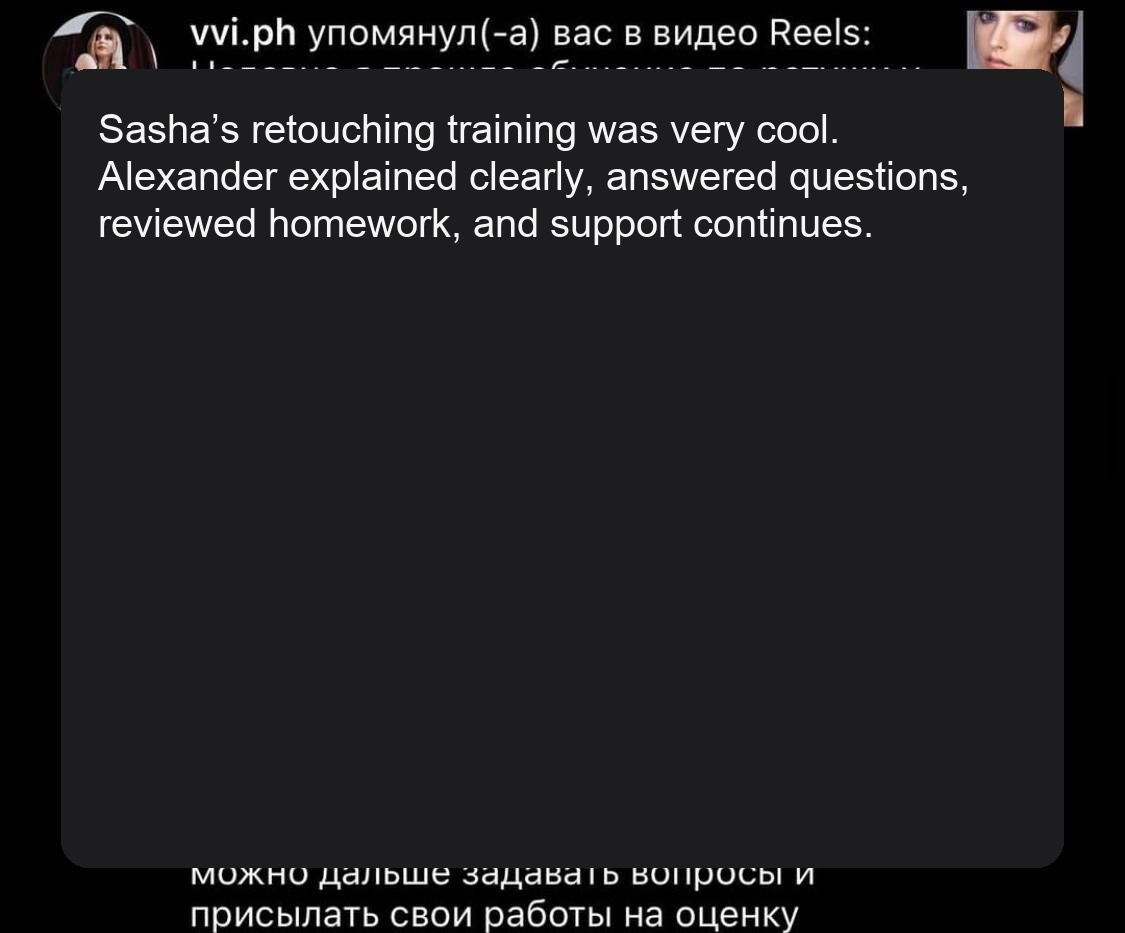
Live messages after training: how the quality of work, confidence and income from retouching changes.

Student results

Matveeva
Things are bad
Lack of time
Works main job + child
Point B - more than 300,000 RUB / month (NDA)
Quit the office
I earned my monthly income, but only from retouching in 2 weeks
Doing what he loves
I got results even without social media. networks
Pravednikova
Low cost of shooting
Fear of raising a check
Uncertainty about your work
Lack of knowledge on working with studio lighting
Point B - 165,000 RUB / month
Increased the check x4 times
It has become easier to sell your footage
Moved to Moscow
Became more confident in myself and my professionalism
Films in 2 cities: Moscow, Yekaterinburg
Steadily receives orders from VK target
Sadnov
"Vanity" thinking
Was bad at selling your services
There was no action plan
It's not clear what to do
Point B - 225,000 RUB / month
Calm and measured thinking
Easily sells and broadcasts yourself
There is a clear, understandable plan
Growth in income x3.5
Mansorunov
My head is a complete mess
Lacks discipline
Wants to work and not burn out, to take more congenial orders
Wants to increase his earnings
Point B - 156,000 RUB / month
Broke the financial ceiling of 150 thousand RUB.
Stopped driving myself into work
Cut off everything unnecessary and built discipline
Starkova
Strong devaluation of oneself and work for 1000₽-3.500₽.
Delivery of photos 3 weeks - a month
Emotions at the bottom
The feeling that I started everything in vain
Lack of faith that people are willing to pay for photos
Point B - 120,000 RUB / month
Income growth x24 times due to cold mailings
Raised the check to 12,000₽
Fast delivery of finished images
A dream has come true - photography has turned into a source of income
I was convinced that they were willing to pay for the photo:)
Great progress in valuing yourself positively
Gordeeva
The cost of shooting is 15,000 RUB.
Variable income
I broadcast it wrong, or I don’t broadcast it at all.
Desire for a stable income
Point B - 103,000r/month
Income growth x3 times
Stable income from photography
Took the first person to learn the basics of Photoshop and Lightroom from scratch
Deja vu
Difficulty finding clients and expressing yourself
It's difficult to manage social media. networks
Point B - 160,000 RUB / month
Broke the financial ceiling of 100 thousand RUB.
Stopped driving myself into work
Stopped grabbing all orders in a row
Started defending the value of my work and the check to the client
Refuses cheap orders
Schmidt
Work in dentistry (wants to leave)
Residency studies are not fun
Low price for filming (RUR 3,000/hour)
Anxiety and lack of understanding of what to do next.
Point B - 103,000r/month
Quit my job and left my unloved studies
Flexible schedule
Raised the price to RUR 30,000
Lived 2 months of summer in Crimea, travels around Russia
There is a clear understanding of plans and actions for the next 3 months
Became more confident in myself and in my activities
Started teaching photography
More reviews in the telegram channel
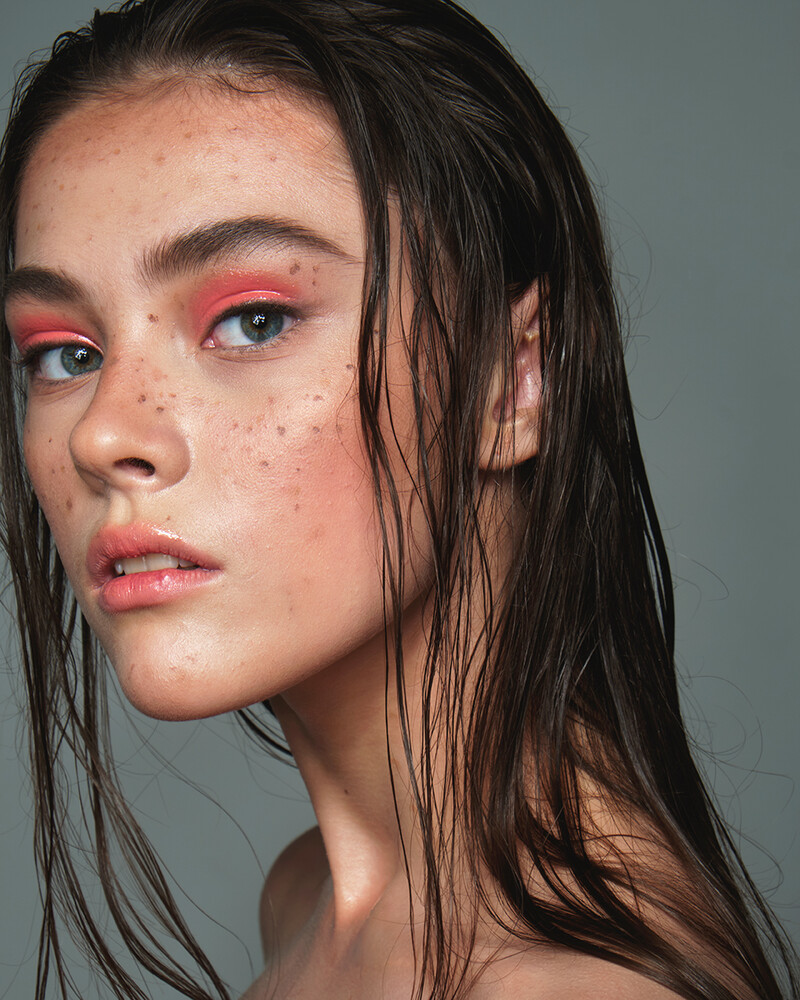
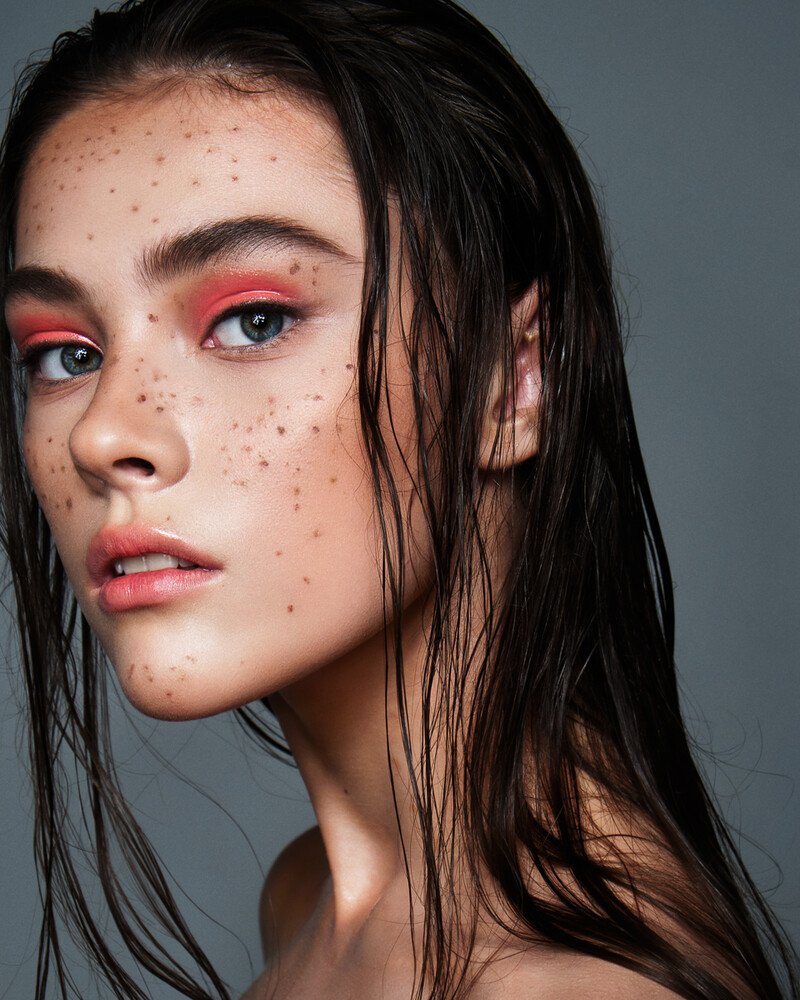
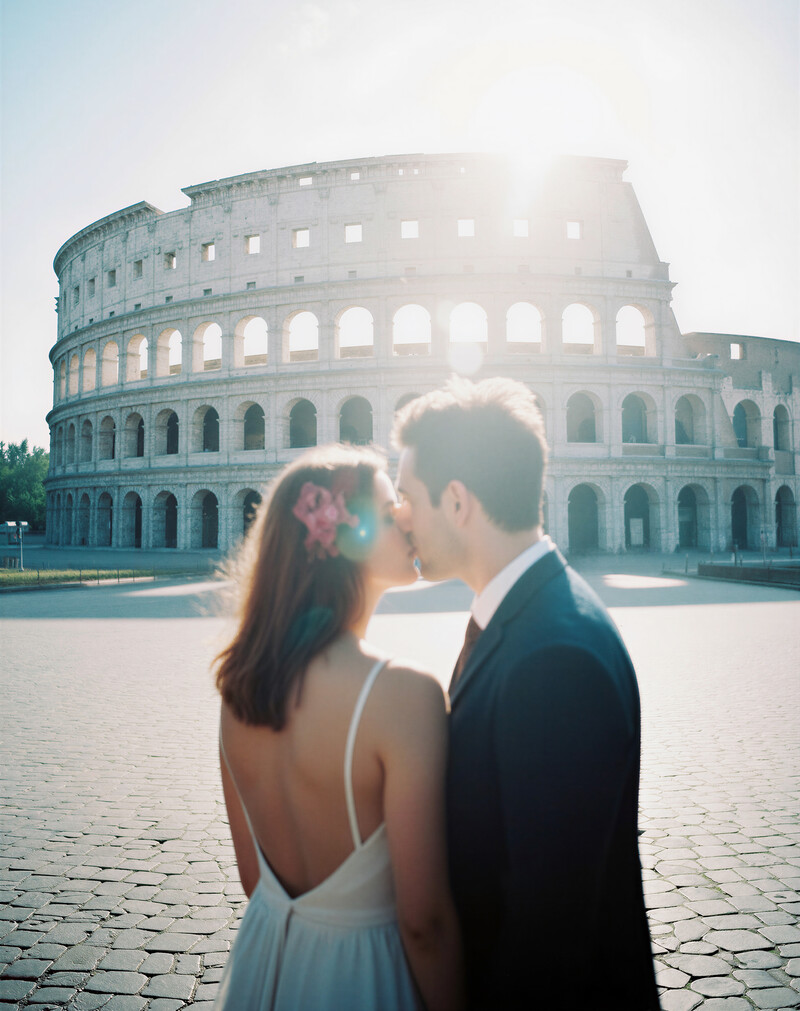
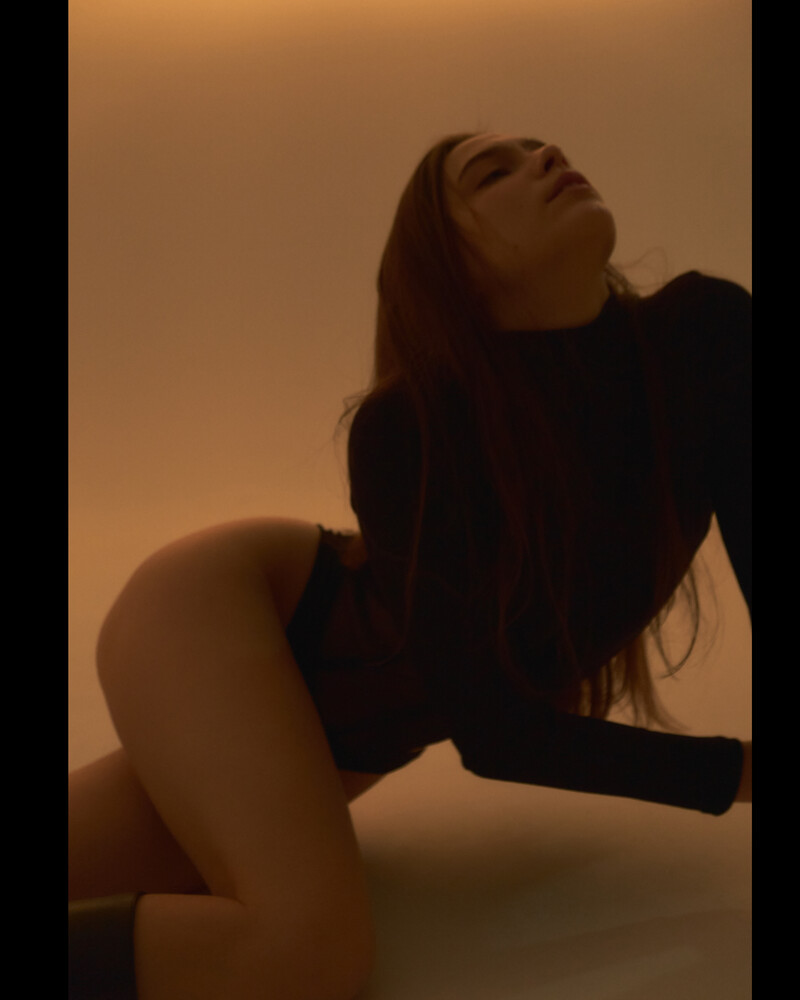
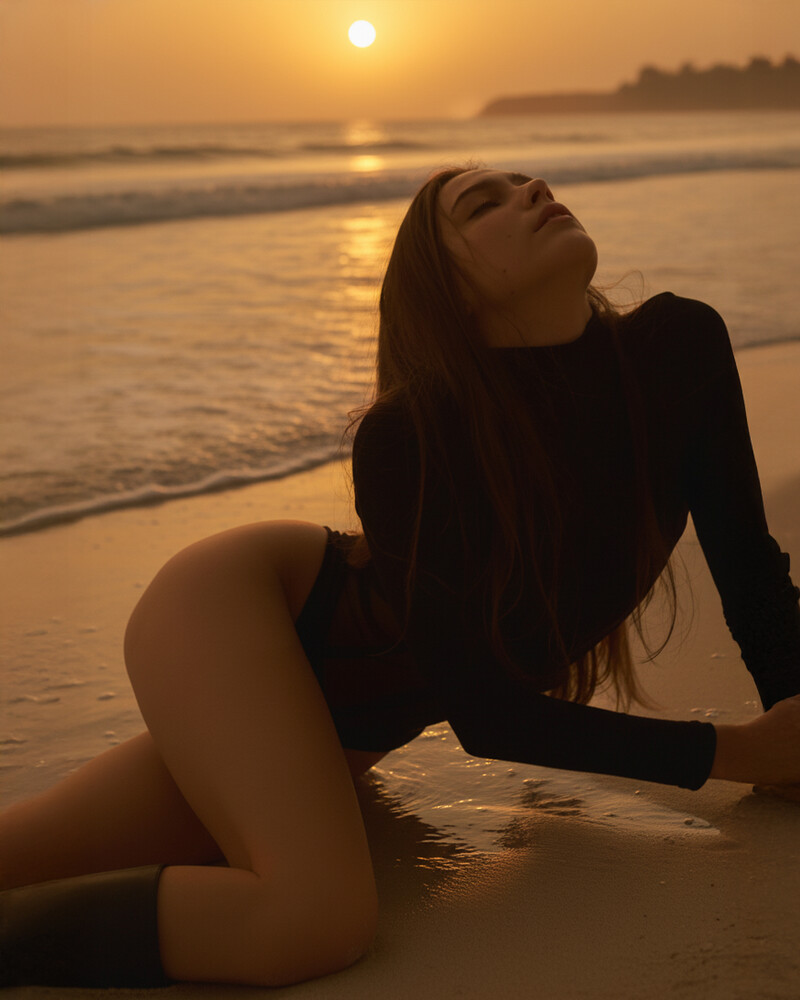
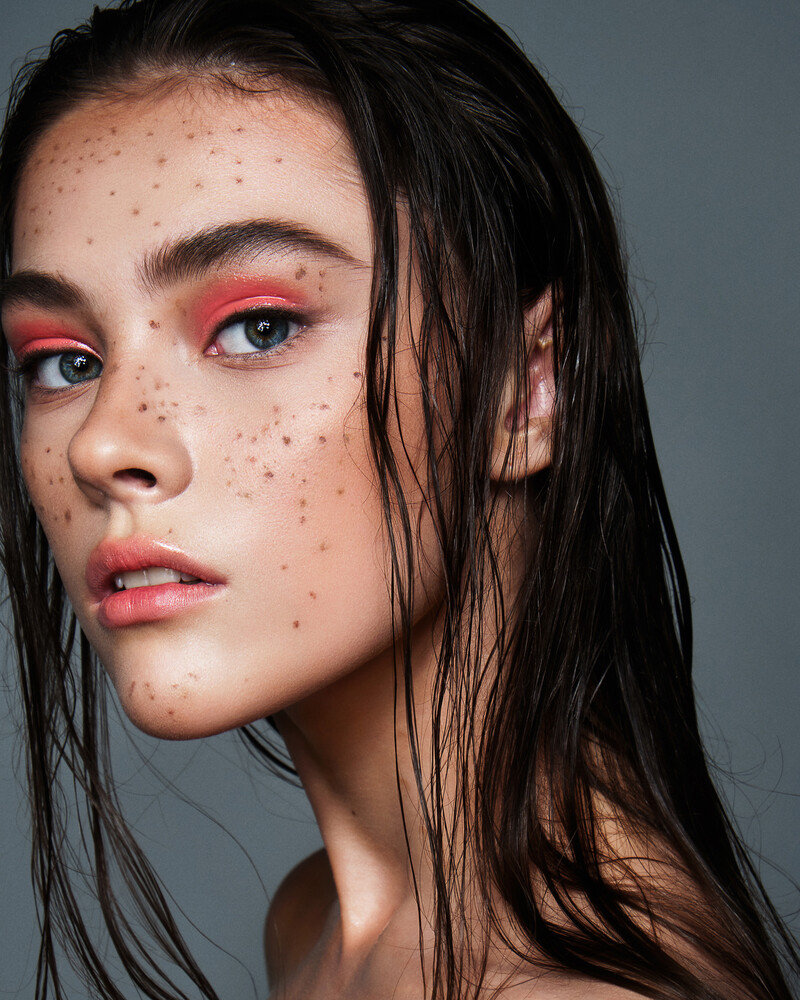
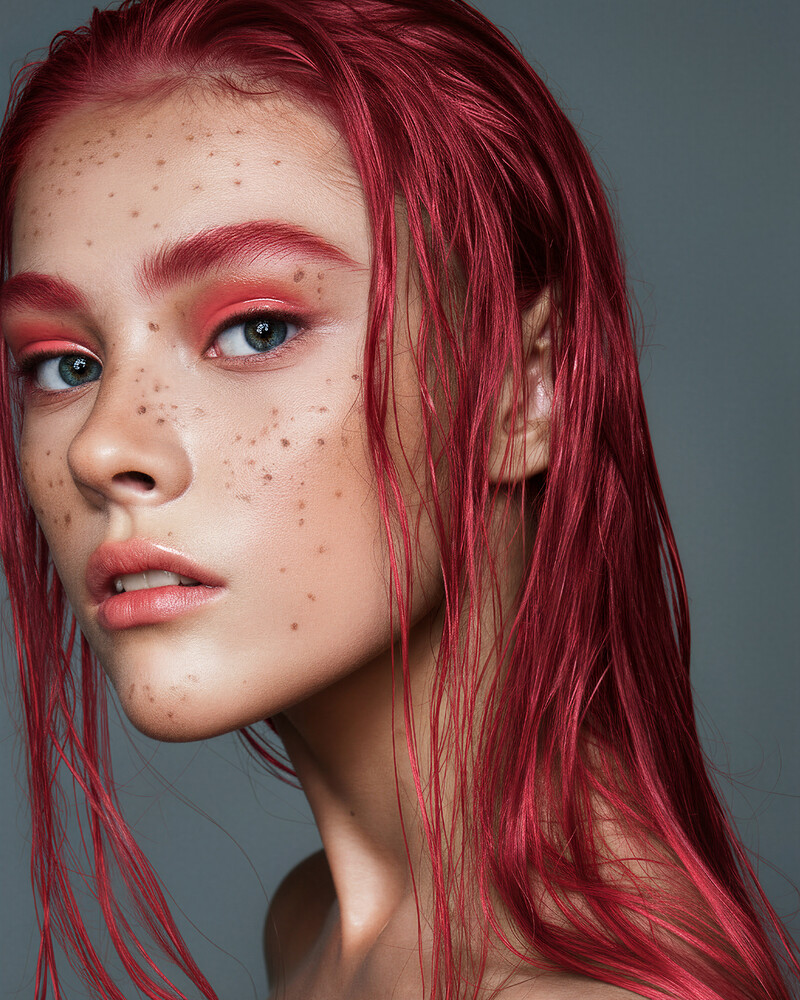
Student work
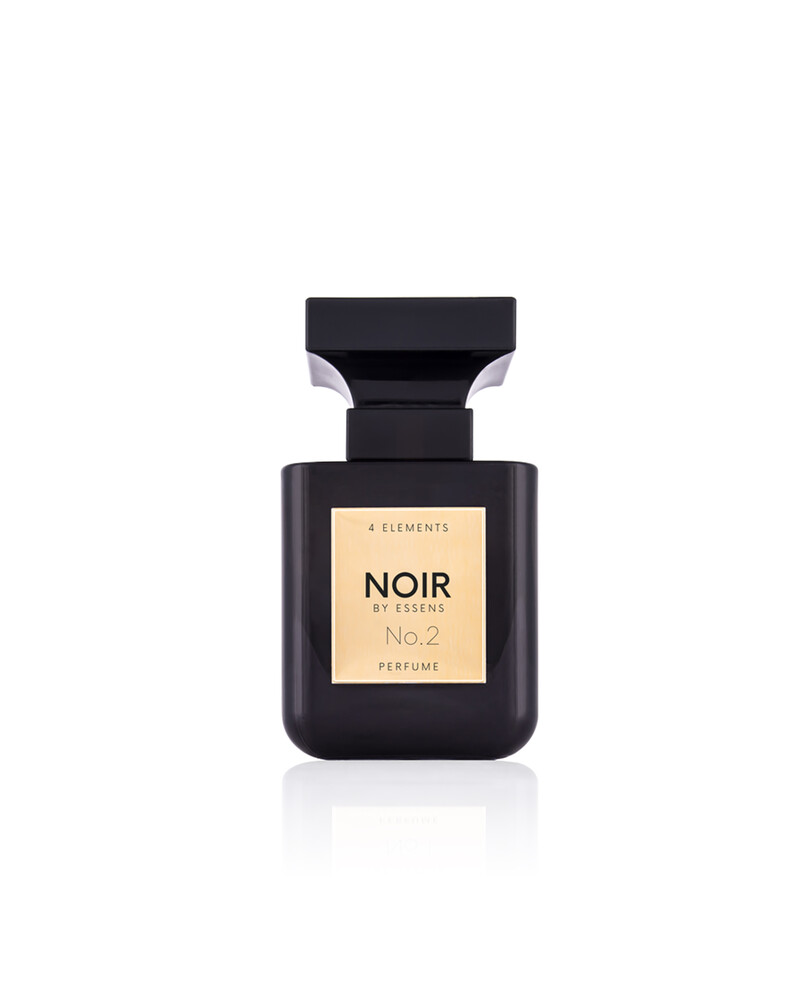
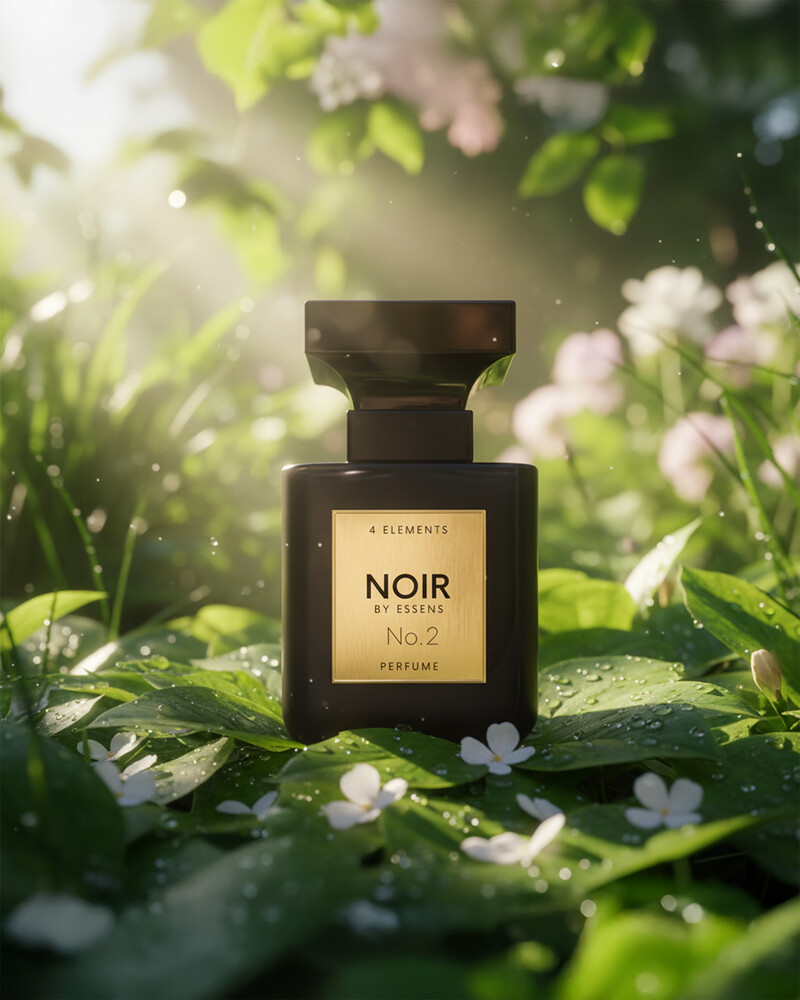
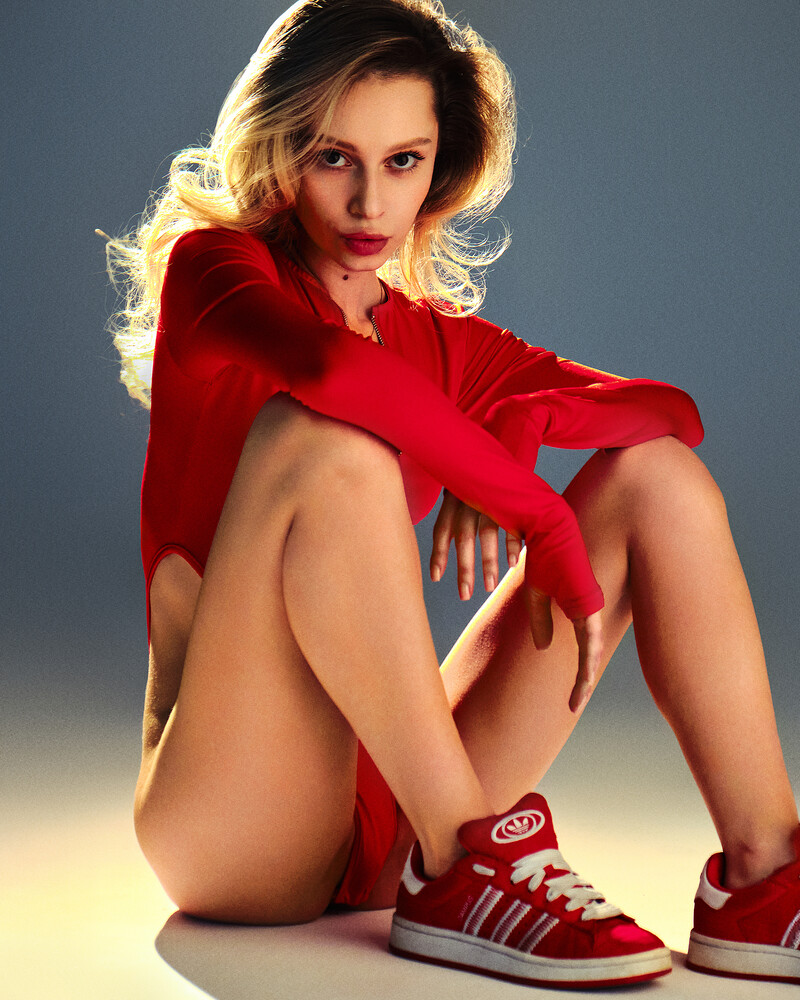
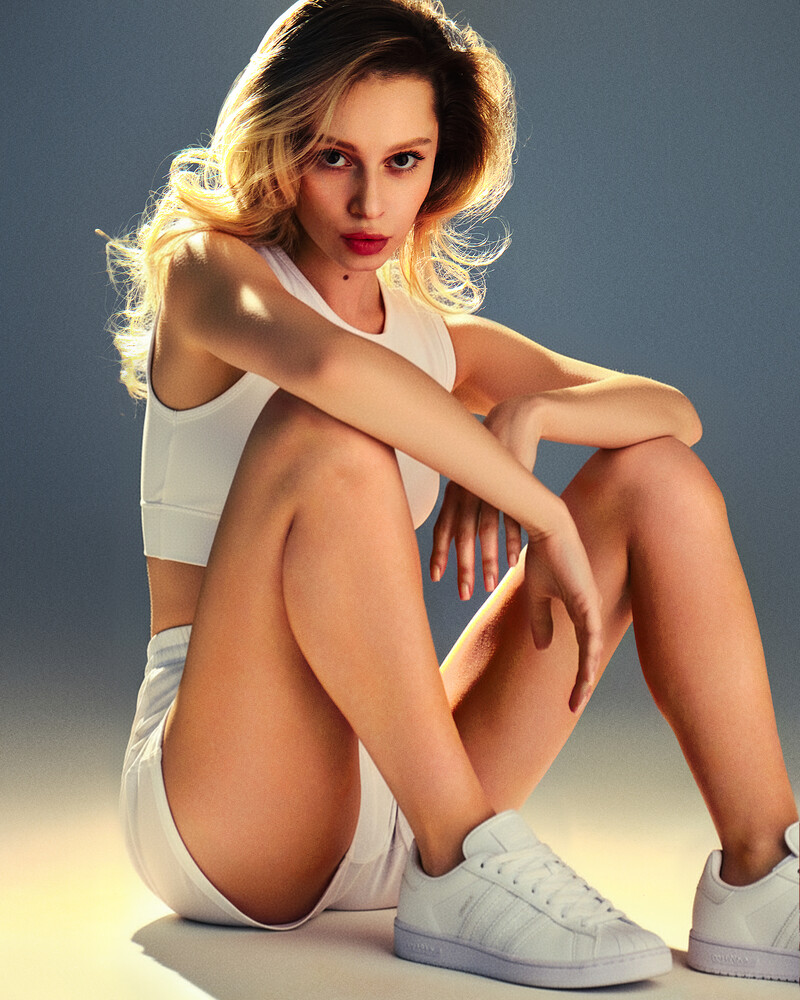

Frequently asked questions:
IP DYACHKOV NIKITA DMITRIEVICH
OGRNIP 324861700091068
TIN 860412423213

